AC-5000 / 5100 User Guide 23
UNIONCOMMUNITY Co., Ltd. / 12F, Daemyung Valeon, 127, Beobwon-ro,
Songpa-gu, Seoul, 05836, Republic of Korea
TEL: +82-2-6488-3000 / FAX: +82-2-6488-3100 E-Mail :sales@unioncomm.co.kr
http://www.unioncomm.co.kr
Press the [F4 (←)] key to cancel, while setting, and move back to the parent menu.
When the highlight is located at the input box the [F4 (←)] key functions as a [DEL] key,
which deletes figures one by one. Press the [F4 (←)] key for two seconds, or longer, to
cancel input and exit to the parent menu. Press the [ENT] key for two seconds, or
longer, to save the current configuration and move to the parent menu
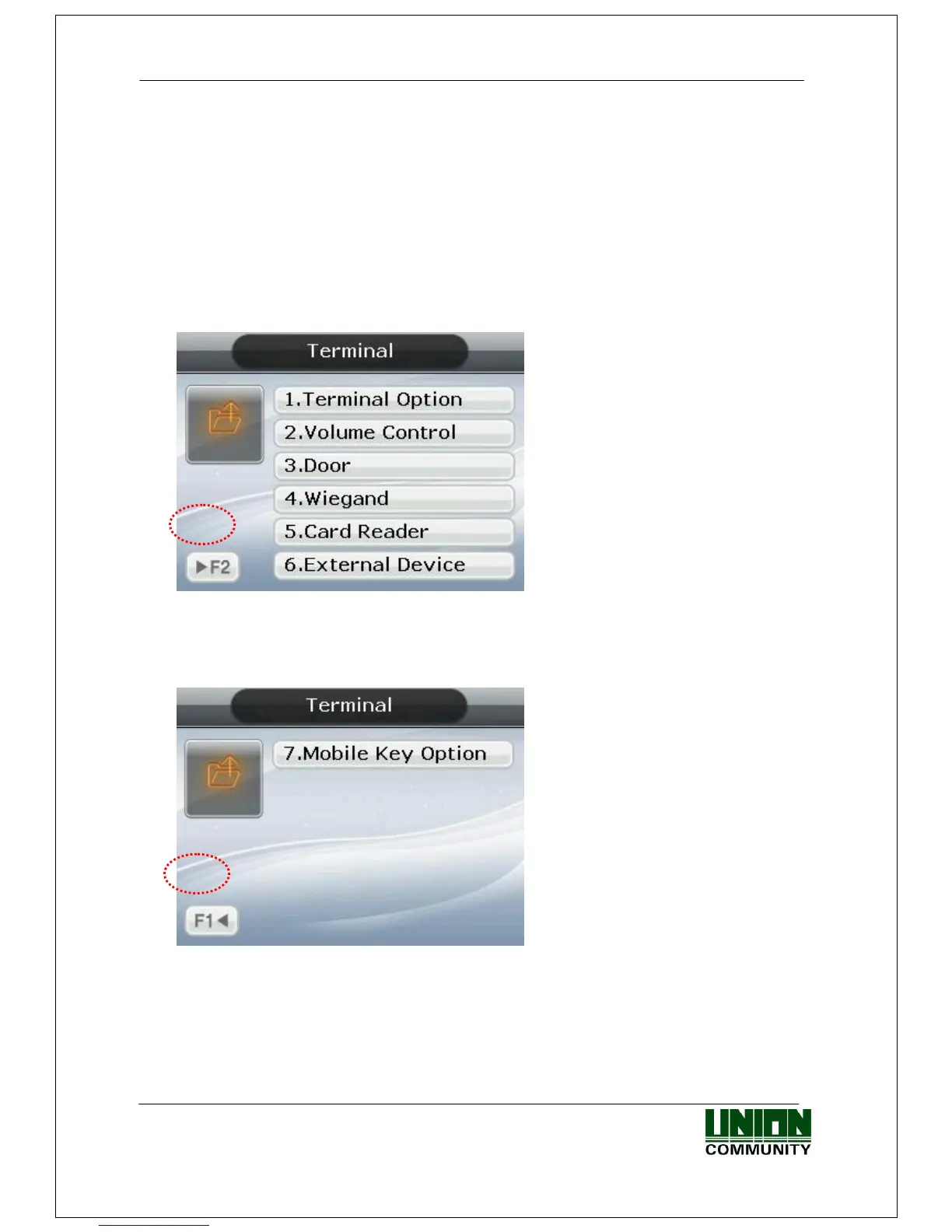
3.1.4. Move to page
Below is the way to go to next page / previous page.
<Figure 3-5>
To move to the next menu, press the [F2] button on the keypad. The next menu will
appear on the screen.
<Figure 3-6>
To return to the previous menu, press the [F1] button on the keypad. The previous
menu will appear on the screen.



 To Next Page