UP3D TECH CO.,LTD
12
1.5 Calibration
Calibration will affect accuracy. Calibration is generally required in the following situations:
The first use of scanner; or use again after long period of time.
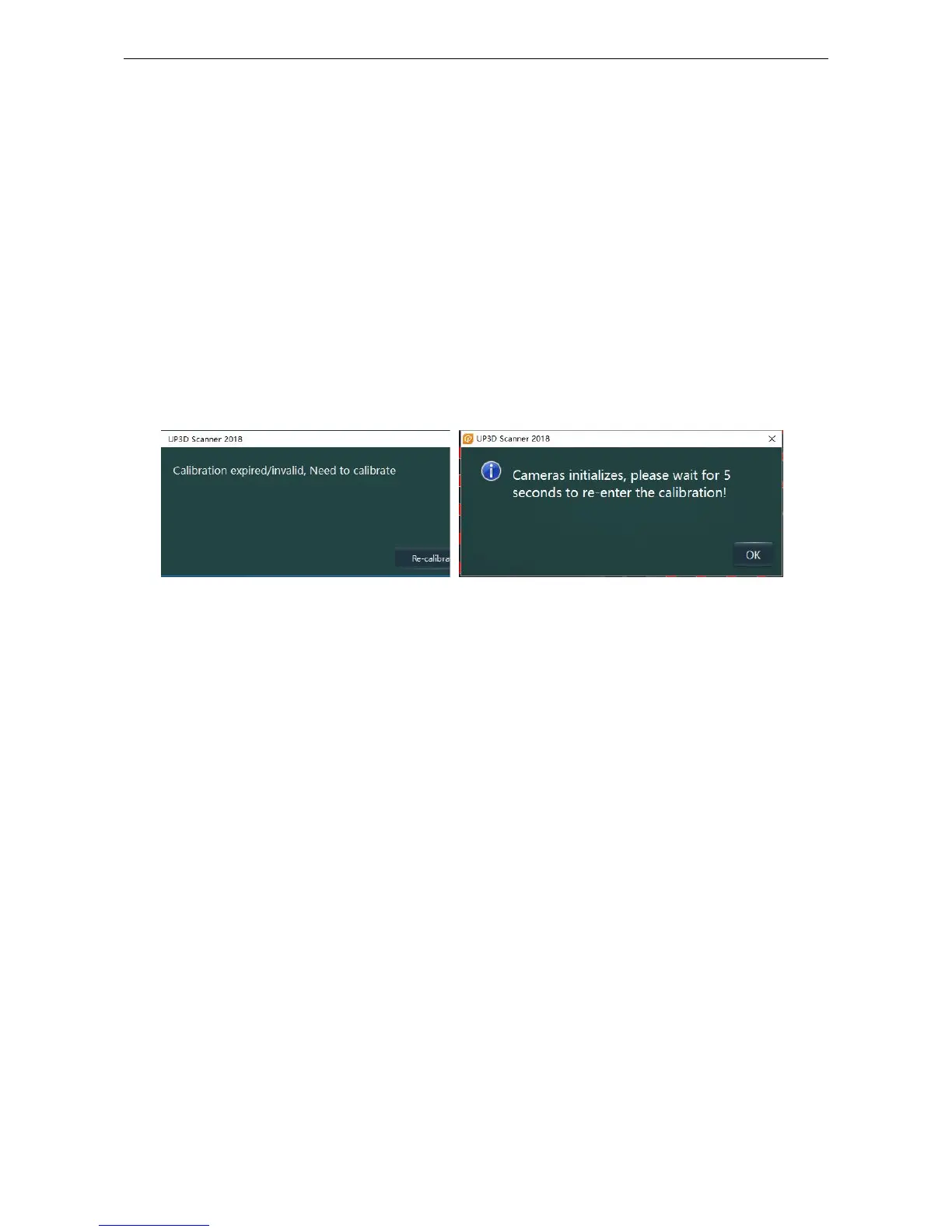
After opening the calibration software for the first time or starting the scan through the dental
manager, the hint window (figure 1-6) will pop up. Click re-calibration.
(2)When starting calibration for the first time, if the software detects that the camera needs to
initialize, then a dialog box (figure 1-7) will pop up and click the "ok" button. The software will
automatically adjust the camera and enter the calibration interface again
When the scanner is used again after transportation.
When there is rough surface or abnormal data quality in the scanning process
1.5.1 Step of calibration
(1)Double-click the ‘UP3D Scan Calibration’ shortcut or click the Calibrate scanner button at
the dental manager interface to start the Calibration function.
(2)insert the calibration board and use the shading cloth. Click ‘start’ (figure 1-8) to enter the
calibration interface



 To Next Page