UP3D TECH CO.,LTD
47
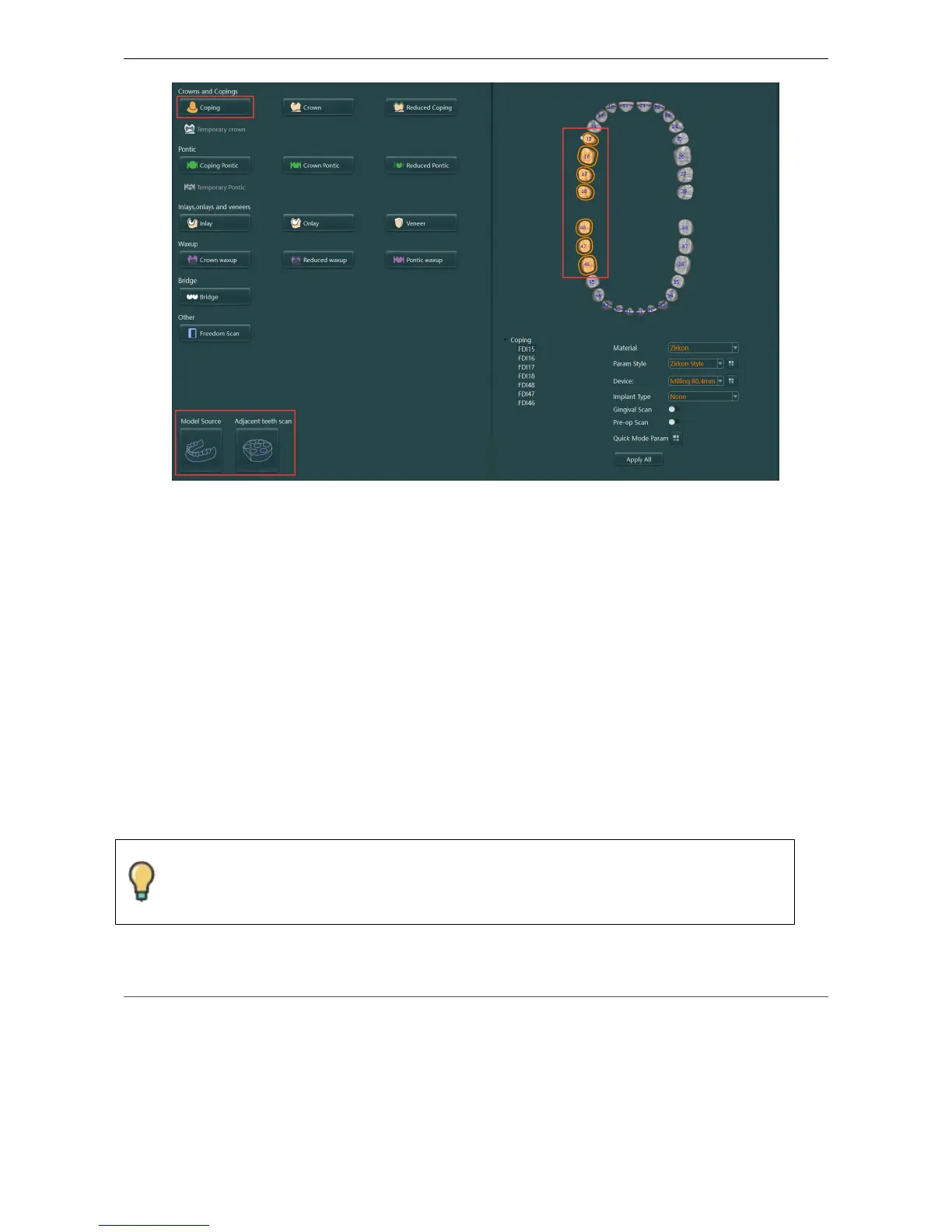
Figure4-5
4.4.1.2 Dies scanning
A1. Insert the corresponding Dies on the multi-dies plate according to the hole position indication
in the scanning guide.
A2. Click
【
Next
】
/ press
【
Enter
】
to scan
A3. Check if it needs to add scan after the scan is completed
If you need to add scan, please refer to the add scan operation in this manual
A4. If you do not need to add scan, click the【Apply】button to perform post-processing of the
cloud points to generate the mesh
A5. Click【Export】and the order scan is finished.
4.4.2 Model scanning
Refer to the type of gypsum scan supported by UPSCAN: 4.2.2 Gypsum Scan
.
4.4.2.1 Use multi-dies plate for sectioned model
The model can be edited regardless of whether they need to add scan or not after
scanning (cloud point or mesh). Please refer to 4.3.2 Editing Tool Panel



 To Next Page