UP3D TECH CO.,LTD
18
Single click
:
click on the order management list to displayed the tooth number and design
type of current order, also could view the model in real time at the information area (right bottom
corner)
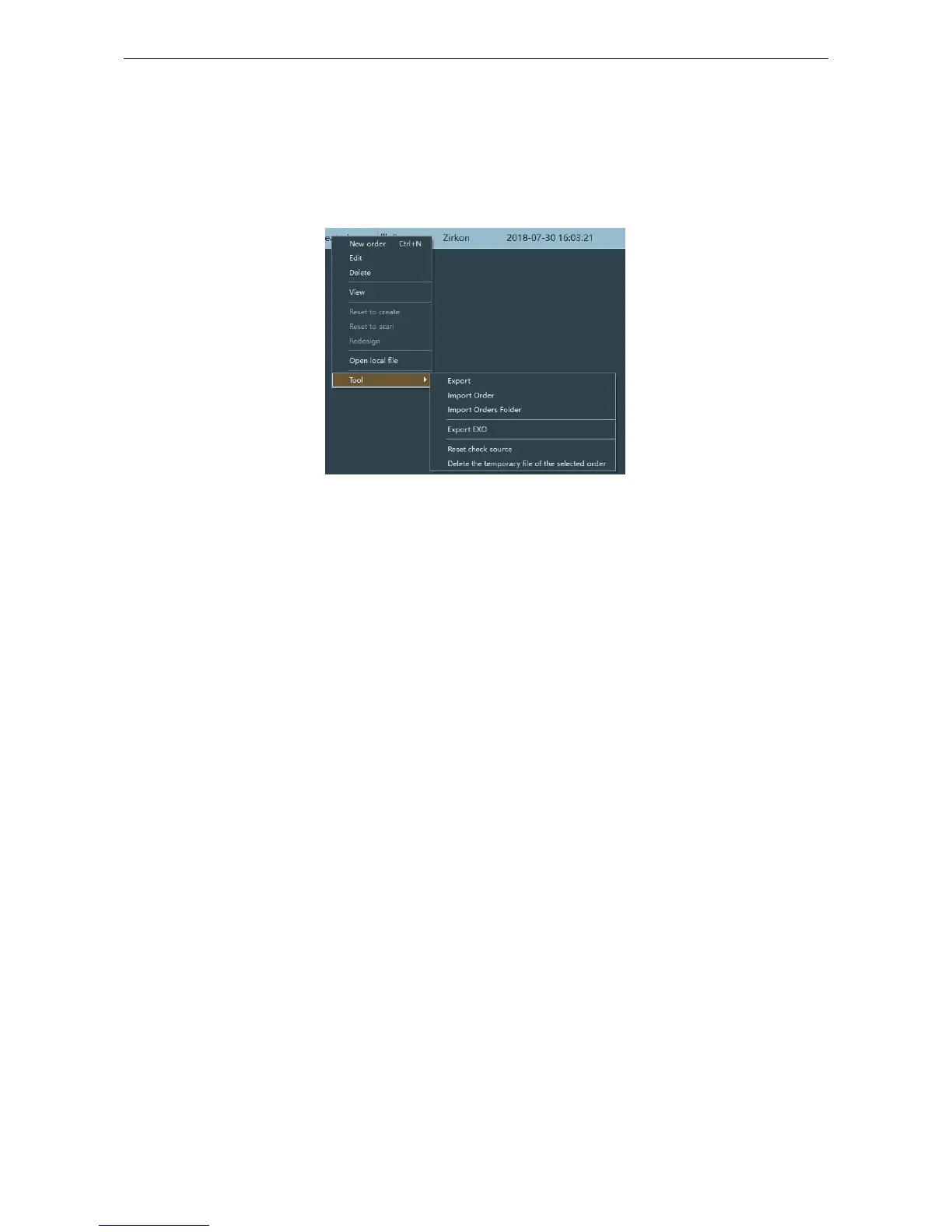
Right click:select the order and right click or right click at the blank area, pops up the menu
as figure2-3.
Figure 2-3
(
4
)
Design information
Tooth diagram:display the tooth number or design type of current order on the tooth diagram
Model viewer: preview the scan model and design model of current order
(5)Prompt
Dongle license information: display the dongle license information, click to start the dongle
management;
User: display the current user information, click to start the user management;
2.2 Order Management
(1) 3 ways to create a new order



 To Next Page