UP3D TECH CO.,LTD
38
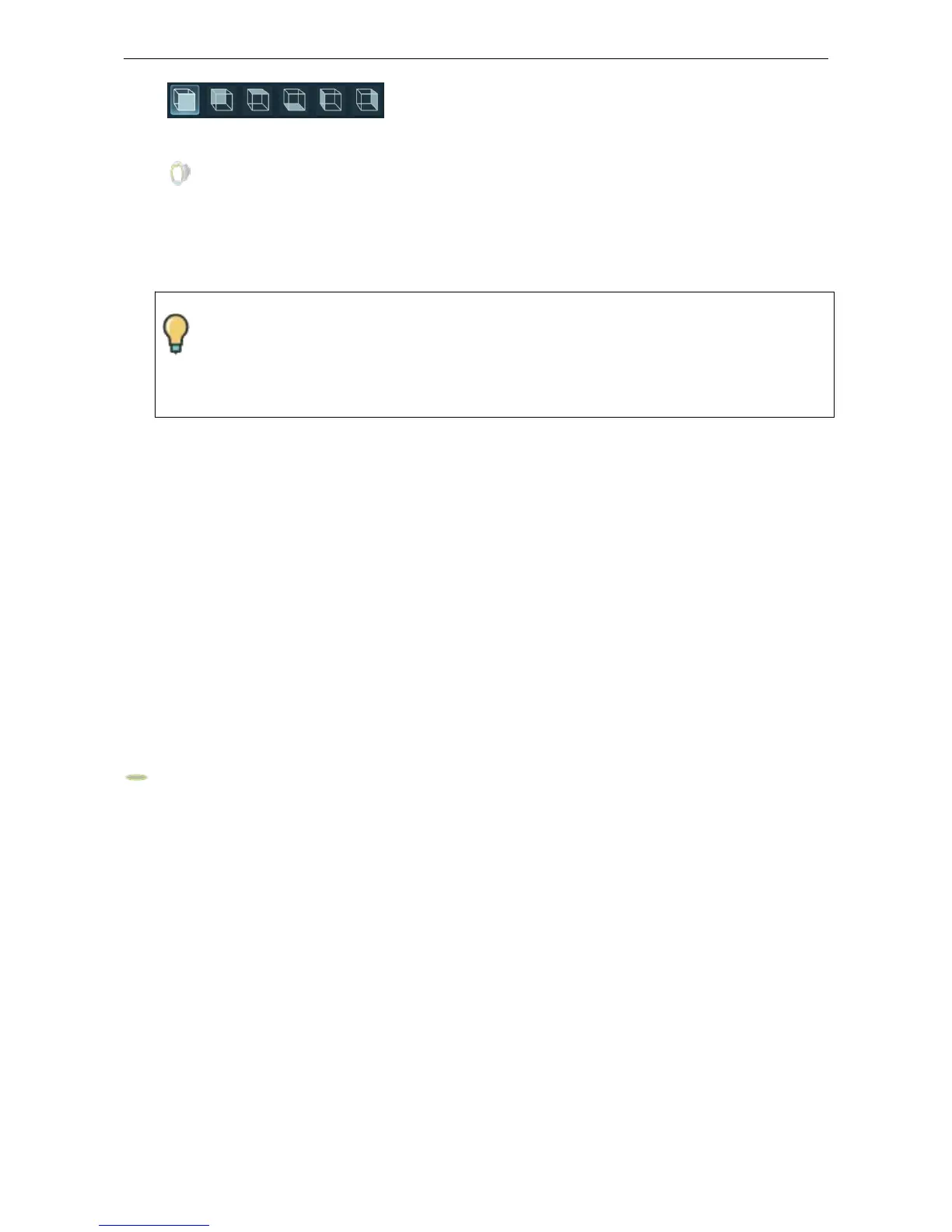
(1) View tools
View tools are used for viewing models in different directions.
(2) 2D sections
It is used to measure the occlusion gap in a 2D scene, this button is only displayed if there
is antagonist data
(3)M
odel editing tools-selection tool
Selection tool: Users can select redundant data in the model using different selection tools as
needed when the model (point cloud and mesh data) is scanned. Selection tools include:
Rectangle selection tool
Connected region selection tool
【
Plane selection tool
】
Operation:
A1.Click 【Plane selection tool】 to enable or disable the plane selection function. The
software automatically calculates a circular plane according to the type of the model (eg, arch,
occlusion model, etc.). When the function is activated, and the model data below the plane is
automatically set to red (Note: Other selection tools will be disabled when use the plane
selection tool).Users can adjust the height and angle of the plane.
A2. Click left button to drag the inner area of the plane (not the boundary) to move the plane in
the plane direction. The red area below the plane is automatically updated.
A3. Click left button to drag the boundary of the plane and rotate the plane. The red area below
the plane is automatically updated.
Model editing status, the software provides shortcut keys for users to perform
professional and fast operations.The corresponding user instructions will be
displayed at the bottom of the software interface when the corresponding
editing function is enabled.



 To Next Page