23
Manual Connect Box
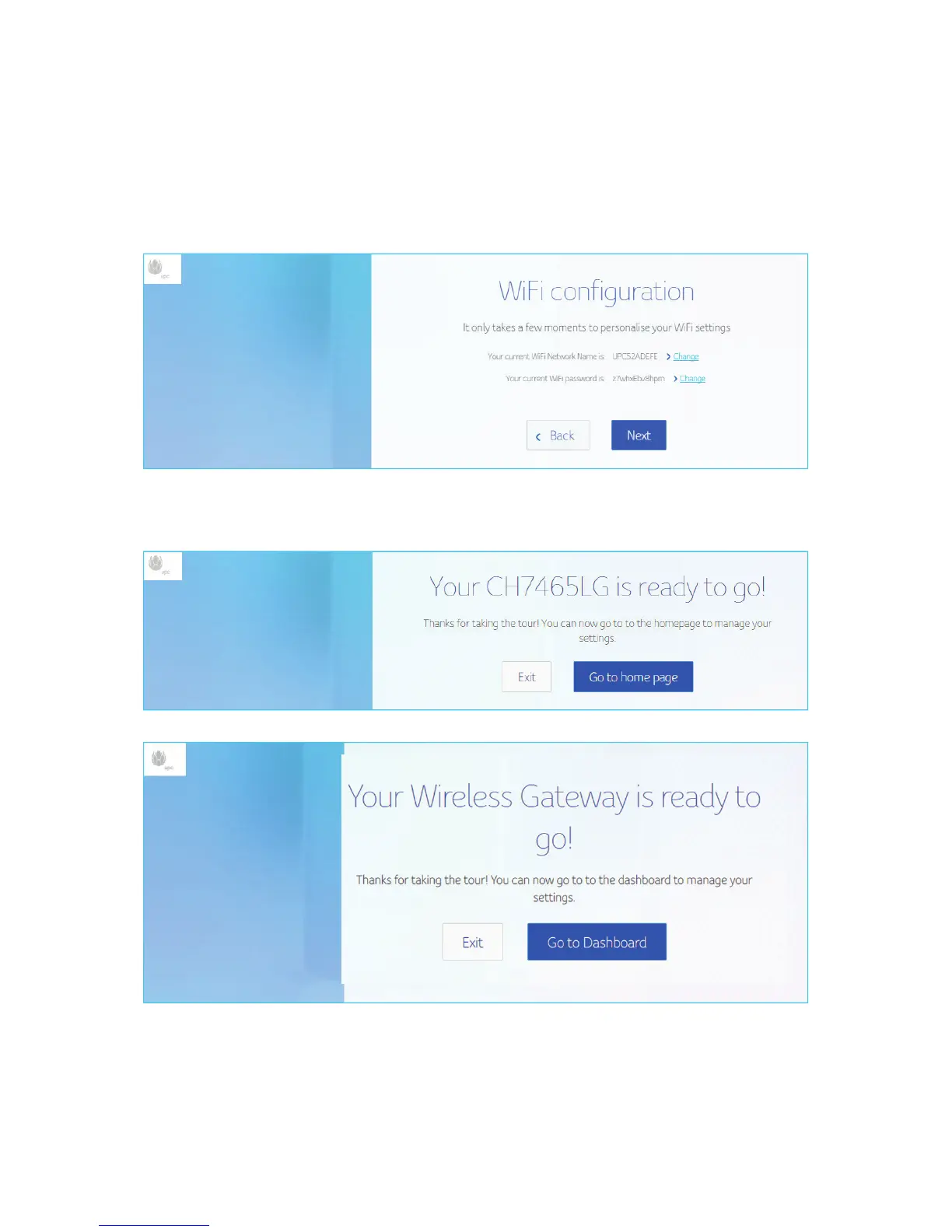
Wi-Fi Configuration
Click change button to change your Wi-Fi Network name and Wi-Fi password, if you
don’t want to change click Next.
After the above process you can see the below screen, to manage your settings click go
to home page or click exit.
For normal operation, you do not need to change most default settings.


 To Next Page