Manual Connect Box
36
E
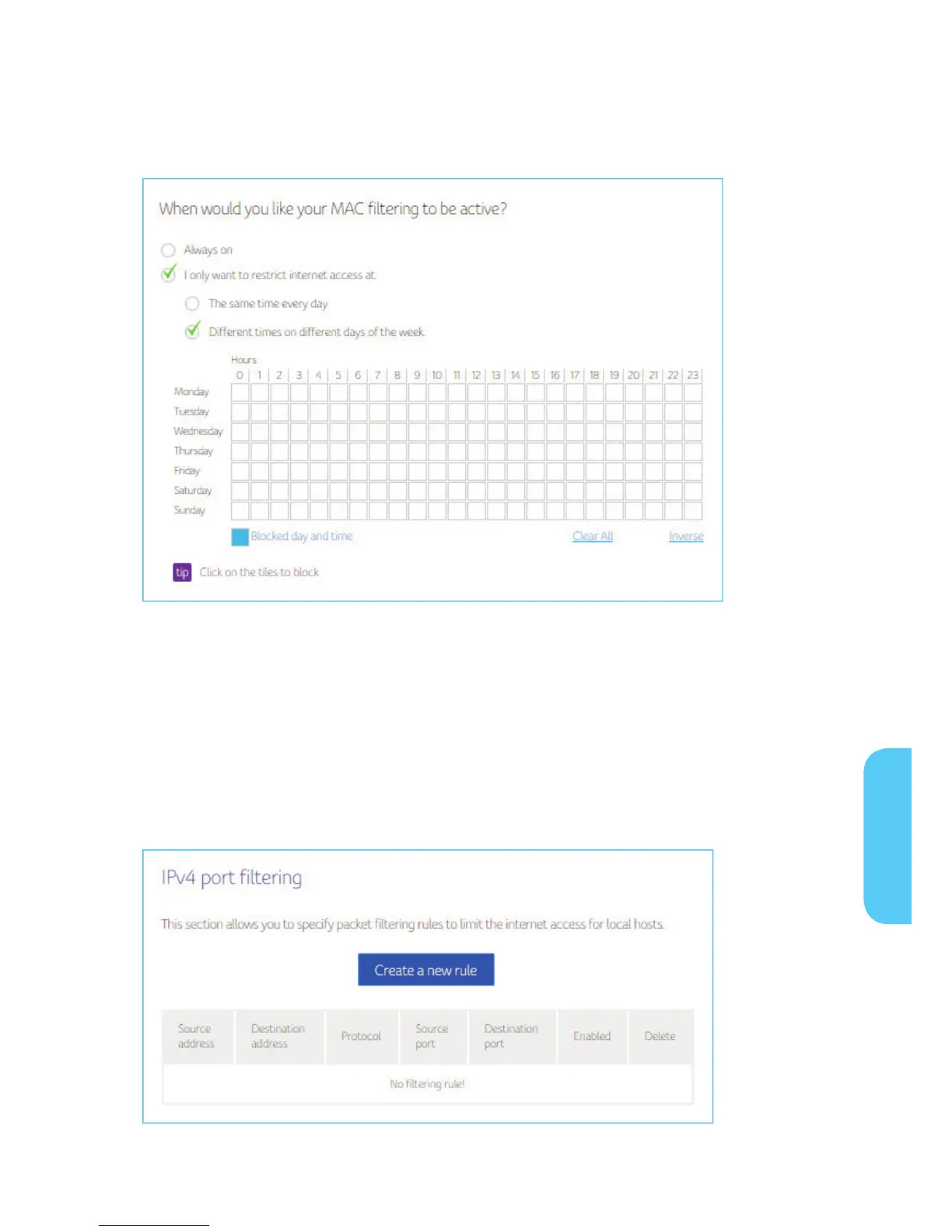
Choose the time period to activate the MAC filtered device
IP and Port Filtering
This page allows you to specify the IP packet filtering rules to prevent the service
accessed from the Internet hosts or limit the Internet access for local hosts.
This page allows configuration of port filters in order to block specific Internet services
to all devices on your local network.
1. Press Create a new rule button to add IPv4 Rule.
E


 To Next Page