Manual Connect Box
54
E
Reload and Reboot
The configuration settings of the Wi-Fi DSL Modem Router are stored within the Wi-Fi
modem router in a configuration file. You can back up (save) this file to your computer,
restore it, or reset it to the factory default settings.
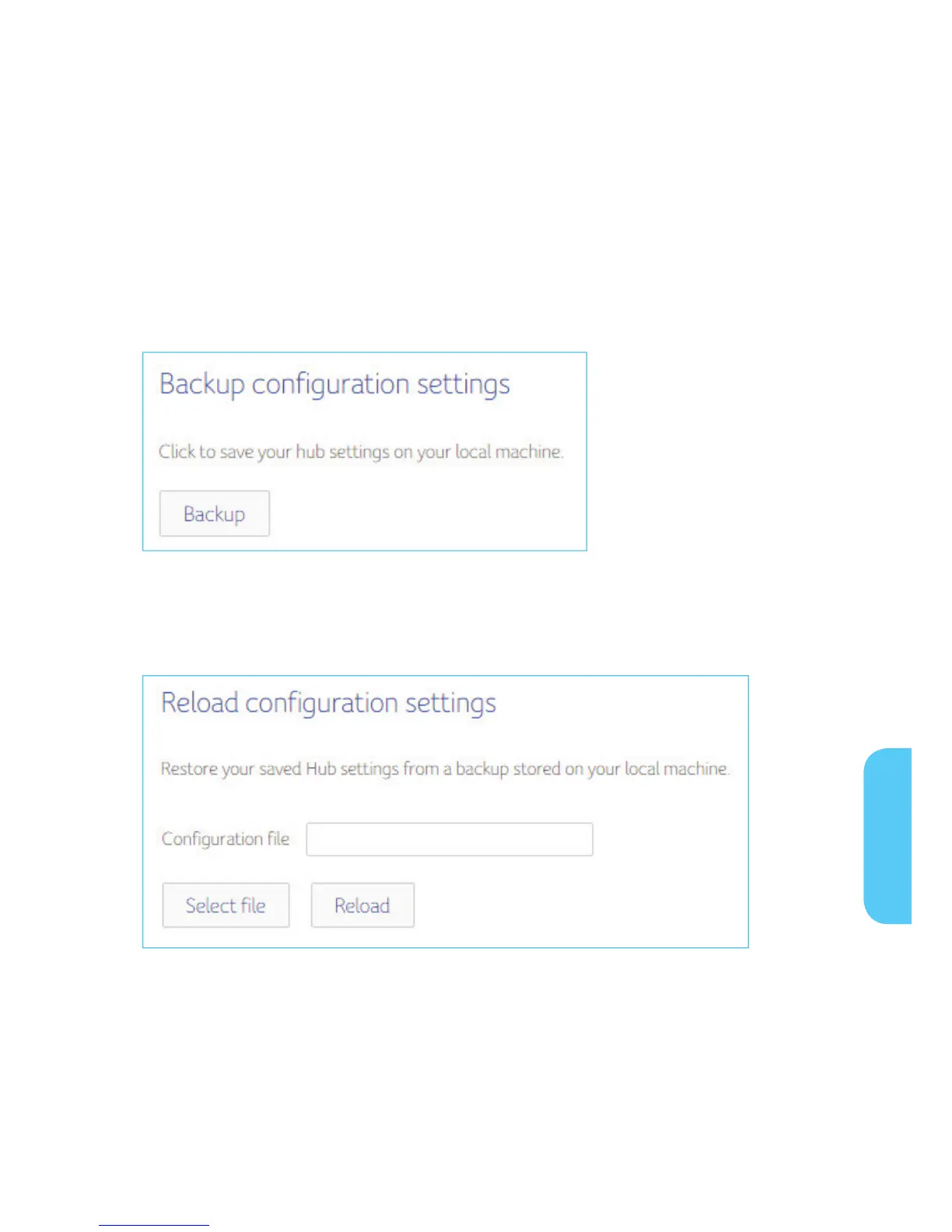
Click Backup to save a copy of the current settings, choose a location to store the .cfg
file on your computer.
Enter the full path to the the file backup file on your network, or click select file to find
the file. After locating the .cfg file click reload button to upload the file to the Wi-Fi
modem Router.
E


 To Next Page