29
Manual Connect Box
Security
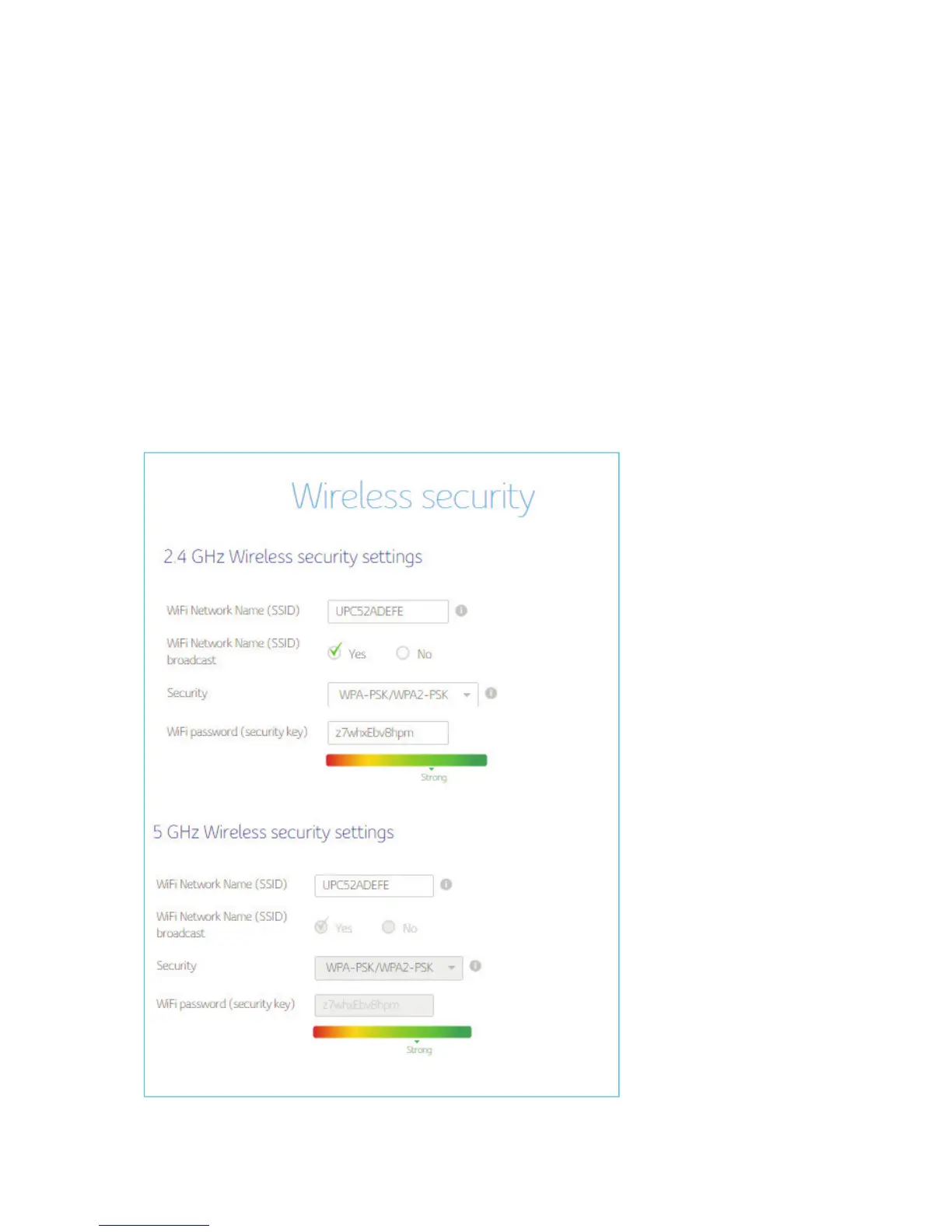
To prevent unauthorized data transmitted over the wireless LAN, you must enable
wireless security. You can manually configure the wireless settings and security for your
gateway from the Wireless Settings security screen.
Select the type of security that you want to use.
a. Select Disabled to use no security. Anyone in the coverage area can enter your
network.
b. Select WPA2-PSK to use the Wi-Fi Protected Access (Personal) security protocol.
c. Select WPA-PSK/WPA2-PSK mixed mode which can provide broader support for
all wireless clients.


 To Next Page