Installation Guide for Uplogix Local Managers 10
Connecting power
The Uplogix Local Manager uses an external power supply, which is shipped with the device.
Caution: Use only the power supply shipped with the Local Manager 500. Using a different
power supply will void your warranty and may damage the equipment.
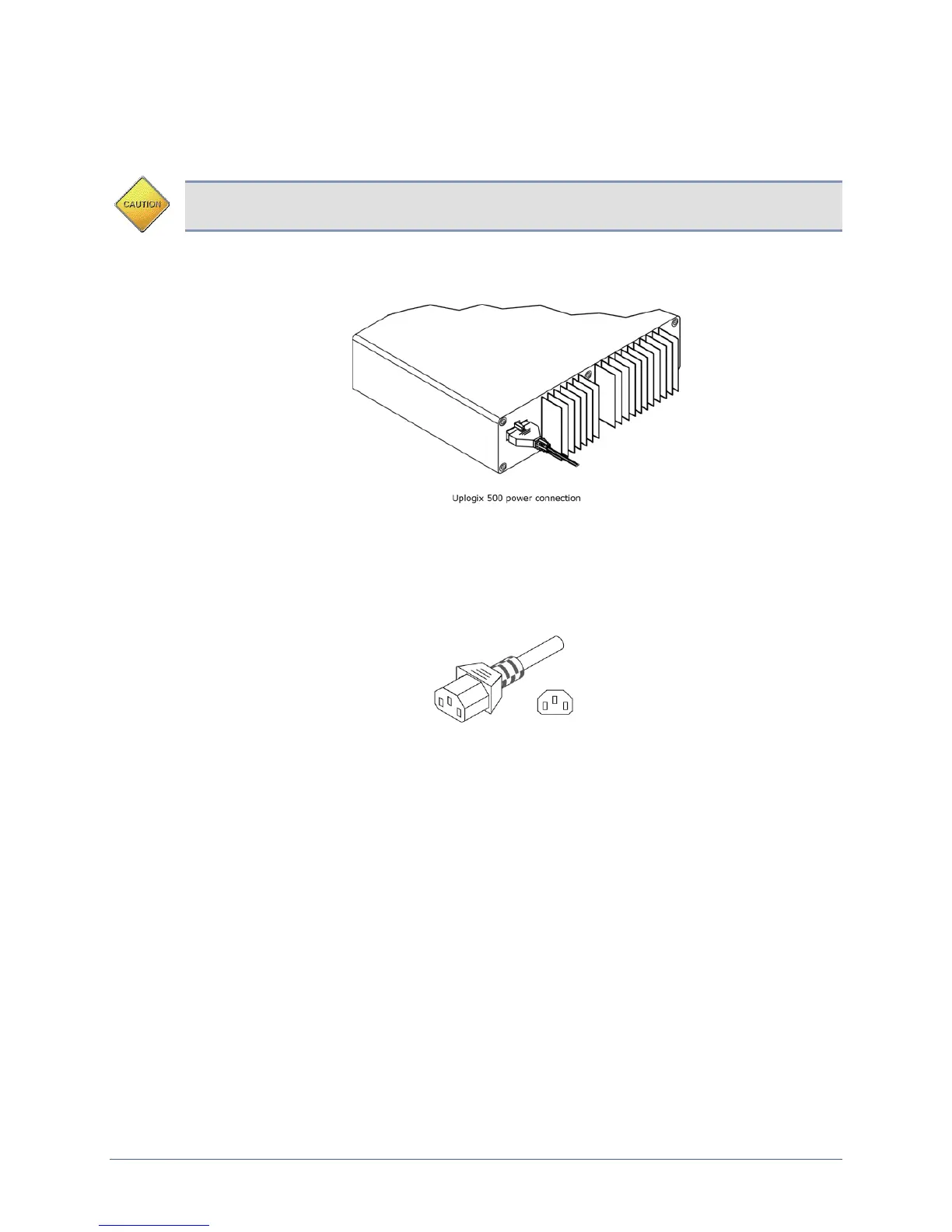
Connect the power supply to the DC connector on the back of the device.
Connect the power cord to the power supply. Use either the provided power cord or one that is
suitable for your location. The Uplogix Local Manager uses a power cord with a standard IEC-
320-C13 female cord end.
Connect the power cord to a power outlet. An amber light indicates that the unit has power
applied. Power on the unit by pressing the power button. The system status LED (denoted with
an ‘i’ label on the chassis) will blink while the Local Manager boots up and becomes a solid
green light when the boot sequence is complete.


 To Next Page