Installation Guide for Uplogix Local Managers 20
Installing the chassis
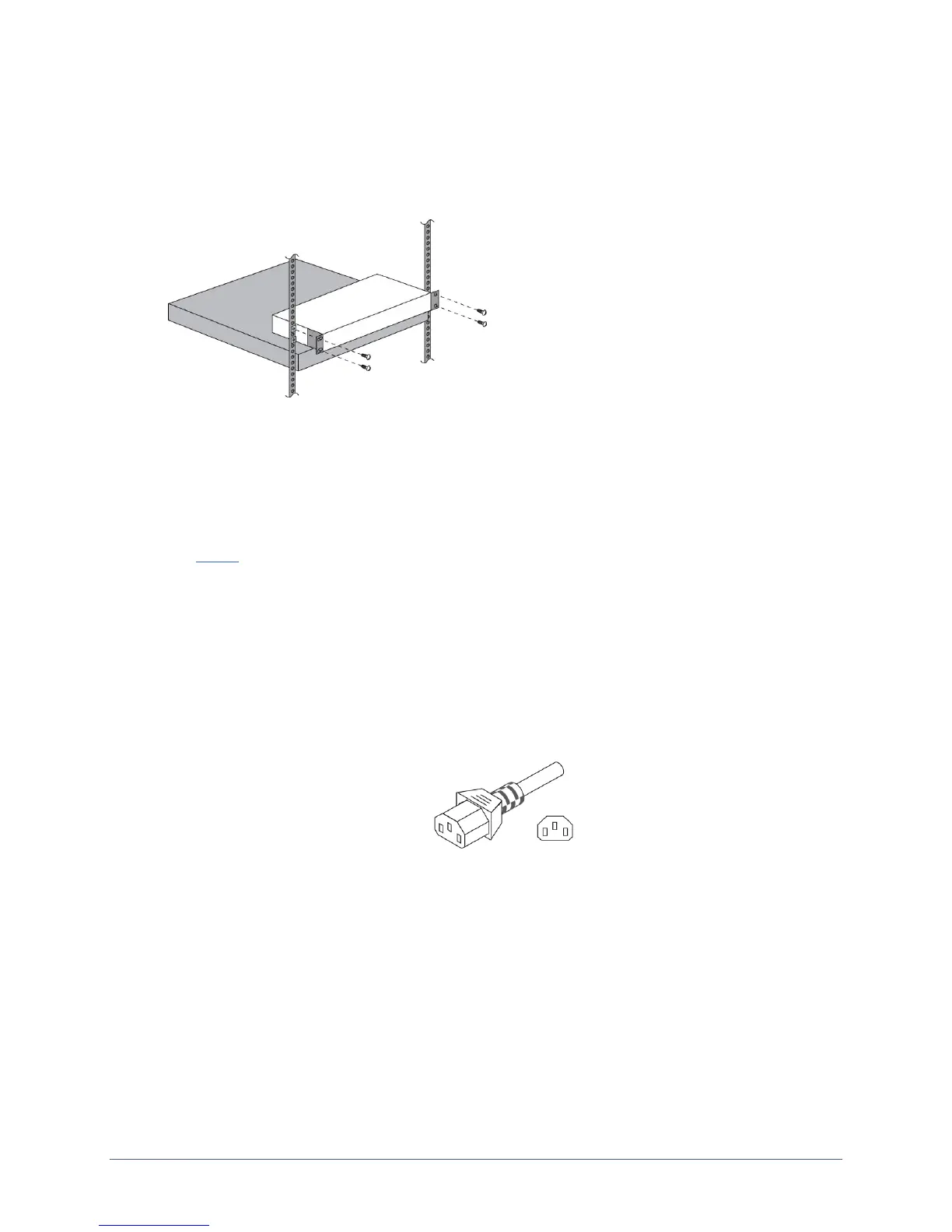
The Local Manager is designed for rack mounting using a two-point mounting system.
1. Use the screws provided to attach the mounting brackets.
2. Mount the Local Manager in the rack.
Making the connections required for initial configuration
To complete initial setup, you must make this connection:
Power
Connecting power
AC Models
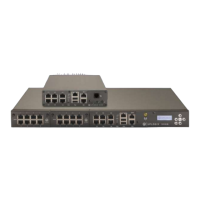
Connect the power cord to the Local Manager. Use either the provided power cord or one that
is suitable for your location. The Uplogix Local Manager uses a power cord with a standard
IEC-320-C13 female cord end.
Connect the power cord to a power outlet. A dimly lit keypad and dark display indicates that
the unit has power applied. Power the unit on by pressing the middle keypad button. The
display on the front panel will illuminate and display progress messages as the device boots.
At the end of the boot sequence, it displays the message Uplogix status good.


 To Next Page