Installation Guide for Uplogix Local Managers 24
Quick setup
You may configure the Local Manager as a standalone network management tool or configure
it to be managed by the Uplogix Control Center.
The Uplogix 500 and 5000 Local Managers can be initially provisioned via their console
connections. The Uplogix 5000 Local Manager can alternatively be provisioned via the front
panel keypad.
Note: Substitute appropriate IP addresses and other values for your deployment for those
shown in the examples.
In this chapter:
Initial configuration using the keypad
Initial configuration via console connection
Configuring the Local Manager for your LAN
Configuring an optional Pulse server
Configuring communication with the Uplogix Control Center (UCC)
Remote access via the management IP connection
Locking the keypad and changing the admin password
Configuring managed device and power control ports
Initial configuration using the keypad
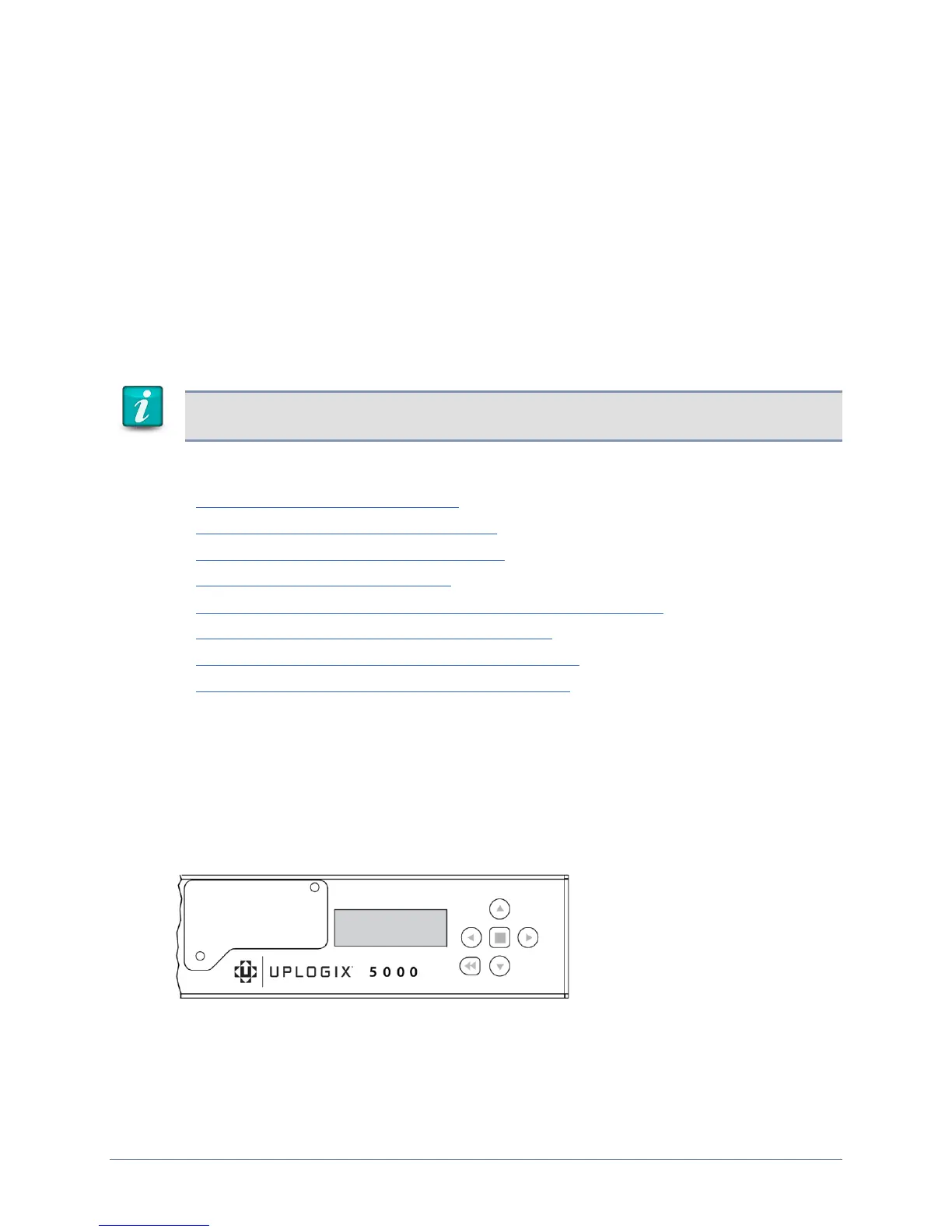
The Uplogix Local Manager is ready to provision when the front panel display begins to scroll
information.
The keypad located on the front panel provides up, down, left, and right keys (labeled with
arrows) as well as enter (i.e. the middle key) and back keys. The left and right arrows move
the cursor left and right, respectively. The up and down arrows change numerical values.
When you use the keypad, no username/password is required.


 To Next Page