Installation Guide for Uplogix Local Managers 13
Installing the Uplogix 5000 Local Manager
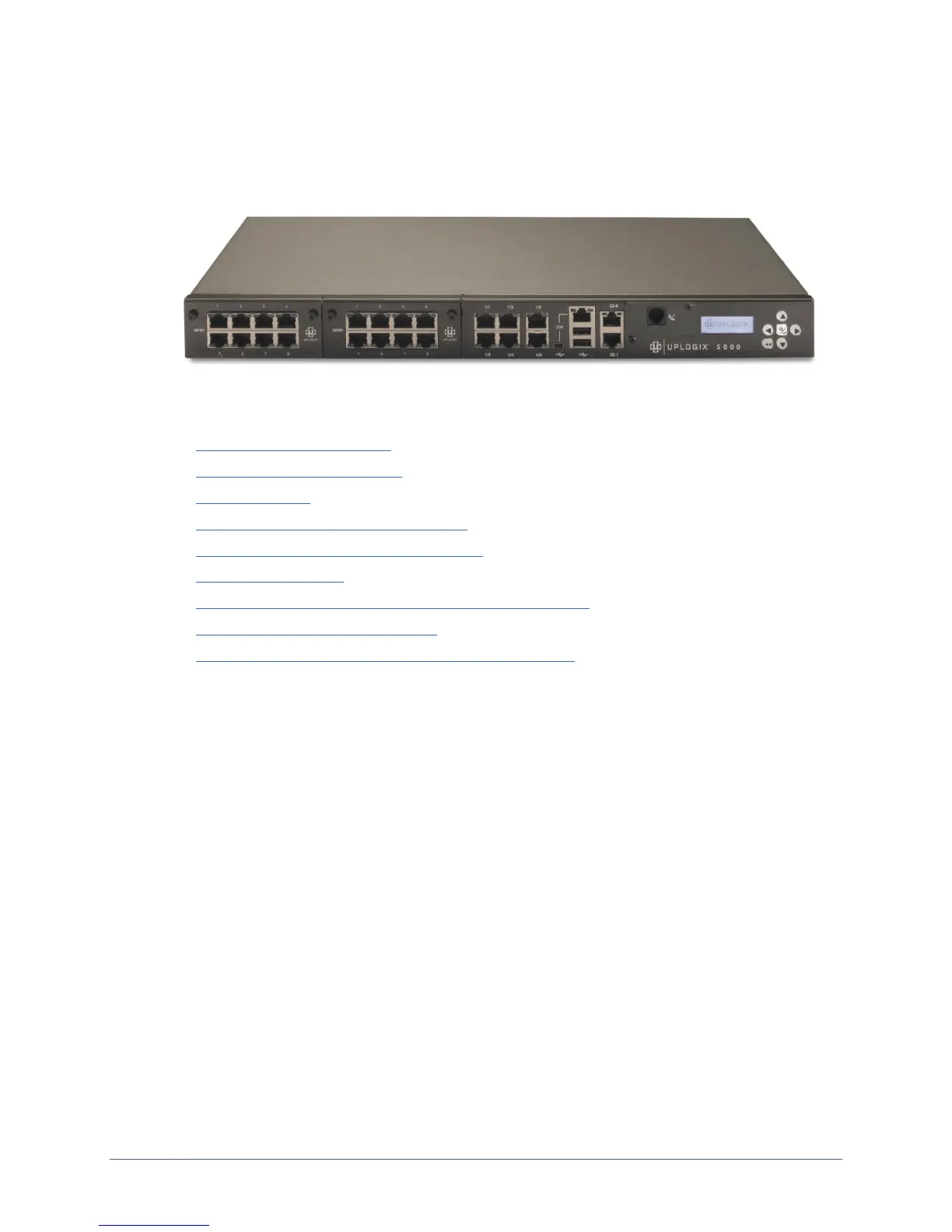
Uplogix 5000
This section includes:
Unpacking the shipping box
Installing optional equipment
Expansion cards
Ethernet expansion card port mapping
Installing or replacing an expansion card
Installing the chassis
Making the connections required for initial configuration
Making the remaining connections
Removing an expansion card that will not be replaced
Unpacking the shipping box
Verify that you have received the following items:
Uplogix 5000 Local Manager
2 US power cords (AC unit) or 2 Molex to 3-wire power cords (DC unit)
2 rack mounting brackets
1 DB-9 to RJ-45 adapter
Screws


 To Next Page