3
Complete Control
MX-490
Owner’s Manual
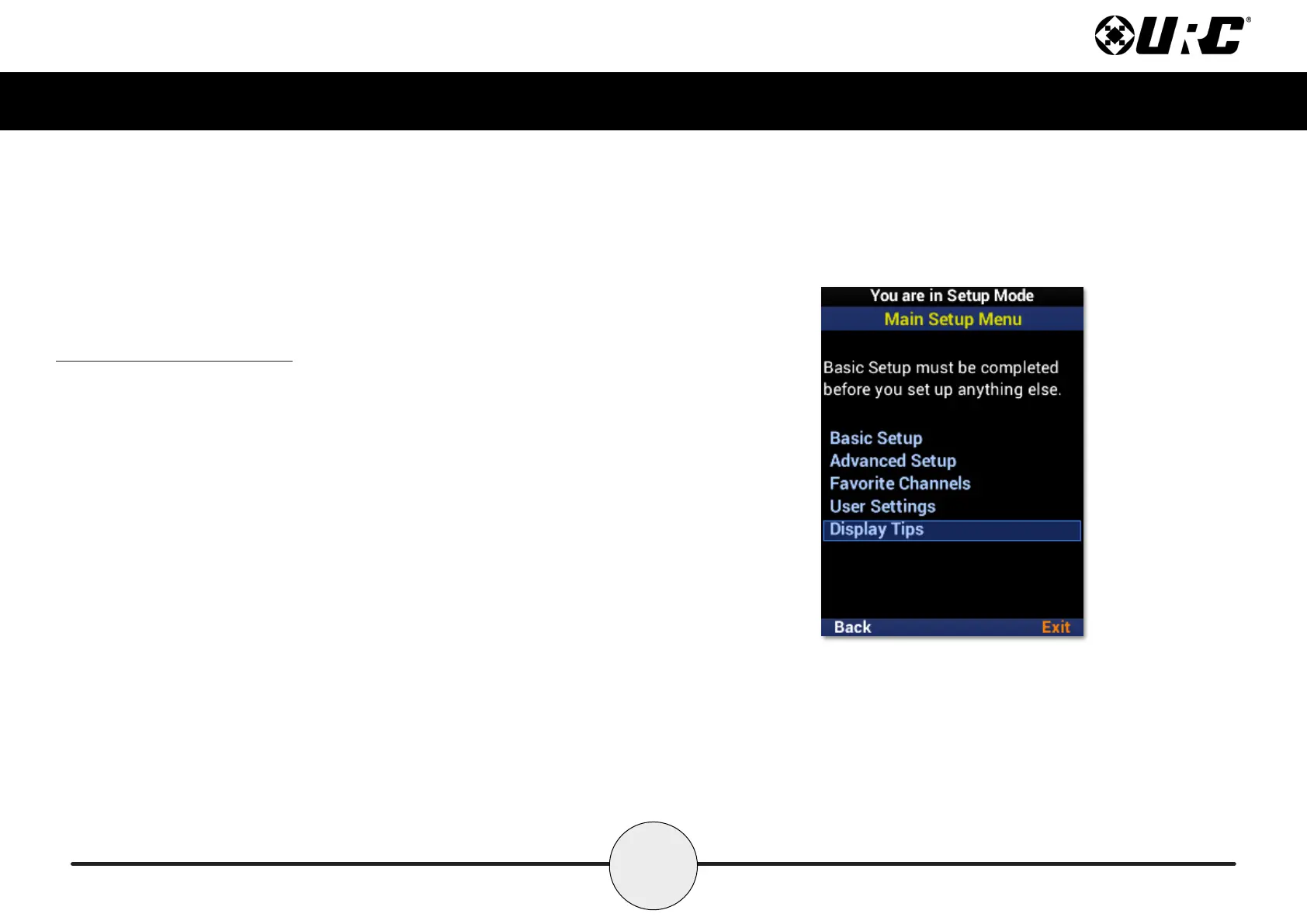
Accessing the Setup Menu
You can adjust settings for the MX-490 whenever you like by pressing and holding the
Main button for three (3) seconds. When you do, the screen changes to the Tip screen.
Press the Main button to leave the Tip screen and reach the Setup Menu. To exist the
Setup Menu, press the LCD button under Exit.
If Tips are disabled during initial setup, holding the Main button for three (3) seconds
will take the user directly to the Setup Menu.
If no button is pressed for thirty (30) seconds, the MX-490 returns to the Main Menu.



 To Next Page