BY UROVO PRODUCT
流量使用情况
Data Usage
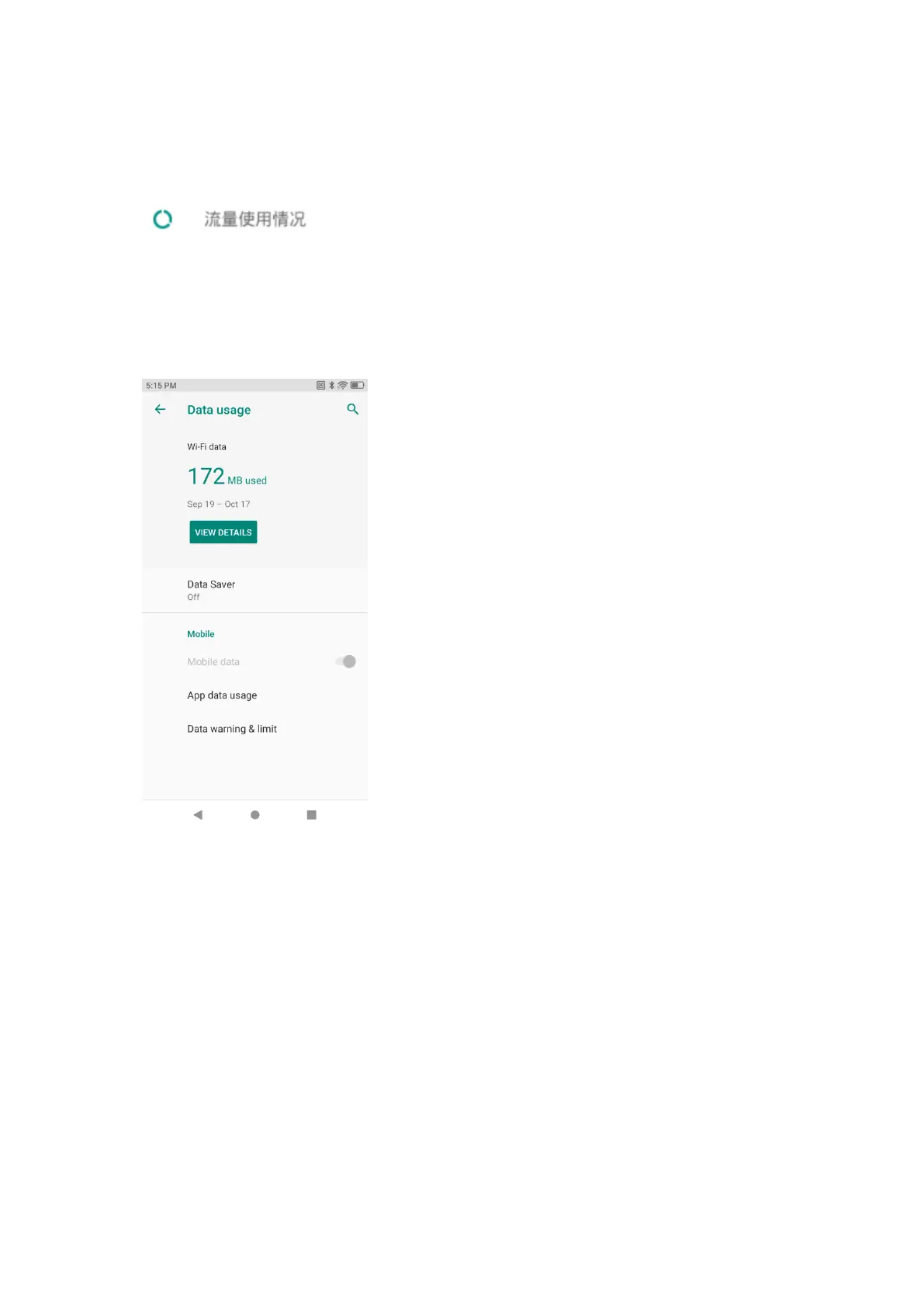
触摸可打开流量使用情况页面,可开启或关闭流量开关,开启设置移动数据流量开关,
可上下拖动上限值和警告值,也可以通过触摸点击设置精准值。
Touch to open the data usage page, where the user may set whether to use data. If
yes, drag up or down to set the upper limit and alert value of mobile data or touch
and click to set the accurate value of mobile data.
Figure 1-16 流量使用情况
Figure 1-16 Data Usage
按键映射
Key Mapping
按键映射可将电源键以外的所有物理按键进行按键映射,被映射按键将被赋予新的键
值。
Key mapping applies to all the physical keys save the power key. Each mapped key
will be granted with a new key value.
按键映射步骤:
Steps for key mapping:
1. 打开设置-系统-按键映射,勾选-“允许按键映射”;
Open Settings-System-Key Mapping and check -"Allow Key Mapping";



 To Next Page