BY UROVO PRODUCT
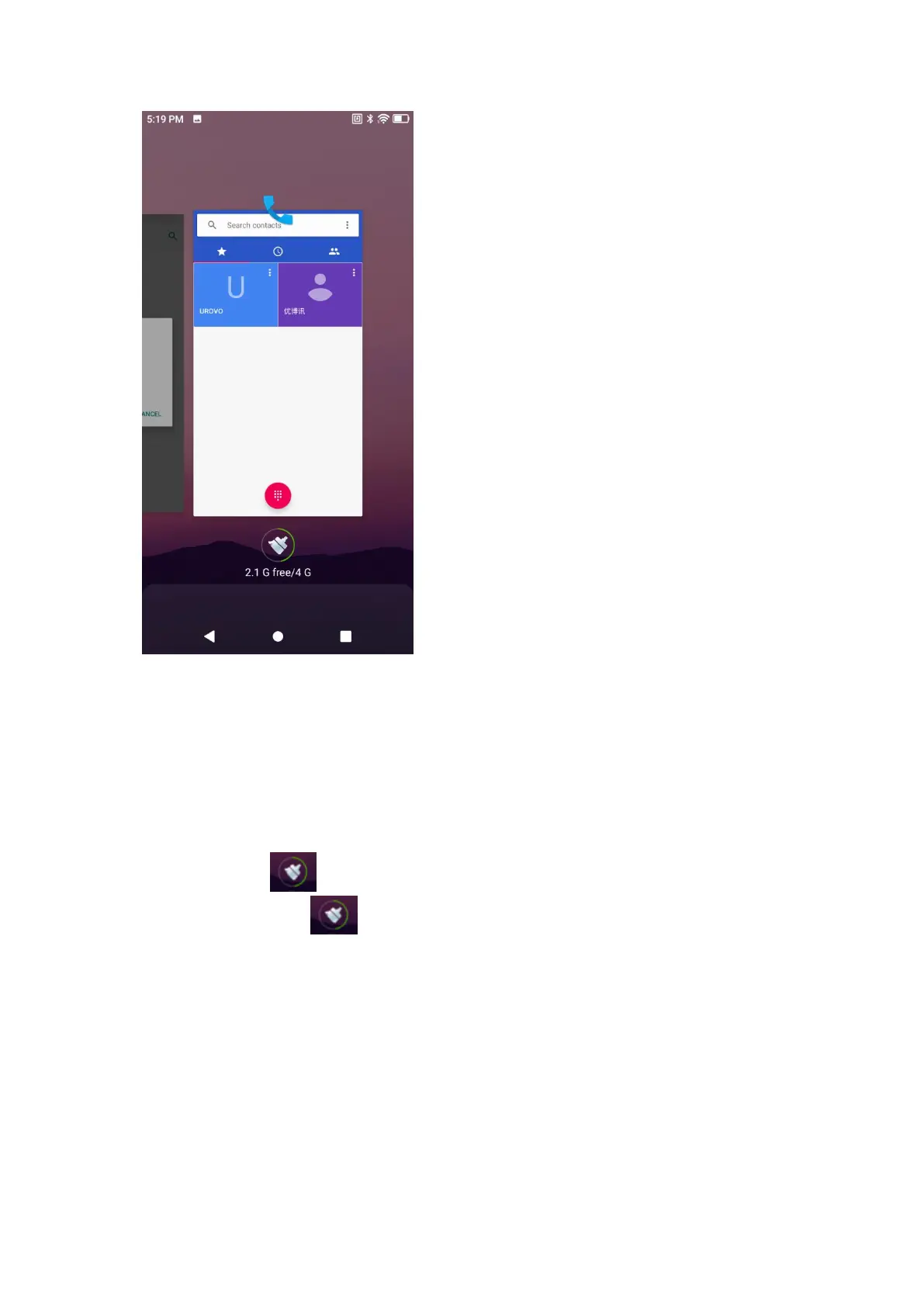
Figure 2-6 任务管理器
Figure 2-6 Task Manager
2. 左右滑动屏幕,找到您想要切换的近期访问过的应用程序;
Slide left or right the screen to find any app accessed lately;
3. 上下滑动可清除最近活动的应用程序后台;
Slide up or down to clear apps lately accessed from the background;
4. 点击清除图标 可清除最近所有活动的应用程序后台;
Click the clear icon to clear all the lately accessed apps from the
background;
5. 触摸想要切换应用程序即可切换。
Touch apps to be switched to switch apps.
重启方式
Restart
1. 如果应用程序停止响应,可通过长按电源键执行热启动;
If an app stops responding, long press the power key for hot start;



 To Next Page