BY UROVO PRODUCT
无线广域网
WWAN
SIM 卡插卡方式请参照本文的“SIM 卡/TF 卡安装说明“
Please refer to "Instruction on SIM/TF Card installation" for how to insert a SIM Card
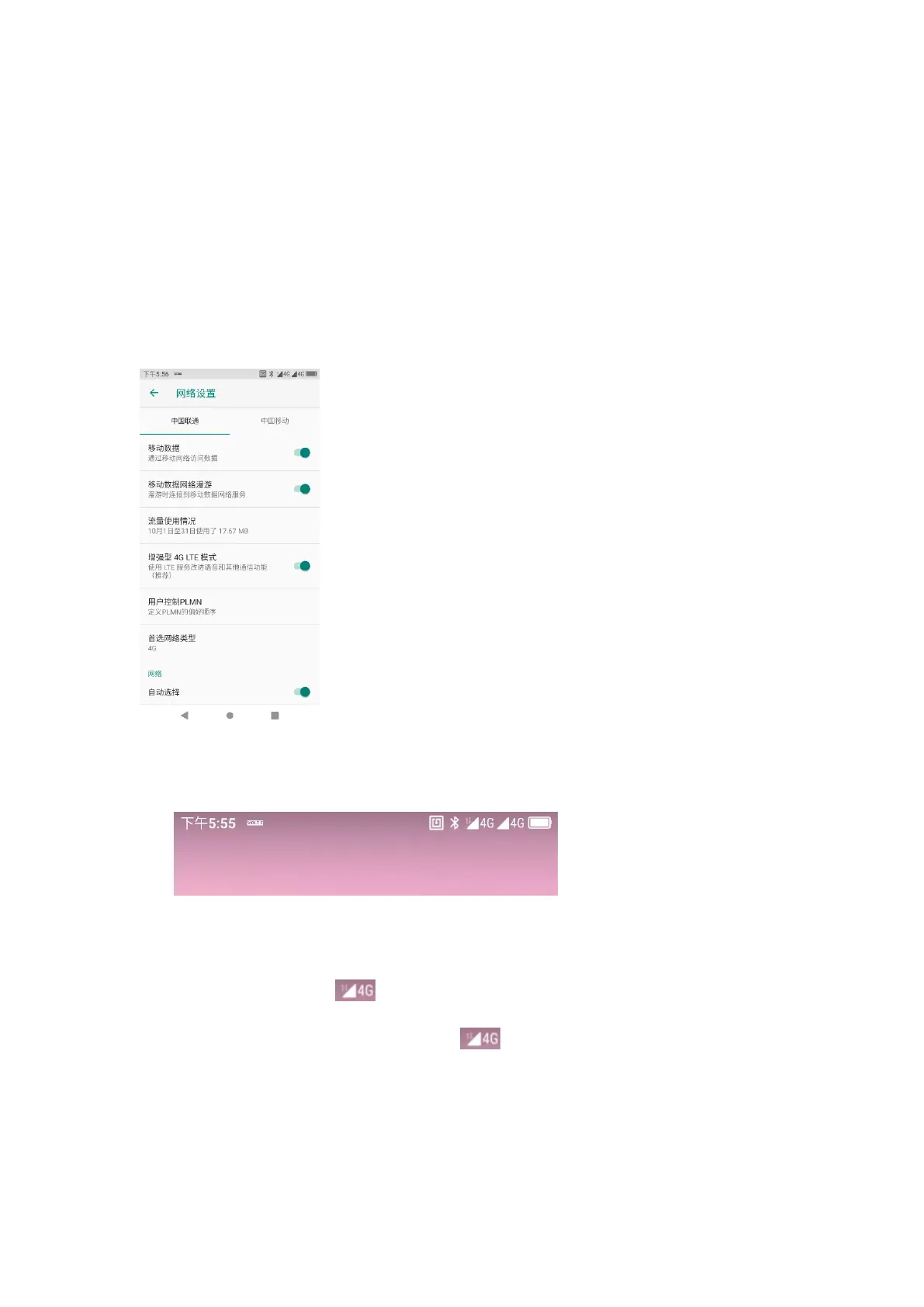
打开“设置”-“网络和互联网”-“移动网络”,可对移动网络进行设置,结合运营商信息的设
置,如数据开关、漫游开关、接入点名称等。
Open "Settings"-"Network and Internet"-"Mobile Network" to set the mobile network
in conjunction with carrier information settings, such as data on/off, roaming on/off,
and access point name, etc.
Figure 4-5 移动网络设置
Figure 4-5 Mobile Network Settings
Figure 4-6 移动网络图标
Figure 4-6 Mobile Network Icon
DT50 支持 4G 全网通 ,包括移动、联通、电信。如无线广域网出现无法连
接的现象,请检查:
DT50 supports a full range of 4G networks , including China Mobile, China
Unicom and China Telecom. If failed to connect to WWAN, please check:
1)检查当地信号强度;
1) Check local signal intensity;
2)检查 SIM 卡是否安装正确;
2) Check whether the SIM Card is correctly installed;



 To Next Page