BY UROVO PRODUCT
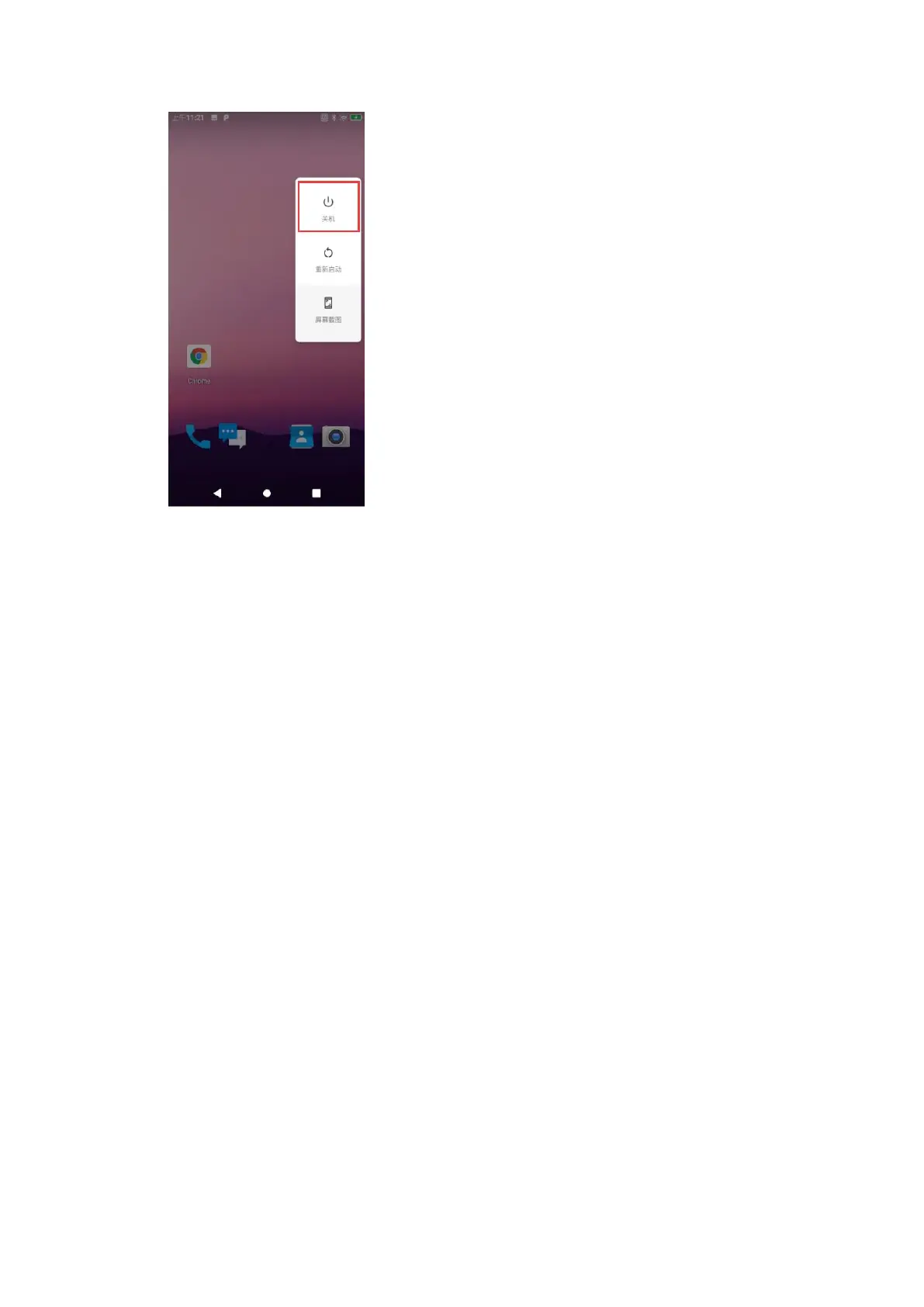
Figure 2-8 关机
Figure 2-8 Power-off
恢复出厂设置
Restore Device
重置此设备是一套内置的恢复工具,使用户能够将系统还原到初始化状态,请注意!
重置前请将重要文件拷贝保存好!恢复操作将清除所有用户数据!
"Restore Device" is a built-in restoration toolkit that enables users to initialize the system.
Attention! Please copy and save important files before resetting! Restoration will erase
all the user data!
1. 下拉状态栏,打开快速访问面板;
Pull down the status bar to open the quick access panel;
2. 触摸设置图标进入设置-系统-重置选项;
Touch the settings icon to enter Settings-System-Reset;
3. 选择:
Select:
⚫ 重置 WLAN、移动数据网络和蓝牙设置
Reset WLAN, Mobile Data Network and Bluetooth Settings
⚫ 重置应用偏好设置
Reset App Preference Settings
⚫ 清除所有数据(恢复出厂设置)
Erase All Data (Restore Device)



 To Next Page