BY UROVO PRODUCT
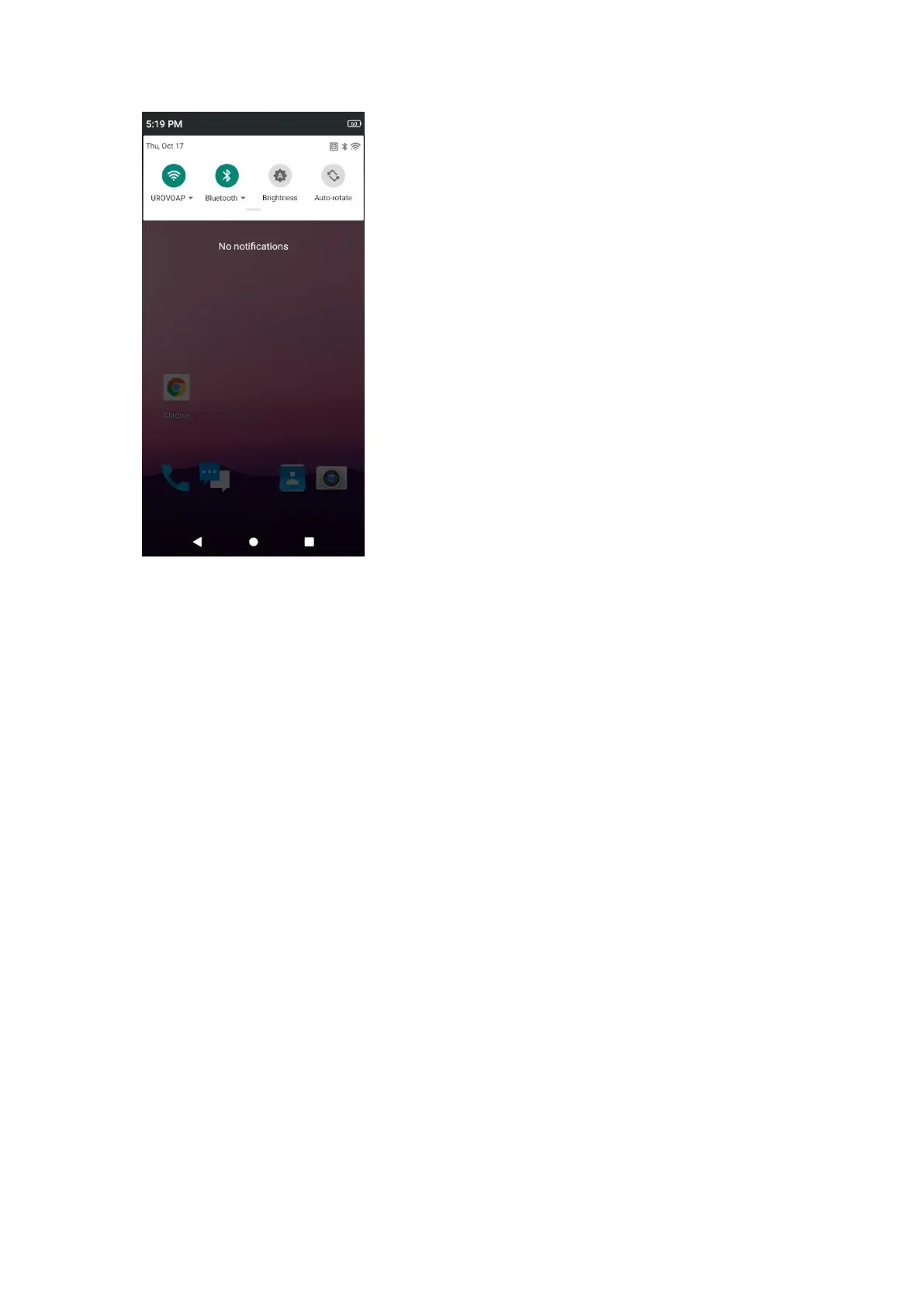
Figure 2-3 控制面板
Figure 2-3 Control Panel
使用触摸屏
Usage of Touchscreen
使用多点触控灵敏屏幕操作设备。
Use the multi-touch-sensitive screen to operate the device.
• 轻触 - 轻触以:
• Light touch - light touch to:
在屏幕上选择项目
Select any screen option
使用屏幕上的键盘键入字母和符号
Enter letters and signs in the screen keyboard
按下屏幕上的按钮。
Press any screen button.
• 轻触并按住 - 轻触并按住以:
• Light touch, press and hold - light touch, press and hold to:
主屏幕上的某个项,使其移动至新的位置或回收站。
Make any homescreen option move to a new position or be deleted.
Apps (应用程序)中的某个项以在主屏幕上创建快捷方式。
Create a homescreen shortcut for a certain App.



 To Next Page