BY UROVO PRODUCT
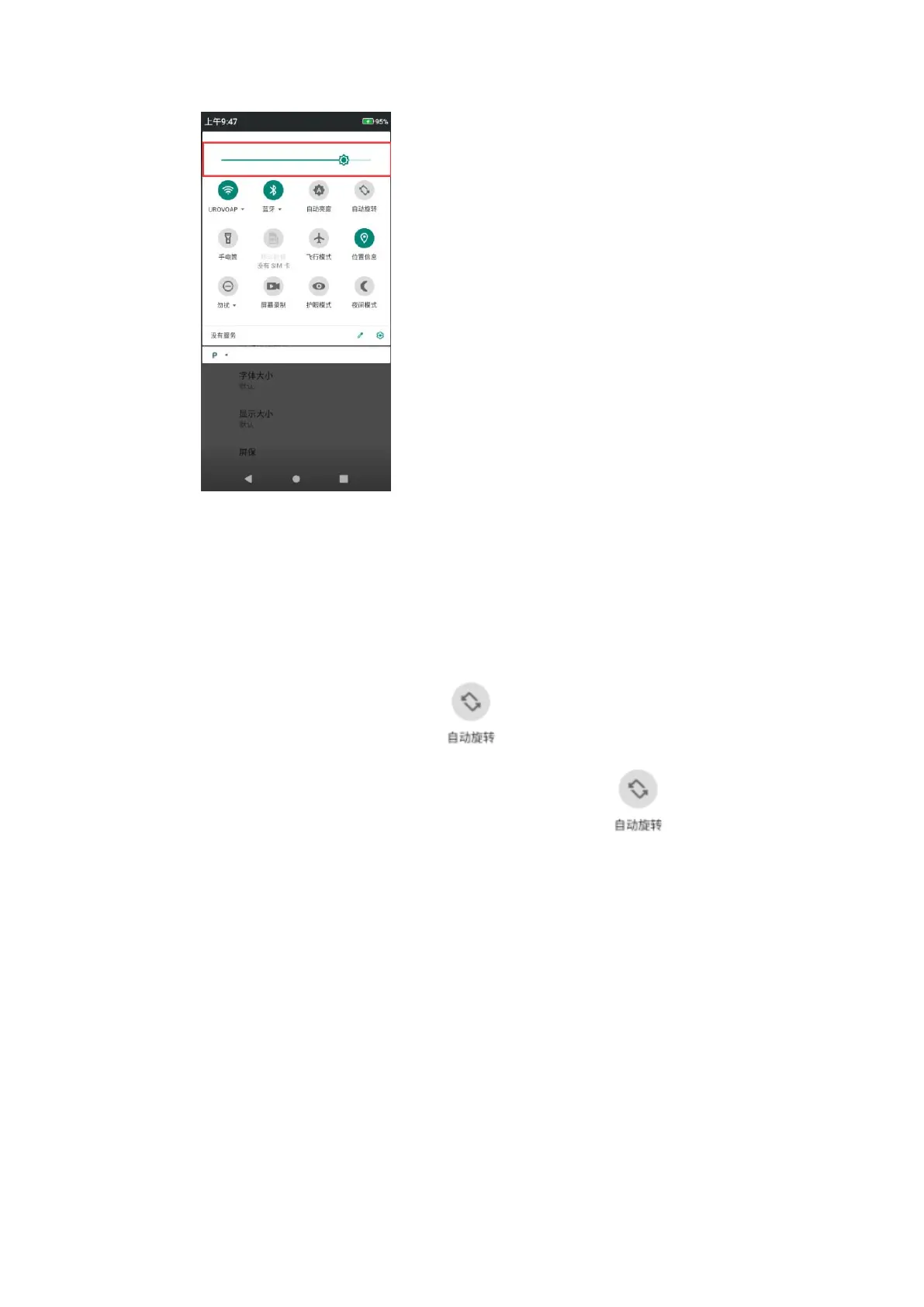
Figure 1-24 亮度调节
Figure 1-24 Brightness Control
设置屏幕旋转
Screen Rotation Settings
默认情况下,屏幕旋转将被禁用。要启用屏幕旋转:
By default, screen rotation is disabled. To enable screen rotation:
a)下拉状态栏,点击自动旋转图标 ;
a) Pull down the status bar and click the screen rotation icon ;
b)勾选设置-显示-自动选择屏幕;
b) Check Settings-Display-Auto Screen;
⚫ 保持当前方向:锁定方向;
Keep the current orientation: lock the orientation;
⚫ 旋转屏幕内容方向:根据屏幕内容旋转
Orientation of screen rotation: rotate subject to screen content
提示:主屏幕界面不可设置旋转。
Tips: rotation is not available for the homescreen interface.
设置屏幕壁纸
Screen Wallpaper Settings
a)选择设置-显示-壁纸,可更换壁纸;
a) Select Settings-Display-Wallpaper to replace the wallpaper;



 To Next Page