BY UROVO PRODUCT
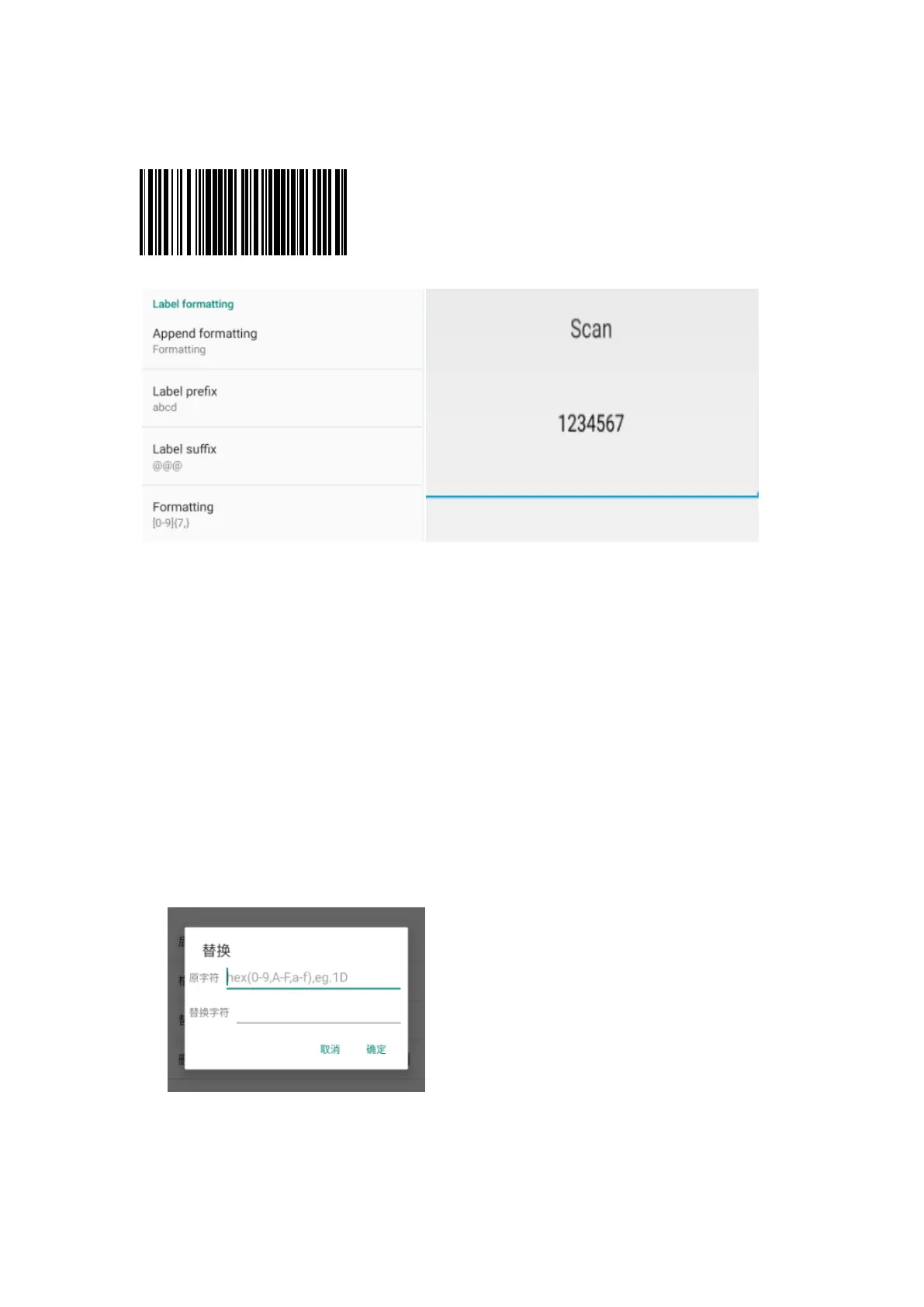
举例:截取条码数据较长部分
E.g.: Extract a longer section of bar code data
Figure 3-16 举例说明结果
Figure 3-16 Example Result
使用条码格式化需使用正则表达式输入,\d{7,}或者[0-9]{7,} 取 7 以上的数字,就不
会取到 7 以下的
Bar code formatting is required of input by regular expression, \d{7,} or [0-9]{7,} .
Figure≥7 rather than <7
5. 如选取替换,选择后修改替换的原字符和替换字符,设置被替换值和替换值,原字
符的输入需使用 ASCII 码(如需要替换原字符“1”,则输入其对应的 ASCII 码值
“31”);
Substitute: select the mode and modify the former character to be substituted and
the substitute character and set the value of the substituted and that of substitute.
The former character needs to be input in ASCII code (e.g., if the former
character "1" needs to be substituted, enter its corresponding ASCII code value
"31");
Figure 3-17 编辑替换
Figure 3-17 Edit Substitute



 To Next Page