BY UROVO PRODUCT
2. 触摸选择将要连接的热点;
Touch to select the hotspot to be connected;
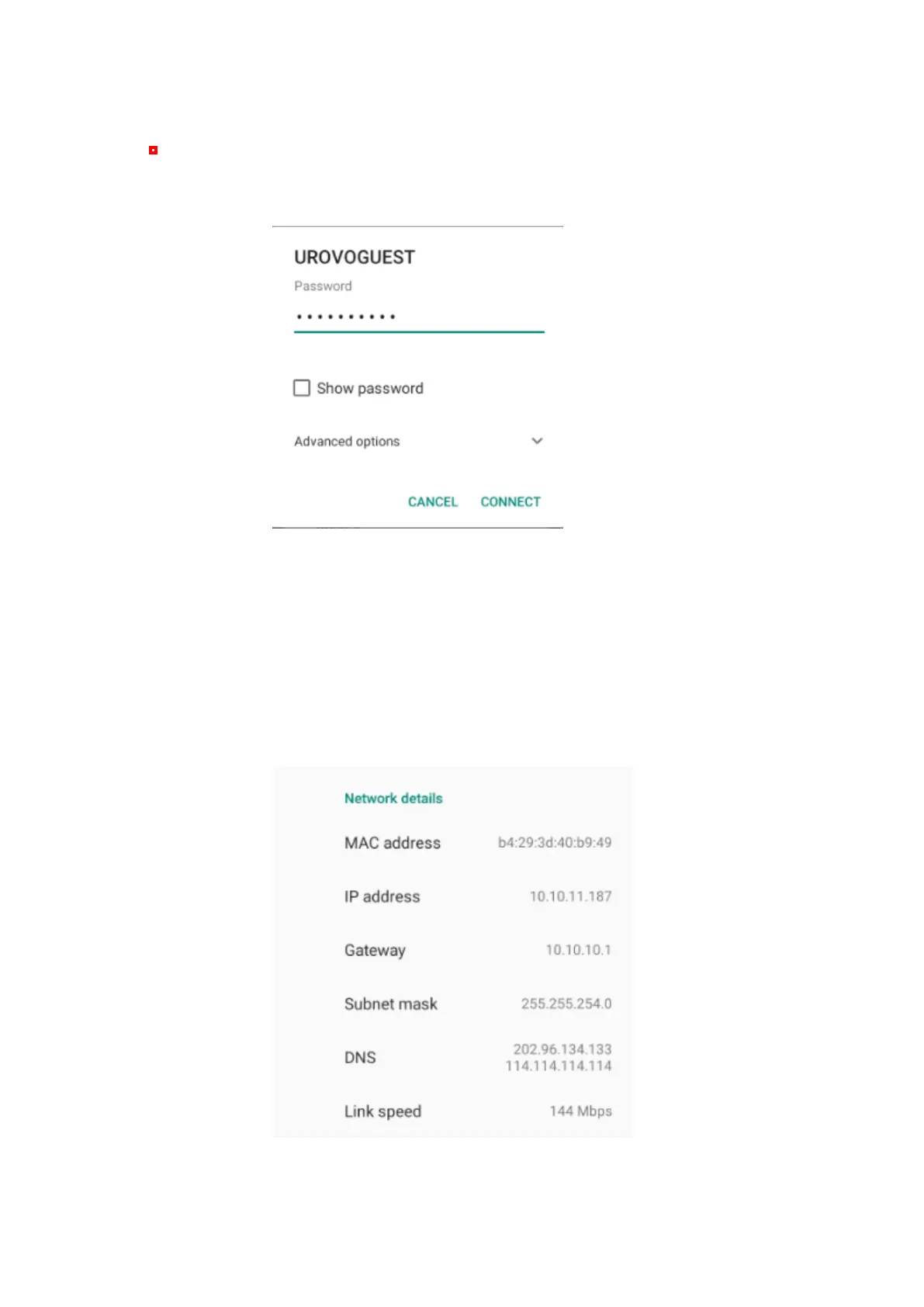
3. 输入密码并点击连接
Enter the password and click "Connect"
Figure 4-2 WIFI 密码、设置输入框
Figure 4-2 WIFI Password and Settings Input Box
⚫ 勾选显示密码可显示热点密码,用于校对密码是否输入有误;
Check Show Password to display the hotspot password to check whether
the password input is wrong;
⚫ 勾选高级选项可打开高级设置,包含代理以及静态 IP 设置。
Check Advanced Settings for advanced settings, including agent and
static IP settings.
Figure 4-3 WIFI 静态 IP 设置



 To Next Page