- 23 -
If you would like to change the position of where the cut will be made:
Enter the Jog Screen of the cutter (directions for changing menu screens are located in the Control Panel section of
the manual starting on page 7).
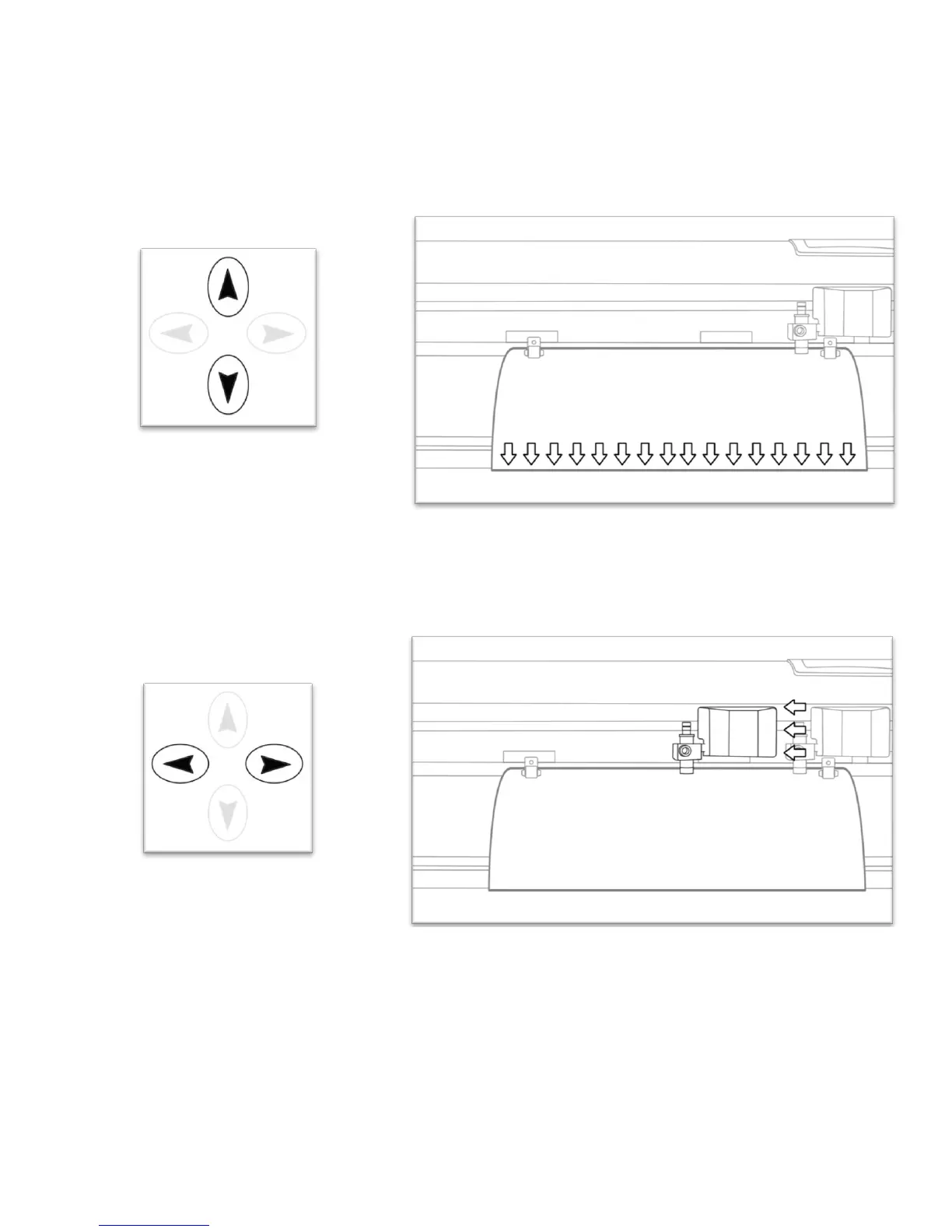
Adjust the vinyl to where you want the cut to start by using the Up and Down Arrow Keys on the Control
Panel.
Now, adjust the Blade to where you want the cut to start by using the Left and Right Arrow Keys.



 To Next Page