- 7 -
Control Panel
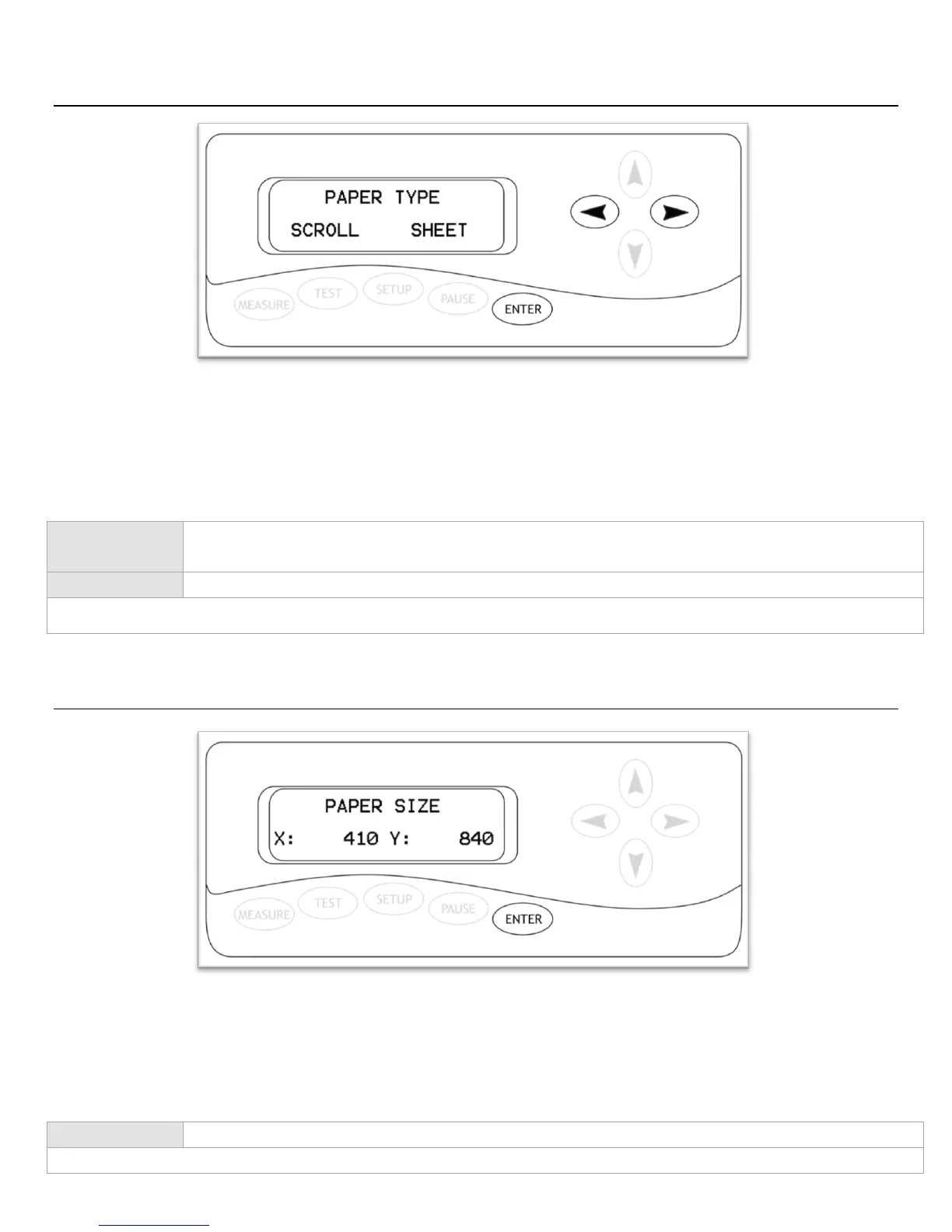
Measure Screen
The Measure Screen is the first screen that you will see when starting up the cutter. Select your media
type from the menu and then confirm your selection. The cutter will then measure your material and
report the cuttable area (in millimeters) on the Paper Size Screen (Next). If „Scroll‟ is selected, only the width is
measured. If „Sheet‟ is selected than both the width and length of the material will be measured.
Paper Size Screen
The Paper Size Screen will display after a measurement has been made from the Measure Screen. This will
display the cuttable area that the machine has detected for your media (in millimeters). You can record the
dimensions and use them as a reference on your cutting software to ensure that you are creating designs
that will fit within the cuttable area of your material.
Selects between the „Scroll‟ and „Sheet‟ media types. If you are cutting from a single sheet
of media, select „Sheet‟. If you are cutting from a roll of media, select „Scroll‟.
Confirms the selection between „Scroll‟ and „Sheet‟.
All other buttons have no function on this screen.
Exits the Paper Size screen and continues to the Function Select Screen (Next).
All other buttons have no function on this screen.



 To Next Page