- 4 -
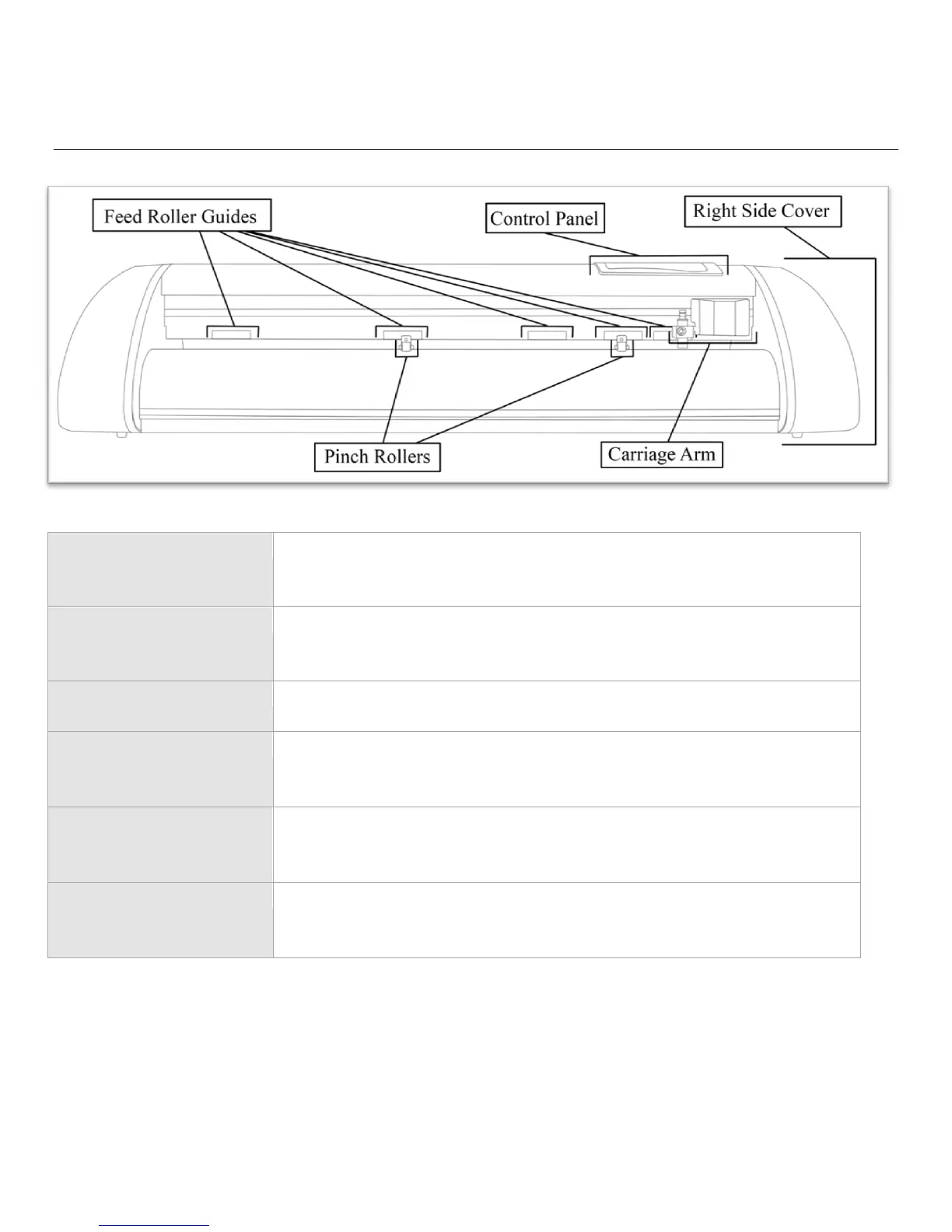
Cutter Parts
Before you start cutting, you should familiarize yourself with the cutter and its basic parts and functions:
Front View
Used to provide input directly to the cutter. Covered in detail in the
“Control Panel” (page 7) section of this manual.
Holds the Blade (or Pen) Carriage. Shown in detail on page 5.
Holds the media tightly to the feed roller below. Shown in detail on page
6.
Shows the location of each feed roller so that the pinch rollers can be
properly positioned to make contact with the feed rollers.
Feed Rollers
(Not Pictured. Located below
each Feed Roller Guide.)
Positions the cutting material during operation.
Contains the Power Switch and the Parallel, Serial, USB and Power
cable ports for the cutter. Shown in detail on page 5.



 To Next Page