EasyManua.ls Logo

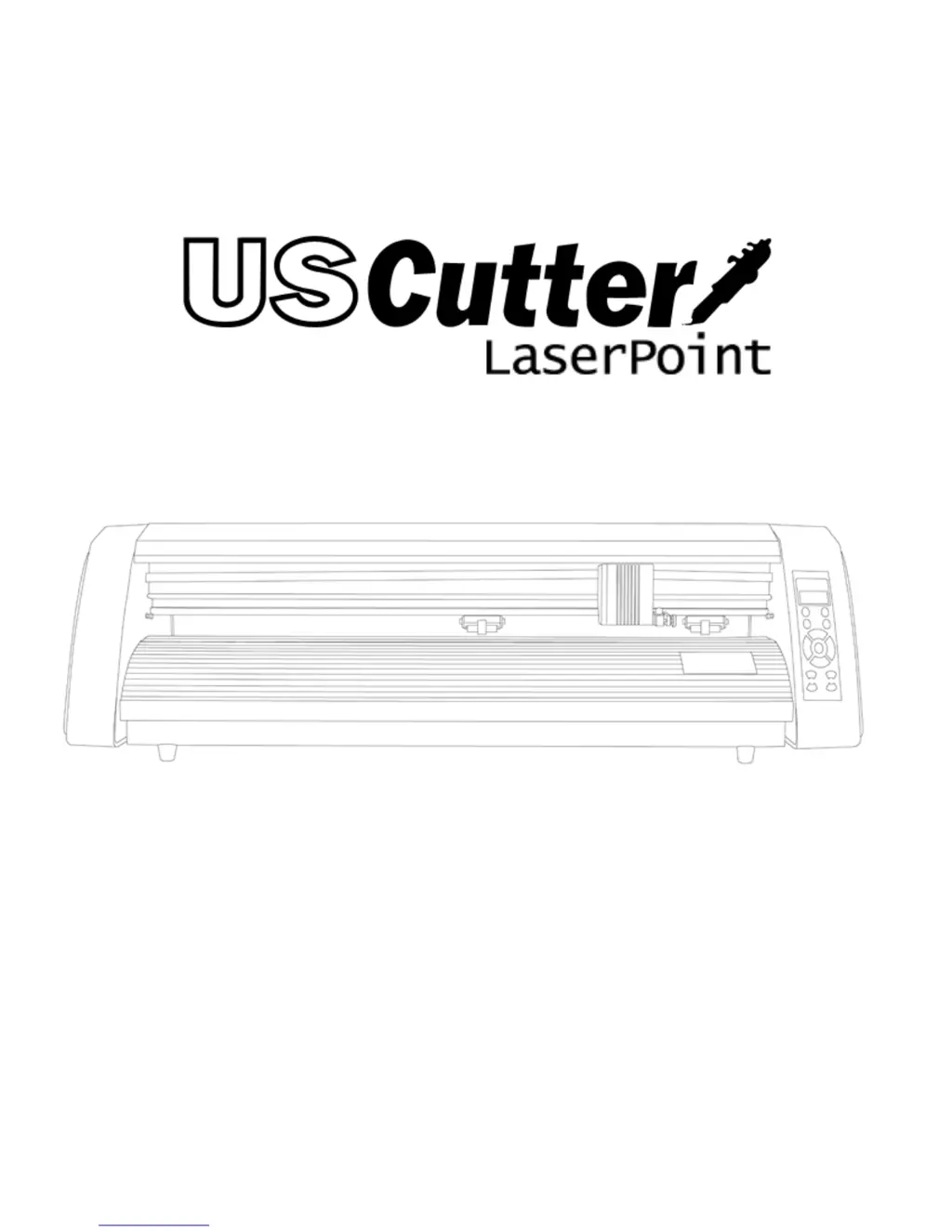
US Cutter LaserPoint - User Manual

Default Icon
49 pages
Print Icon
To Next Page IconTo Next Page
Loading...

Questions and Answers

  • S
    stoutbrandonJul 26, 2025
    What to do if my US Cutter LaserPoint cutter won't power on?
    • J
      John SmithJul 26, 2025
      If your LaserPoint cutter isn't powering on, it could be due to a faulty or damaged power cord. Try using a different power cord with the LaserPoint, or test the current cord with another device to see if it's working. If the power cord isn't the issue, there might be a connection problem inside the machine. With the power switch off and the power cord unplugged, remove the left side panel of the LaserPoint cutter and check all the connections from the power cord and power switch.
  • T
    tina00Aug 1, 2025
    How to fix jagged cuts on my US Cutter LaserPoint Cutter?
    • J
      Jennifer HansonAug 1, 2025
      Jagged or inconsistent cuts can result from a dull or damaged blade. Try replacing the blade with a new one. You can also adjust the blade depth of the Blade Carriage and Pressure Setting on the cutter.
  • J
    Jeremy CookeAug 5, 2025
    Why is my US Cutter LaserPoint Cutter unresponsive to my computer?
    • J
      Jeremy BowenAug 5, 2025
      Communication issues can occur if the cutter was turned on while the software attempts to send data. Exiting the cutter screen in SignBlazer and returning to the main screen might help. If not, save your work, exit SignBlazer, and restart with the cutter powered on. Also, ensure your output device in SignBlazer is set to the correct COM port and adjust your Flow Control settings to Hardware. You can change your COM Port by right-clicking on the COM Port in the device manager and going to the advanced section of the Port Settings tab.
  • T
    Tyler JohnsonAug 11, 2025
    Why are there black boxes on the display screen of my US Cutter LaserPoint?
    • K
      Kathleen MartinezAug 11, 2025
      Black boxes on the display screen may indicate that one of the Emergency Kill Switches is pressed or engaged. Make sure nothing is pressing on either of the Kill Switches and that they haven't become stuck. Also, check for crossed wires from one of the kill switches to the motherboard.
  • D
    david98Aug 16, 2025
    What to do if the display screen on my US Cutter LaserPoint Cutter isn't working?
    • S
      Sarah HartAug 16, 2025
      If the display screen isn't working, the cable transmitting data to it may be disconnected. Turn off the power and remove the power cord, then remove the right side panel from the LaserPoint cutter to check the cable connection. If the cable appears connected, try disconnecting and reconnecting it.
  • C
    charles56Aug 20, 2025
    Why won't the blade lower on my US Cutter LaserPoint?
    • J
      Jennifer BarnesAug 20, 2025
      If the blade of your LaserPoint won't lower, the Locking Knob of the Carriage Arm may be overtightened. Loosen it until there is no longer a blockage.

Summary

Control Panel Operations

Control Panel Button Functions

Explains the function of each button on the USCutter LaserPoint control panel.

Jog Mode Usage

Describes how to use Jog Mode for precise positioning of the cutter head.

Adjusting Cutting Pressure

Details how to set the cutting pressure using the Pressure Setting Mode.

Axis Scale Compensation

How to correct cut size inaccuracies using X/Y axis compensation.

Initial Setup and Connection

Installing a New Cutting Blade

Procedures for fitting a new blade into the blade carriage.

Installing SignBlazer Software

Guide to installing the necessary SignBlazer software.

Preparing Media for Cutting

Steps to load and prepare vinyl or other media for cutting.

Using SignBlazer Software

Simple Cut Tutorial

A step-by-step guide to making a basic cut using SignBlazer.

Importing and Vectorizing Designs

Raster to Vector Conversion

Steps to convert raster images into vector format for cutting.

Contour Cutting Process

Troubleshooting Common Issues

US Cutter LaserPoint Specifications

General IconGeneral
BrandUS Cutter
ModelLaserPoint
CategoryCutter
LanguageEnglish

Related product manuals