- 7 -
First, to be able to use/adjust any of the functions from the cutter, it must be “Off Line”.
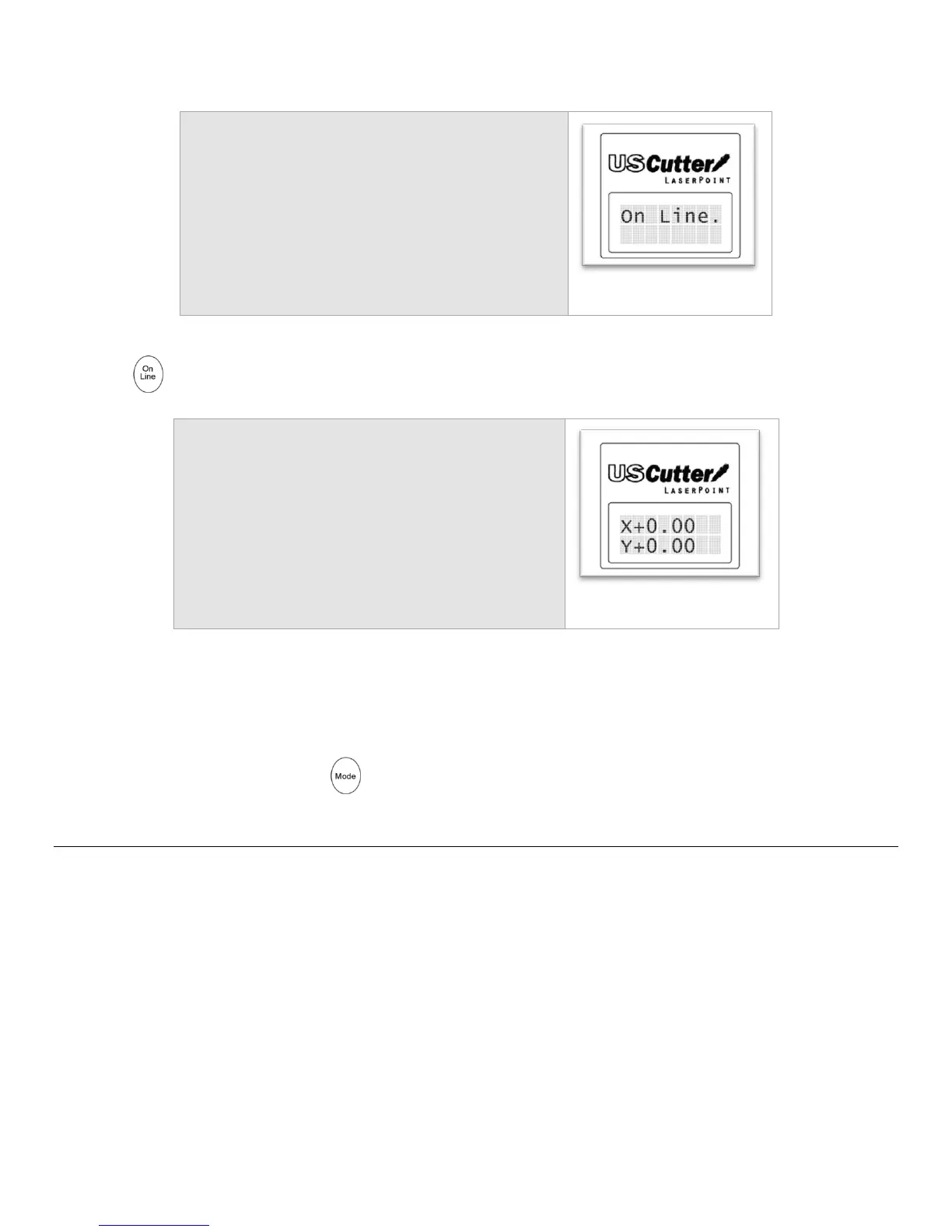
When you first turn on the cutter you will see
a short startup process followed by this
display…
Press the Button to enter Off Line Mode to access the Off Line functions.
This is Jog mode, the first in the 7 available Off Line modes.
Jog mode, as well as the other modes will be described in detail on the following pages.
From here, you can now press the Button to cycle through modes.



 To Next Page