- 26 -
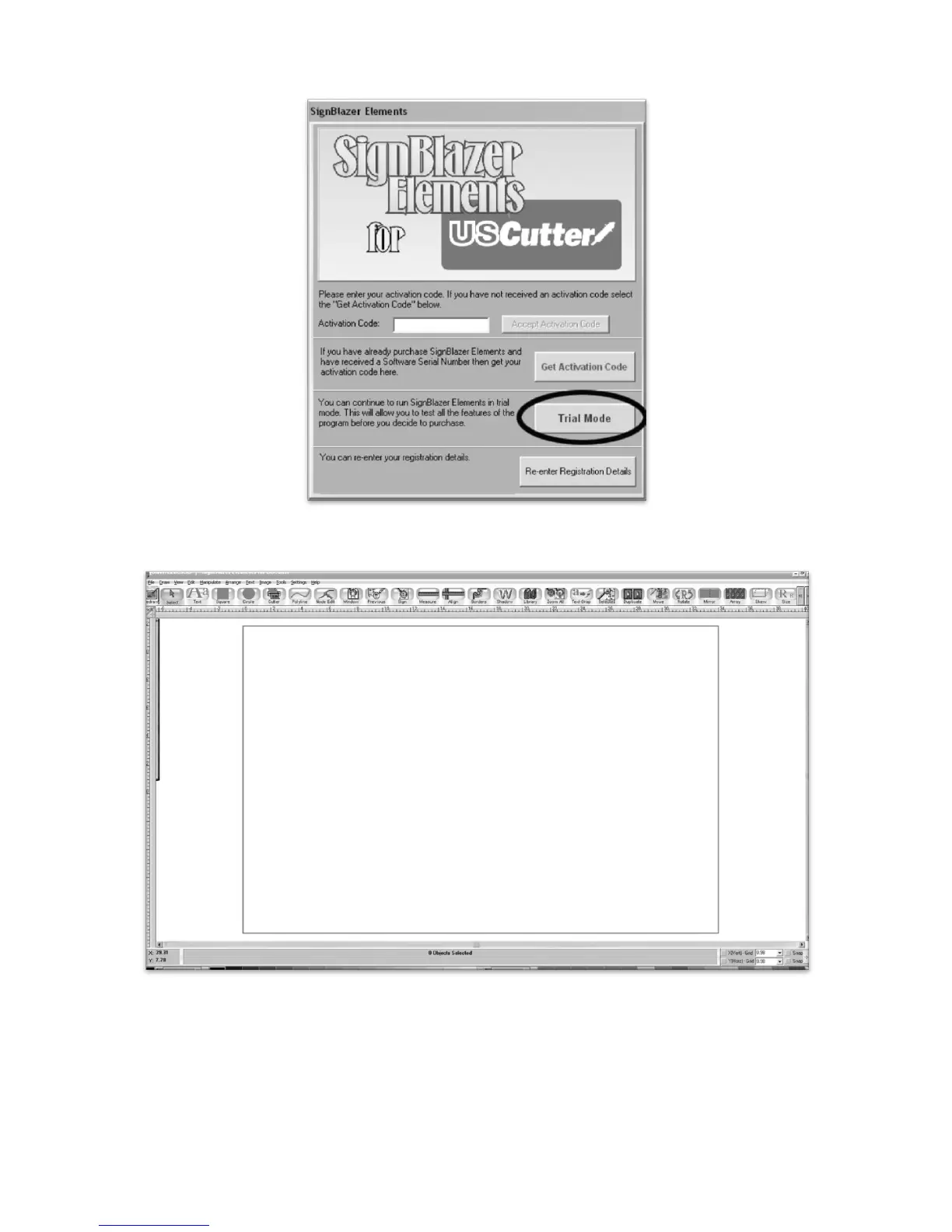
We will be working in Trial Mode. Select “Trial Mode” from the following screen, then select “Yes” from
the confirmation window.
Now SignBlazer is open and you are looking at the main SignBlazer screen.
Making a Simple Cut in SignBlazer
You can create images from scratch using the various tools in SignBlazer. For this tutorial, we will be
drawing a simple square just to show the steps of making a cut from SignBlazer.



 To Next Page