- 8 -
Jog Mode
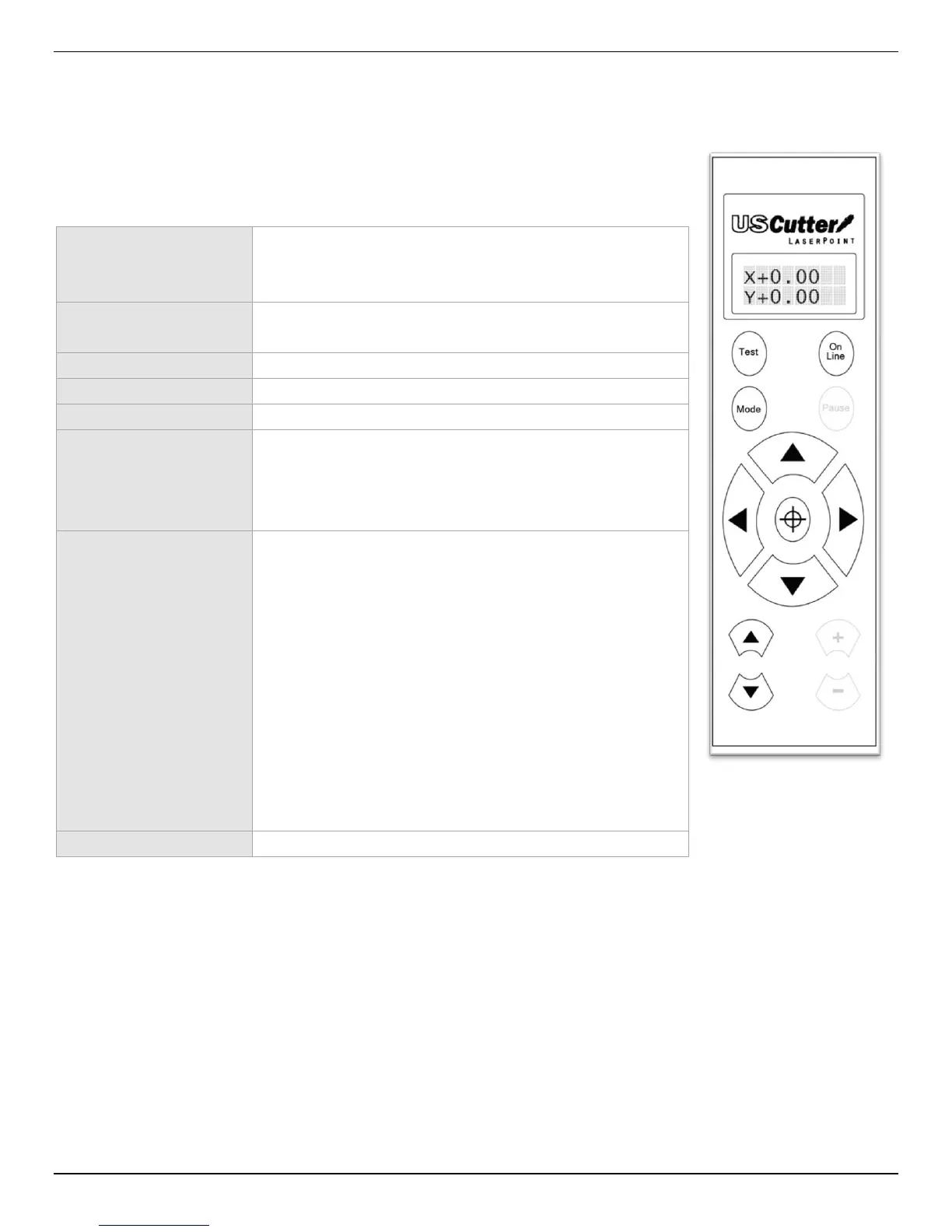
Jog Mode is used to position the vinyl and cutting blade. You can use the target
button to reset the origin of the next cut to be made. You can also make a test
cut to witness the current speed and pressure settings or check the blade depth
while in the down cutting position. Make sure that when setting the blade
position it is clear of the red emergency “kill” switches on either side of the
cutter.
Cuts a small rectangle with the current speed and
pressure settings. Useful in determining the proper
pressure/speed settings to be used.
Returns the cutter to its origin location and returns
to “On Line” status.
Cycles through the 7 Off Line modes.
(has no function in this mode).
Changes the vinyl/cutting blade locations.
Sets the current vinyl/cutting blade location as the
new origin. The origin will be the starting position of
the vinyl/cutting blade on the next cutting job that is
sent to the cutter.
The Down Button will lower the cutting blade into
the down cutting position. This can help you
determine if the pressure setting needs to be adjusted
before cutting.
If the blade is left in the down cutting position then the
progress of the pressure setting can be seen while adjusting
the pressure setting in the Pressure Setting Mode.
The Up Button will return the cutting blade to its
regular position.
(has no function in this mode).



 To Next Page