- 12 -
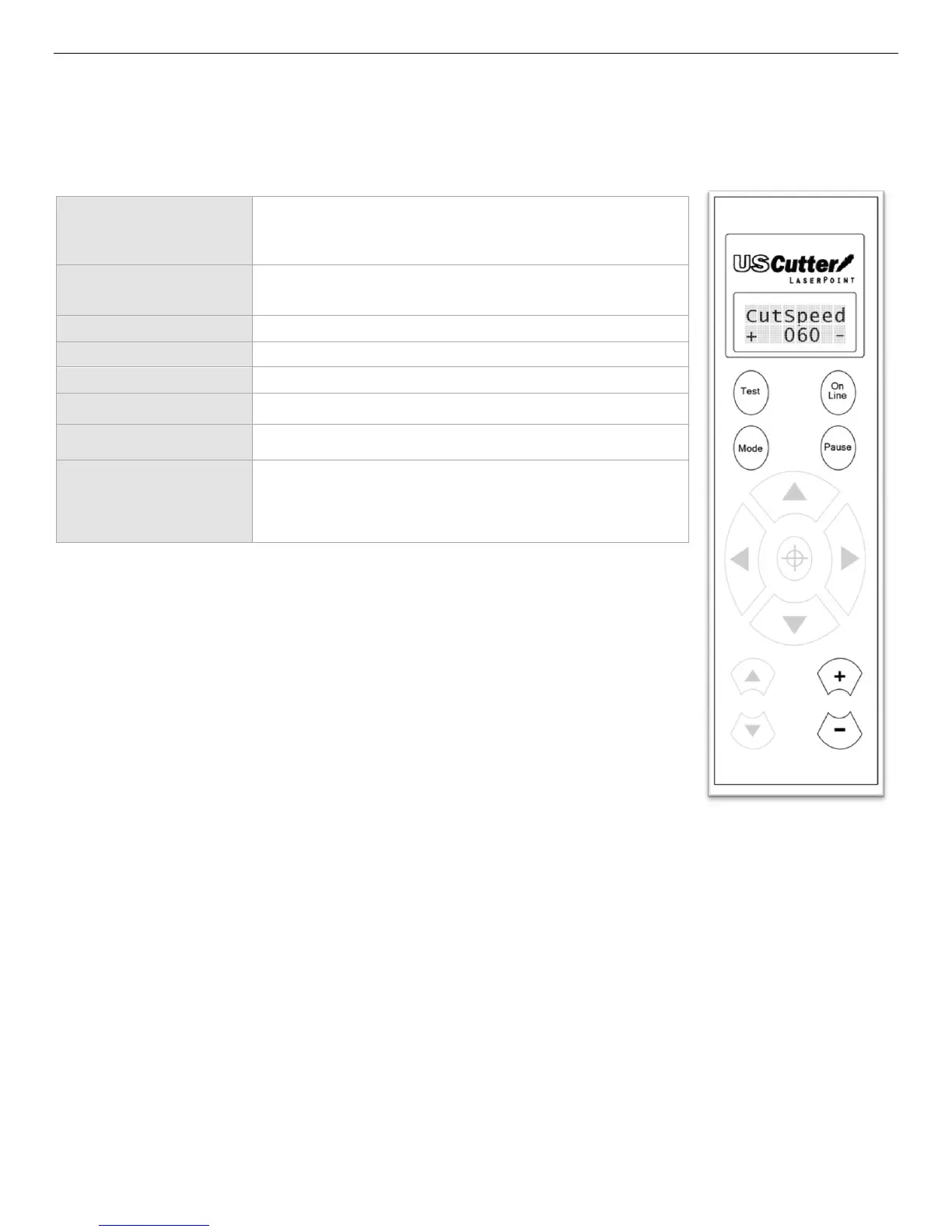
Cutting Speed Mode
Cutting Speed Mode is used to adjust the speed of the cutter. Most cuts can be
made at high speeds but if a problem is occurring where accuracy or detail is
being lost in the cut, a slower cutting speed may solve the problem.
Returns the cutter to Jog Mode (If held down, a test cut
will be made).
Returns the cutter to Jog Mode (If held down, the
cutters status will return to On Line).
Cycles through the 7 Off Line modes.
Returns the cutter to Jog Mode.
(has no function in this mode).
(has no function in this mode).
(has no function in this mode).
Increases/Decreases the speed of the cutter (from 0 to
80 in increments of 10).



 To Next Page