- 15 -
If you purchased your LaserPoint cutter with a stand, please refer to the included LaserPoint stand
assembly guide at this time and complete assembly of the stand.
If you will be using your LaserPoint as a table top unit without a stand and would like to use the included
table top rollers, please refer to the table top roller instructions.
Installing the Pen Carriage
Most new users will benefit from practice “cutting” with the supplied pen carriage until they are comfortable with
normal operations of the LaserPoint and cutting software.
To install the pen carriage:
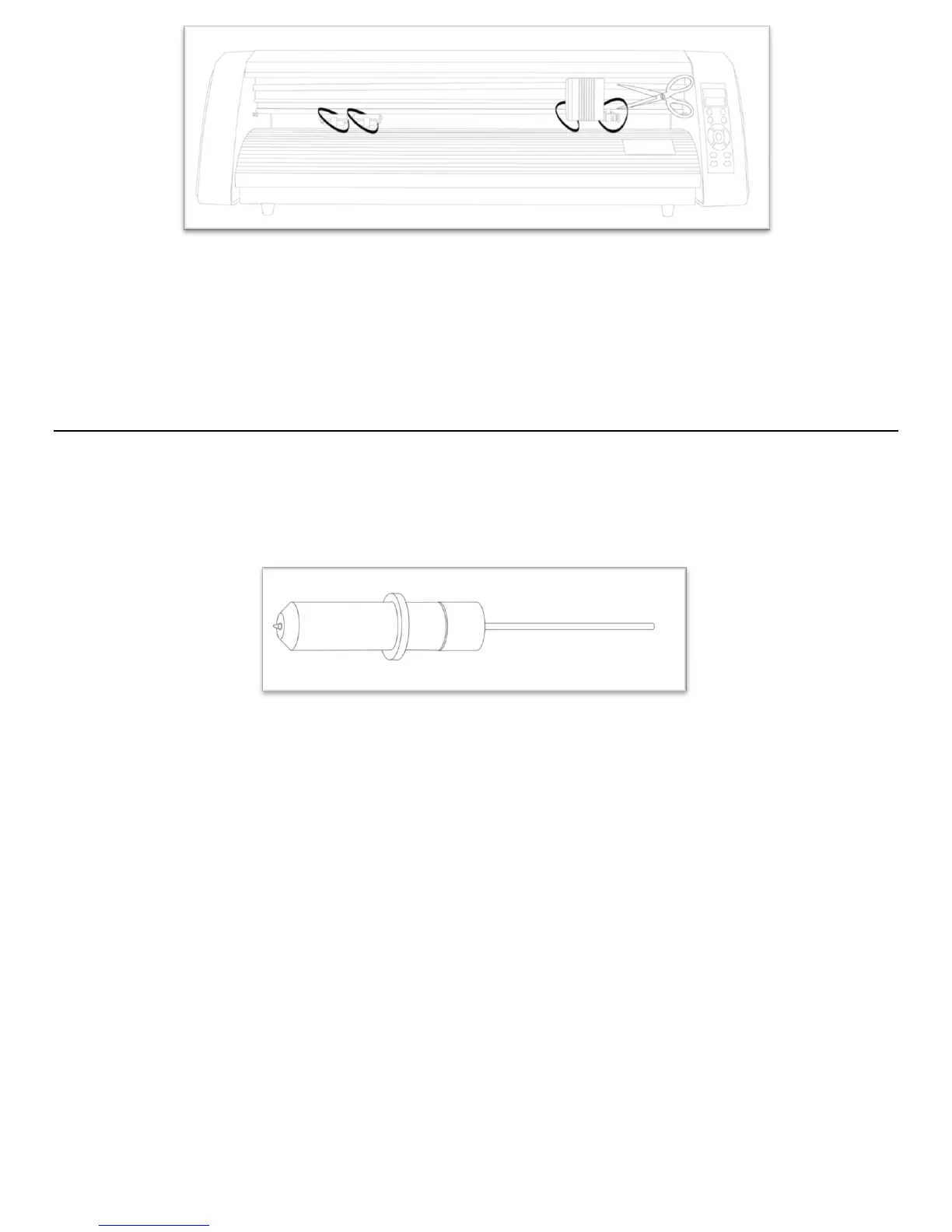
Your Pen Carriage should come assembled and appear as it does in this image. If it does not, please refer to the pen
replacement section below.



 To Next Page