- 23 -
If the LaserPoint is not already on, turn it on now
Take the cutter Off Line and make sure it is in Jog Mode (If you are unsure of how to do this, please refer back to
the Control Panel section of this manual).
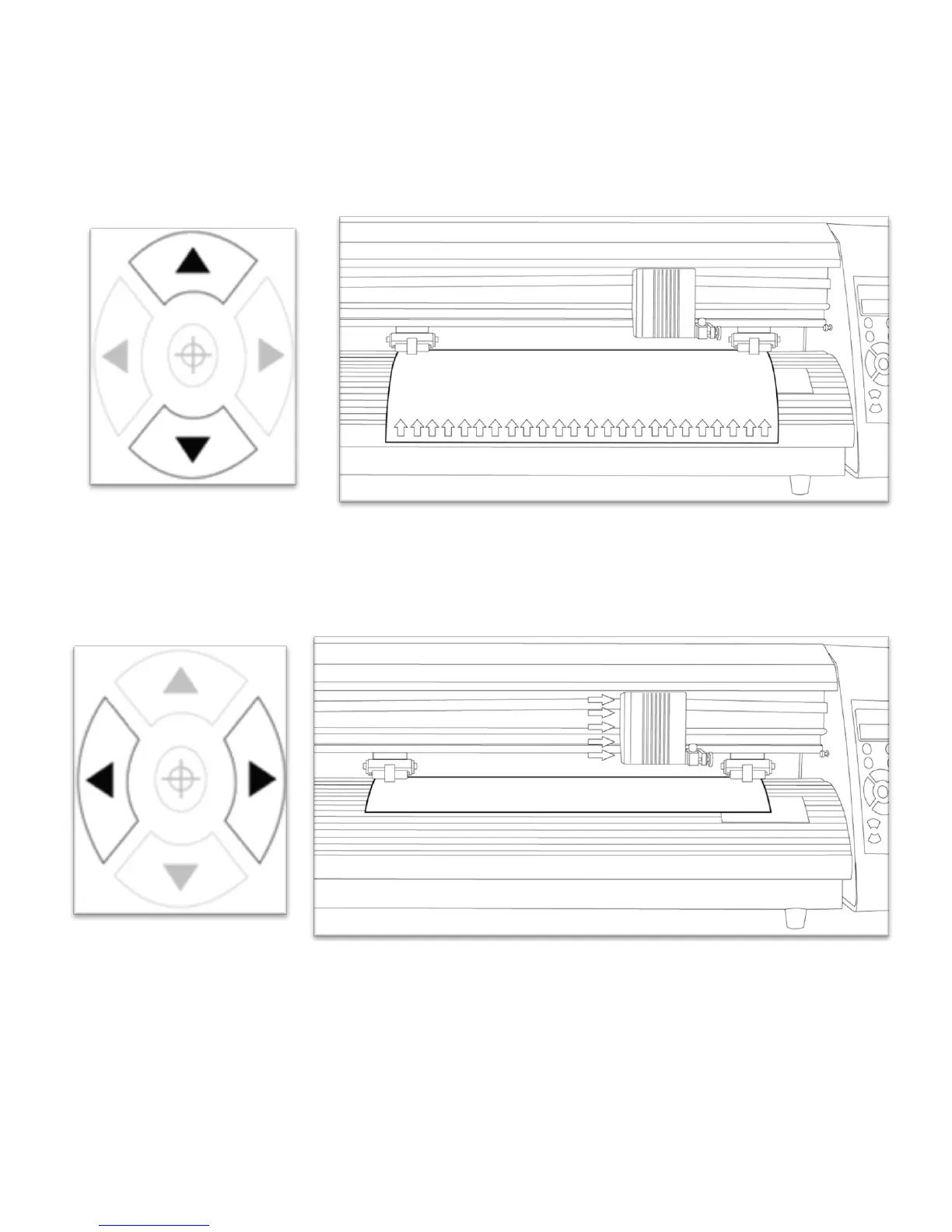
Adjust the vinyl to where you want to make your cut by using the Up and Down Arrow Keys on the
Control Panel.
Now, adjust the Blade to where you want your cut to be made by using the Left and Right Arrow Keys.



 To Next Page