- 41 -
Cutting a Simple Design in SignCut
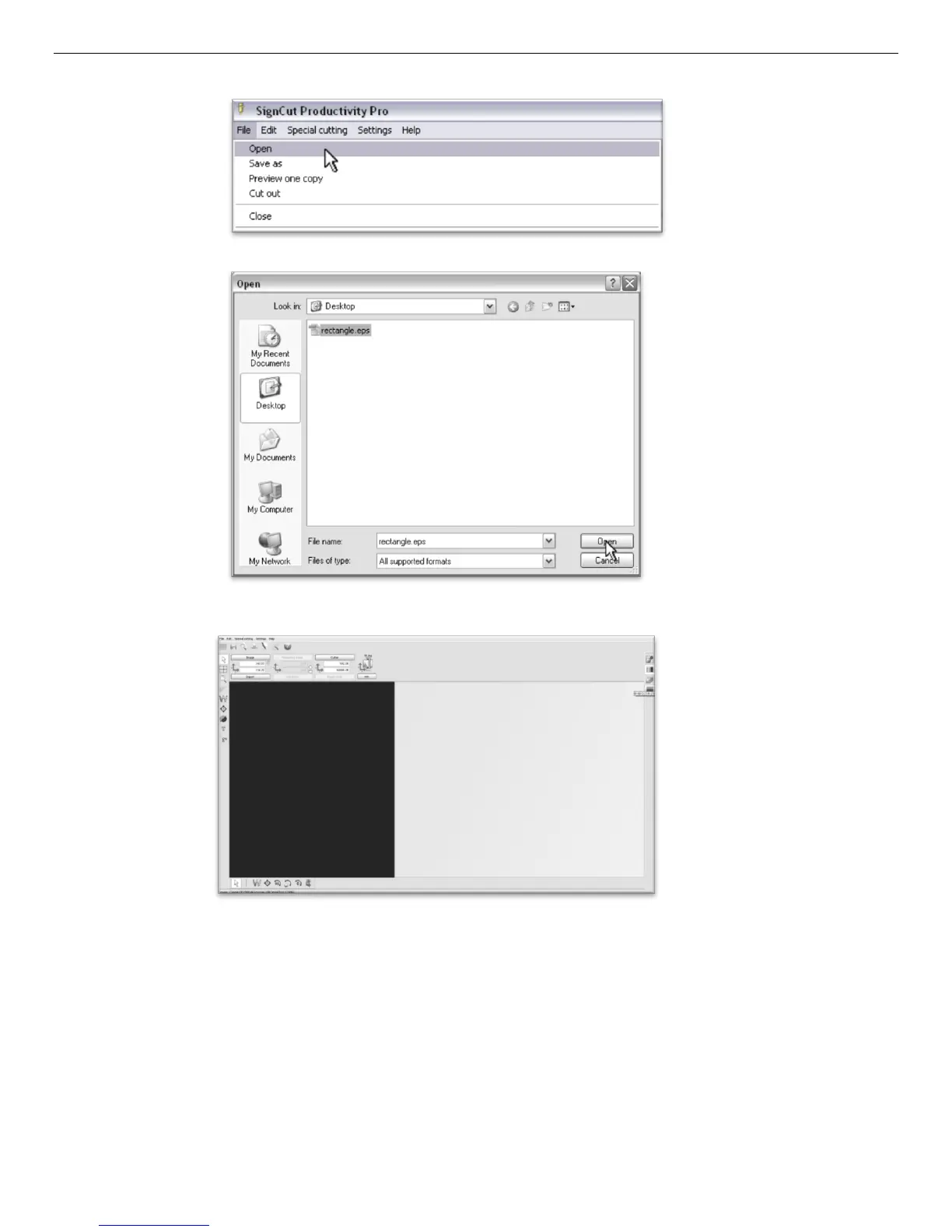
In SignCut Select File>Open.
Locate your file in the window and select “Open”.
You will see the shape that you created in the main window of SignCut.
Please make sure that your cutter is on and ready to cut before proceeding. See the “Preparing for Cutting”
section of the manual (page 20).



 To Next Page