- 42 -
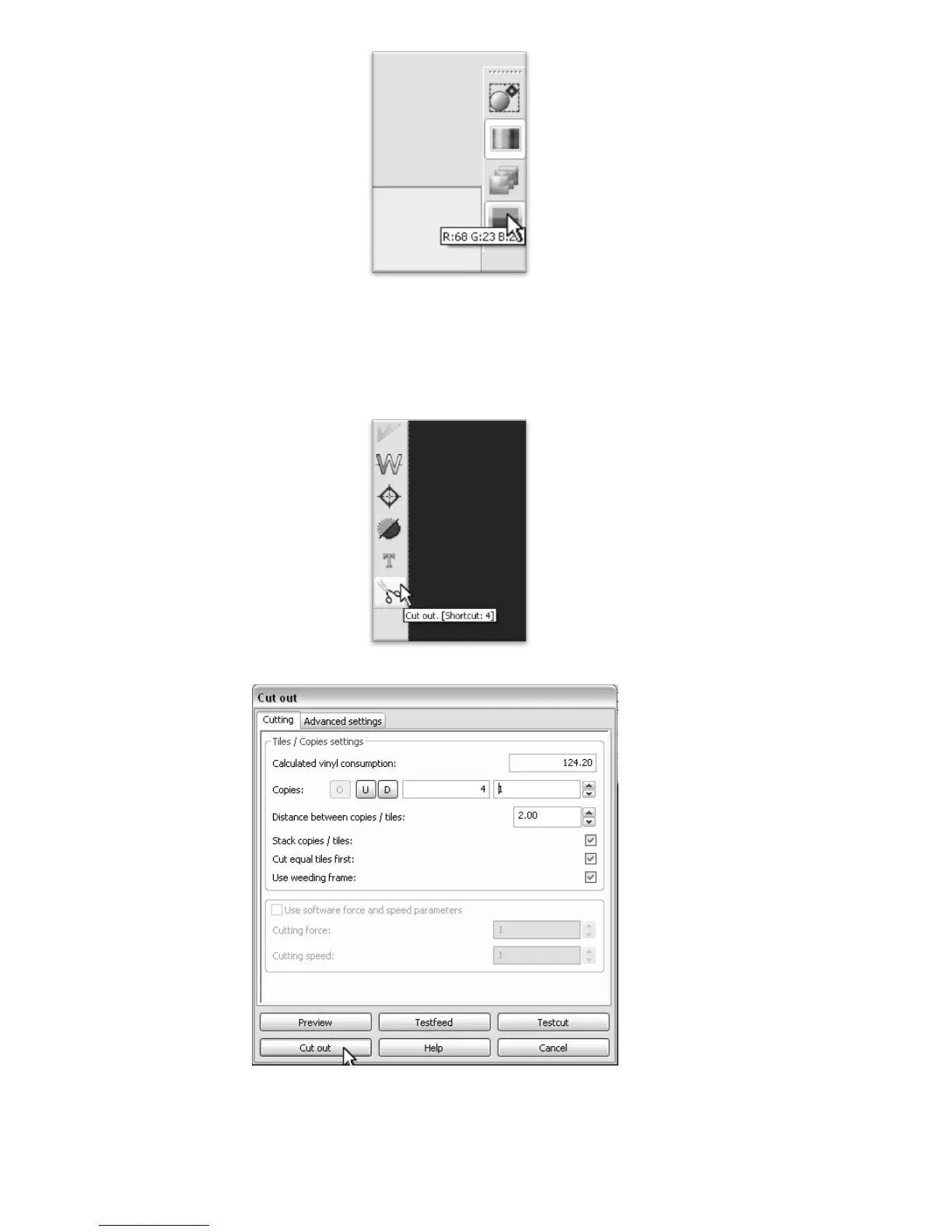
Select the color that you would like to cut from the color selections on the right.
If you are following from the previous section, “Creating a Simple Design in Inkscape” you should have only one color. If
you are working from another file you could have many different colors.
Since we are making a simple cut, no other settings or options need to be adjusted here. We can simply
click on the “Cut Out” button from the left menu to open the Cut Out window.
Then press the Cut Out button from the Cut Out window to make your cut.
If your design has multiple colors, replace the vinyl in your cutter with the color you wish to cut, select that color from
the color selections on the right and repeat for each color.



 To Next Page