- 35 -
Starting SignCut and Inkscape for the First Time
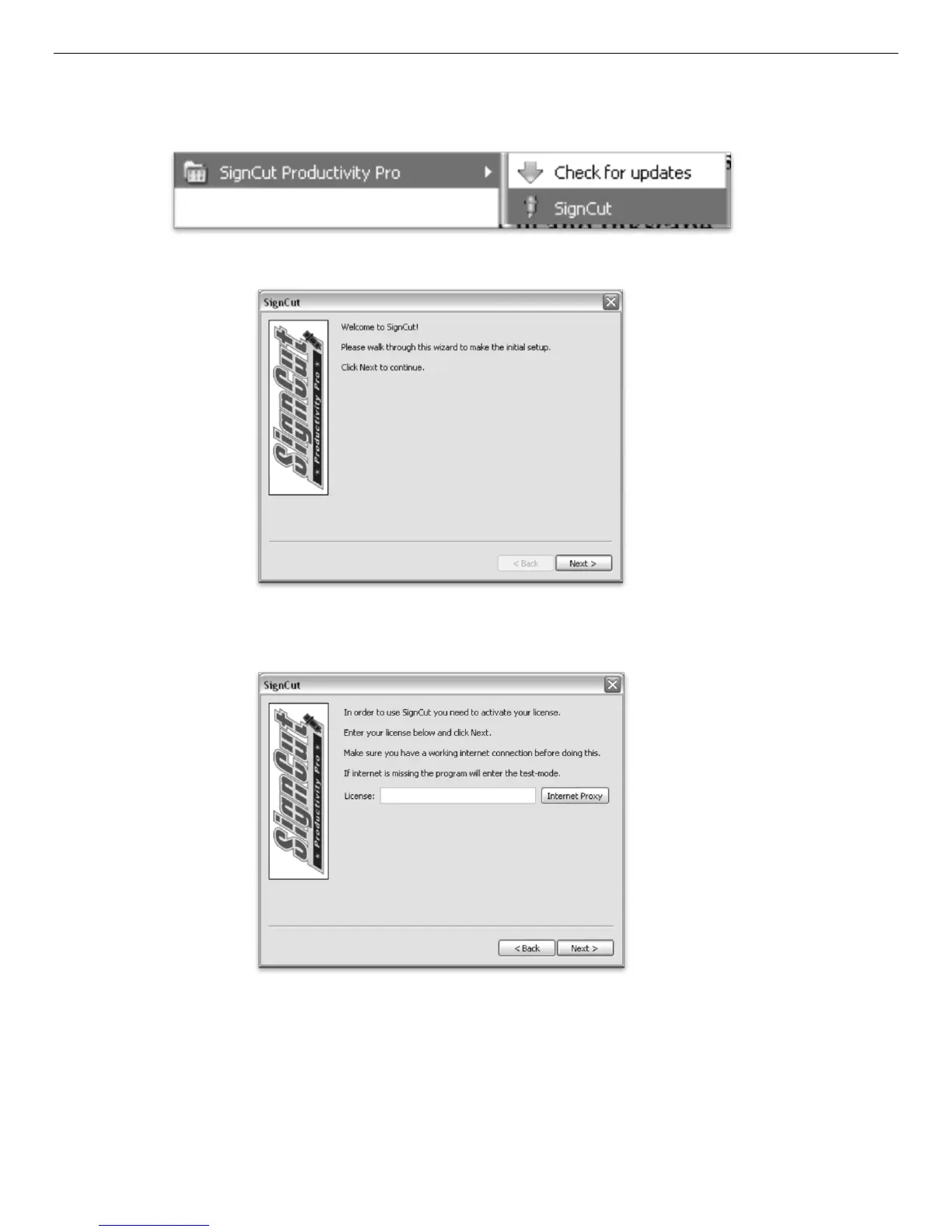
Open the SignCut software (The Default location will be in the Programs Folder under “SignCut Productivity Pro”).
Navigate to this folder and select “SignCut”.
The first time that you run SignCut you will be prompted with a Setup Wizard.
Follow the onscreen instructions, entering your License number that you received when you registered
and downloaded SignCut.



 To Next Page