- 36 -
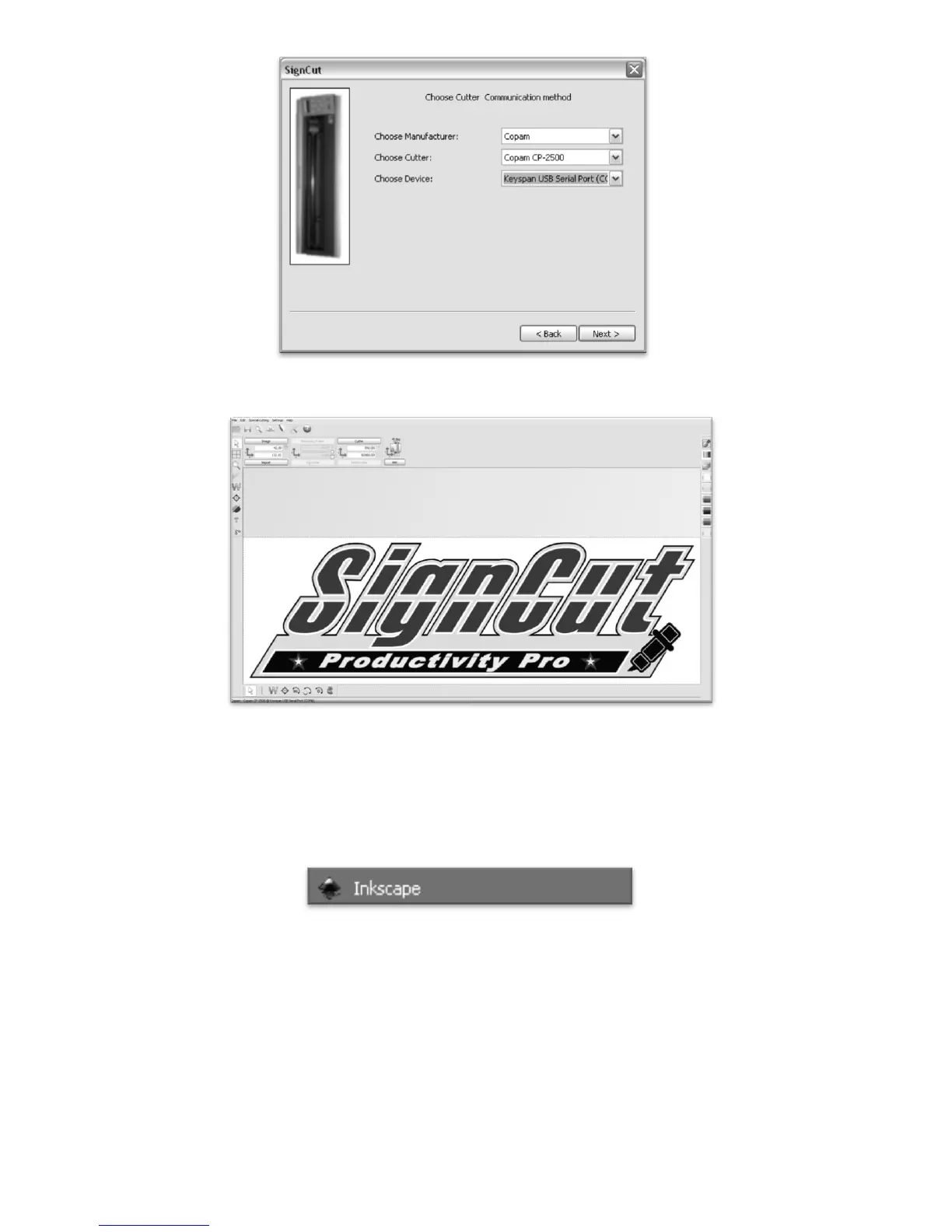
Then Select your Manufacturer, Cutter model and Connection method.
Setup will then be completed and you will be taken to the main SignCut screen.
We can now let SignCut run in the background while we do our design work in Inkscape (or another
preferred vector image software). We will return to SignCut once we are ready to cut.
To open Inkscape, simple locate the icon in your programs menu and open the program. No further setup
will be required.



 To Next Page