Wireless MAXg ADSL Gateway
User Guide
Home Installation Configuration Help
Installation Connections QuickSetup LEDs Advanced Uninstall
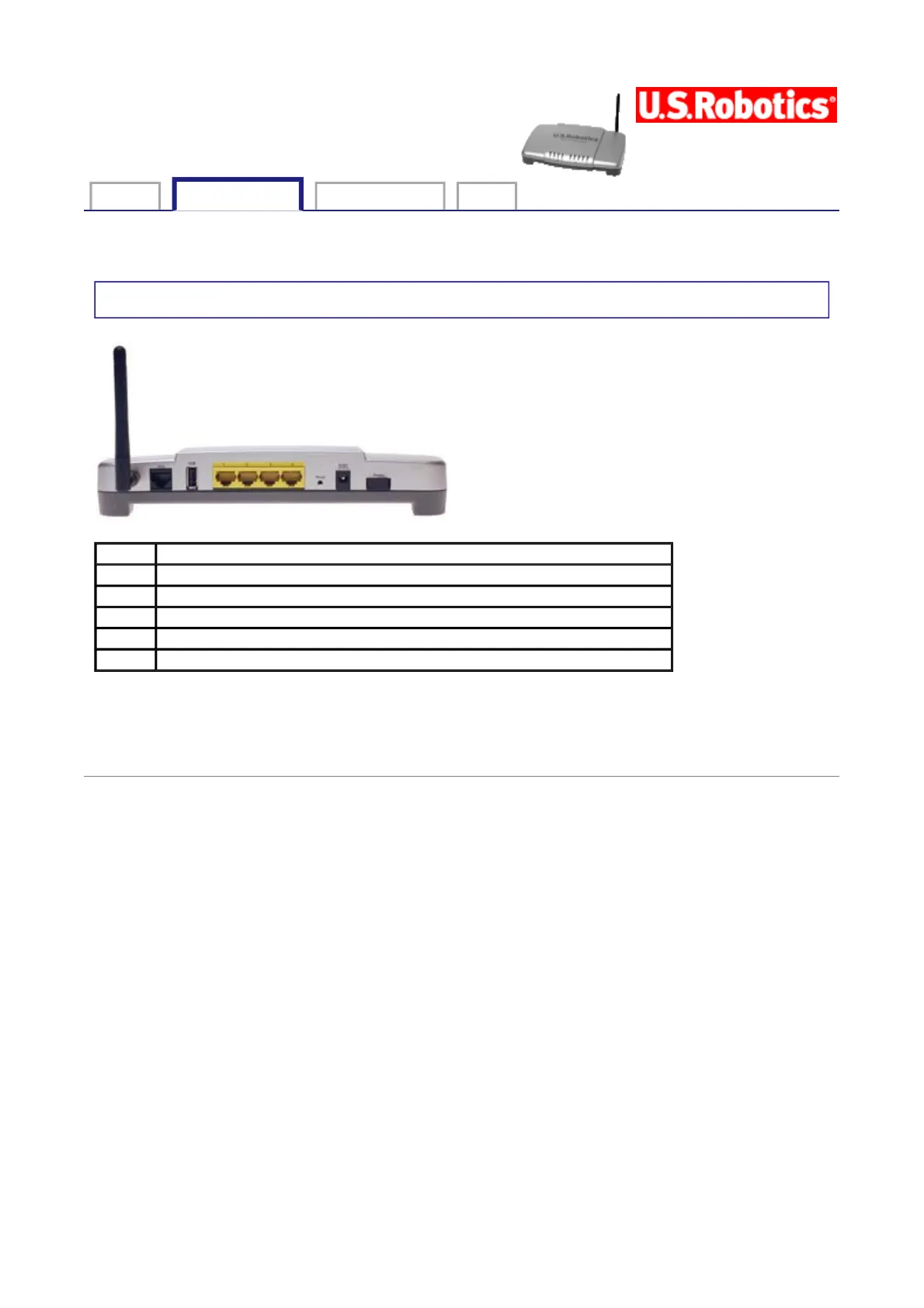
Gateway connections
NOTE: To reset the gateway, insert a pin or paper clip to briefly push the Reset button. If
you want to reset the gateway, do not press this button for more than 5 seconds, as this
resets the gateway’s configuration to the factory defaults.
© 2004-2005 U.S. Robotics Corporation.
ADSL Digital subscriber line RJ-11 service jack
USB Port that accepts a USB cable to a printer.
1 - 4 Ethernet ports 1 - 4
Reset A recessed button that resets the gateway (see note below)
9VDC Input jack that accepts a cable from supplied power adapter
Power Rocker switch that turns the gateway on and off
第 1 頁,共 1 頁U.S. Robotics Wireless MAXg ADSL Gateway User Guide
2005/7/4file://C:\Documents%20and%20Settings\ivonne\Local%20Settings\Temp\Rar$EX71.531\conn...



 To Next Page