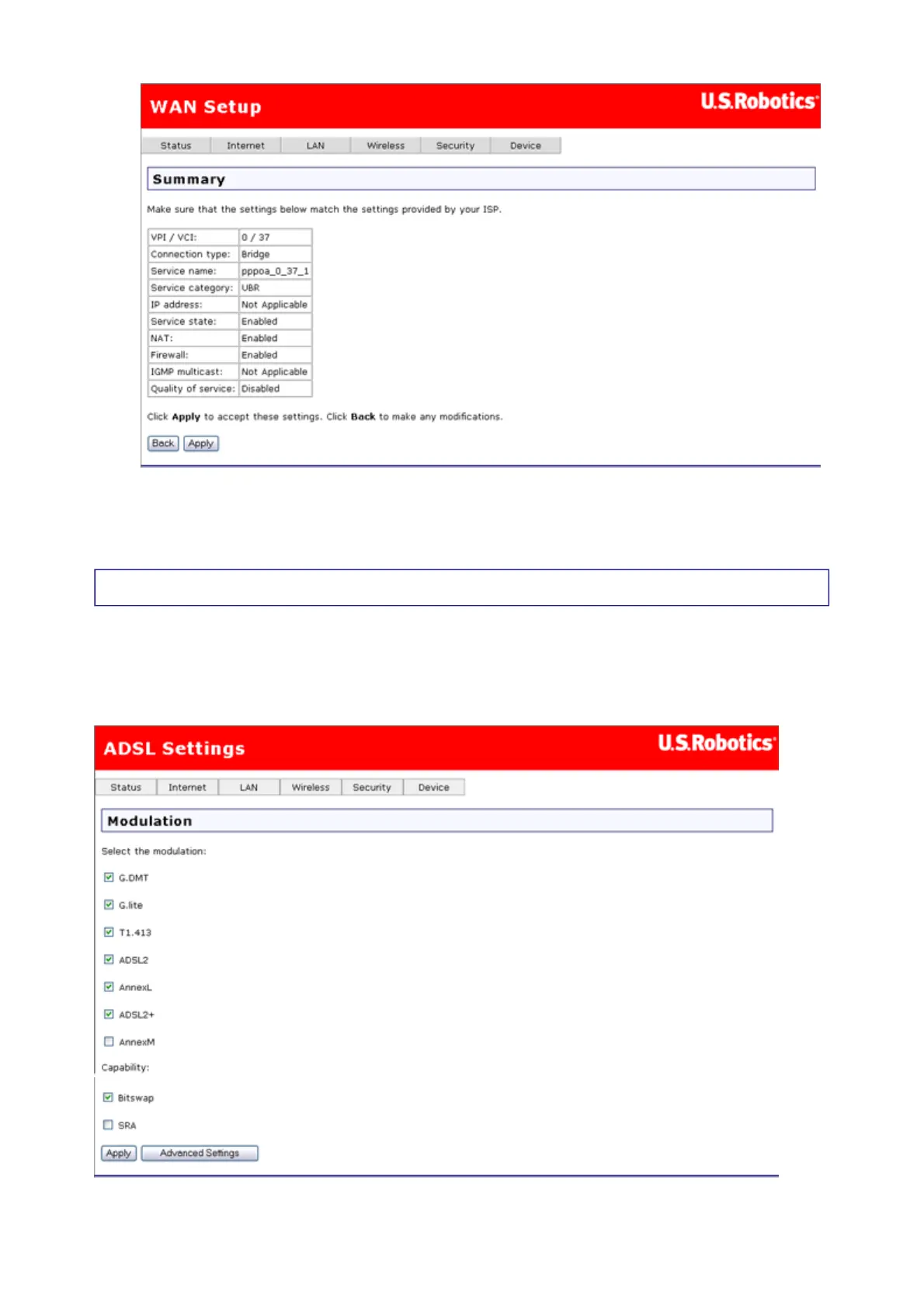
After completing the setup process, you need to release and renew the IP address for the
computer connected to the gateway. Then you should be able to browse the Internet.
ADSL Settings
You can use this page to enable or disable ADSL standards for interoperability with your ISP's
ADSL network. In most cases, your connection will use G.DMT (an ITU-T DSL specification).
However, if you experience poor performance or DSL link disruptions, uncheck all but
T1.413 and click Apply. You can also contact your ISP for more information or instructions.
第 10 頁,共 15 頁U.S. Robotics Wireless MAXg ADSL Gateway User Guide
2005/7/4file://C:\Documents%20and%20Settings\ivonne\Local%20Settings\Temp\Rar$EX05.609\wui_...



 To Next Page