Video Interfaces
Use this page to re-direct ATM traffic to a specific Ethernet or wireless port, or a group of
ports. An application such as multicast streaming of video data to set-top boxes requires this
interface. Do not create a bridge group without dedicated ATM service from your Internet
Item Description
IP address
This is the IP address that other devices on your
local network will use to connect to the gateway.
Subnet
mask
This defines the size of your network. The
default is 255.255.255.0.
Disable /
Enable
DHCP server
The DHCP server assi
ns an IP addresses from a
pre-set pool of addresses upon request from
DHCP client (e.g. your computer). Do not
disable the DHCP server unless you wish to let
another device handle IP address issuance on
the local network.
Start / end
IP address
This is the beginning and ending range for the
DHCP server addresses.
Lease time
The amount of time before the IP address is
refreshed by the DHCP server.
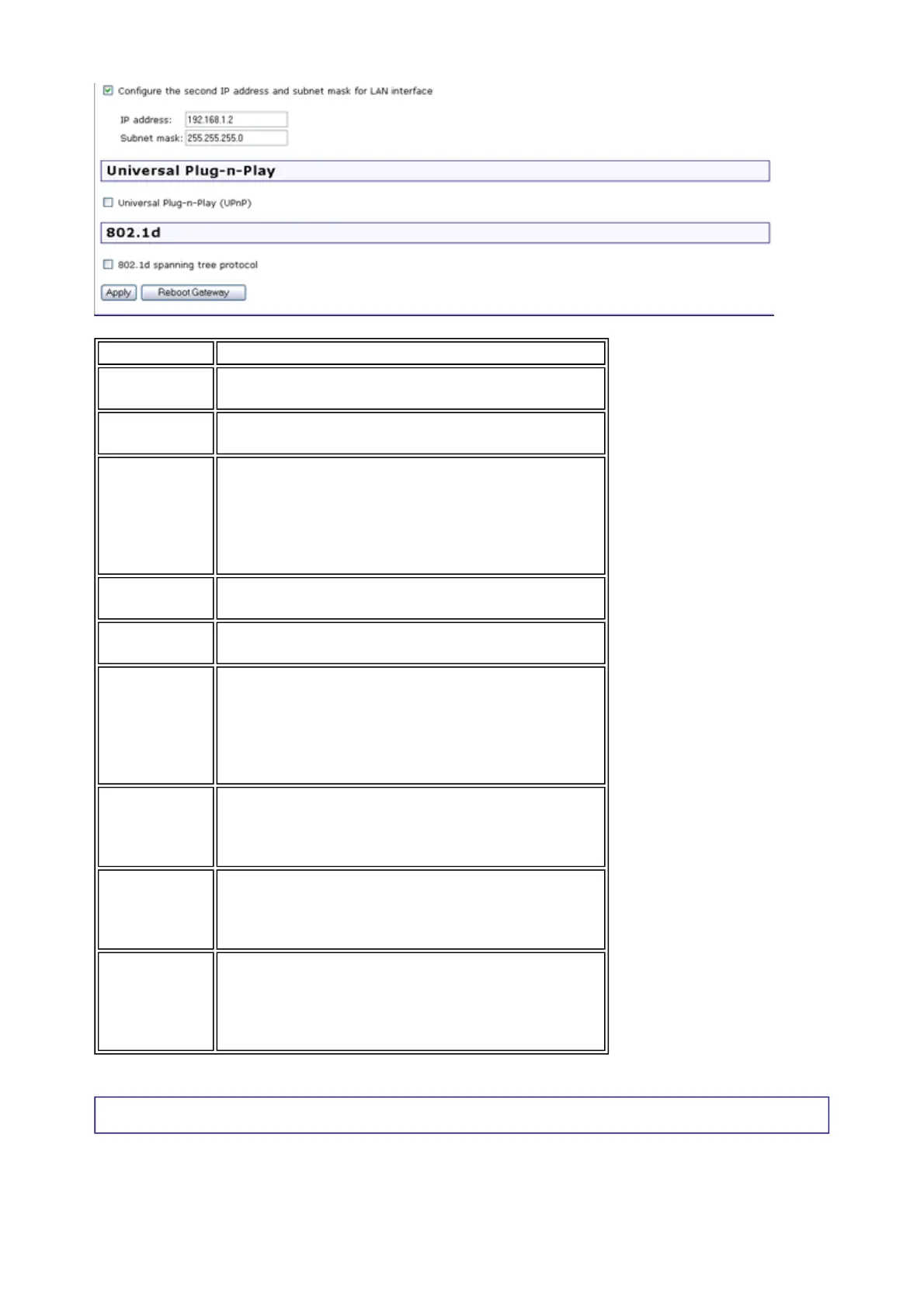
Configure
the second
IP address
and...
Use this feature to create a public network on
your local LAN, accessible from the Internet. By
assigning an address to this interface and then
statically setting your LAN clients to the same
network, the LAN clients are accessible from the
public network (e.g. FTP or HTTP servers).
Universal
Plug-n-Play
Universal Plug and Play© is a Microsoft standard
for devices to identify themselves to a Windows
system for automatic installation and
configuration.
802.1d
spanning
tree
protocol
This resolves multiple bridged paths in a
network. Only advanced users should enable
this feature.
DHCP server
relay
Inform the gateway of another DHCP server on
your LAN. To do this, disable the DHCP server
on the gateway. Then input the IP address of
the current DHCP server. Click Apply and
restart the gateway.
第 2 頁,共 8 頁U.S. Robotics Wireless MAXg ADSL Gateway User Guide
2005/7/4file://C:\Documents%20and%20Settings\ivonne\Local%20Settings\Temp\Rar$EX03.015\wui_...



 To Next Page