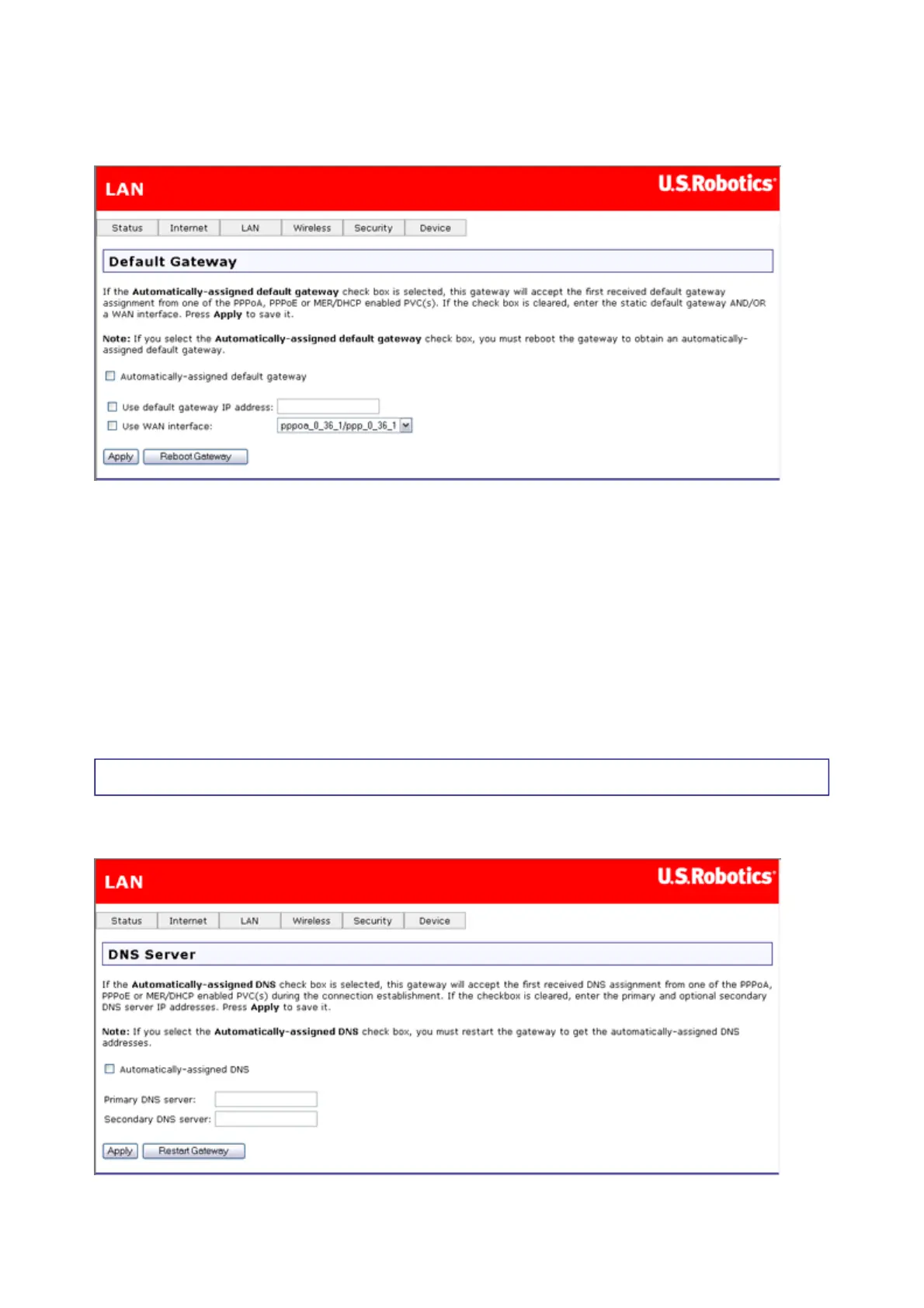
In this page, you enter data for the default gateway that your Wireless MAXg ADSL Gateway
connects to — in other words, your ISP's machine that your ADSL Gateway communicates
with to access the Internet.
If you want to automatically get the IP address of the ISP's gateway, enable Automatically-
assigned default gateway. This makes the user-assigned fields disappear. If you select
Automatically-assigned default gateway, the change does not take effect until you
restart the device, which you can do by clicking Apply, then Reboot Gateway.
If you are configuring your ADSL Gateway for either Routed Mode (IPoA) or Static MER
Mode, you should both enter a static default gateway IP address for the ISP's gateway and
select the appropriate WAN interface.
Note: You should have both Use default gateway IP address and Use WAN interface
selected at the same time, as they are compatible with each other.
DNS Server Configuration
In this page, you can tell the gateway how to select a domain name service (DNS).
第 12 頁,共 15 頁U.S. Robotics Wireless MAXg ADSL Gateway User Guide
2005/7/4file://C:\Documents%20and%20Settings\ivonne\Local%20Settings\Temp\Rar$EX05.609\wui_...



 To Next Page