Changing Your Password
Your gateway has three predefined login accounts: admin, user, and support. The default
passwords for these accounts are (respectively) admin, user, and support. You can change
the password for the admin account from the Device page of EasyConfigurator (shown
above).
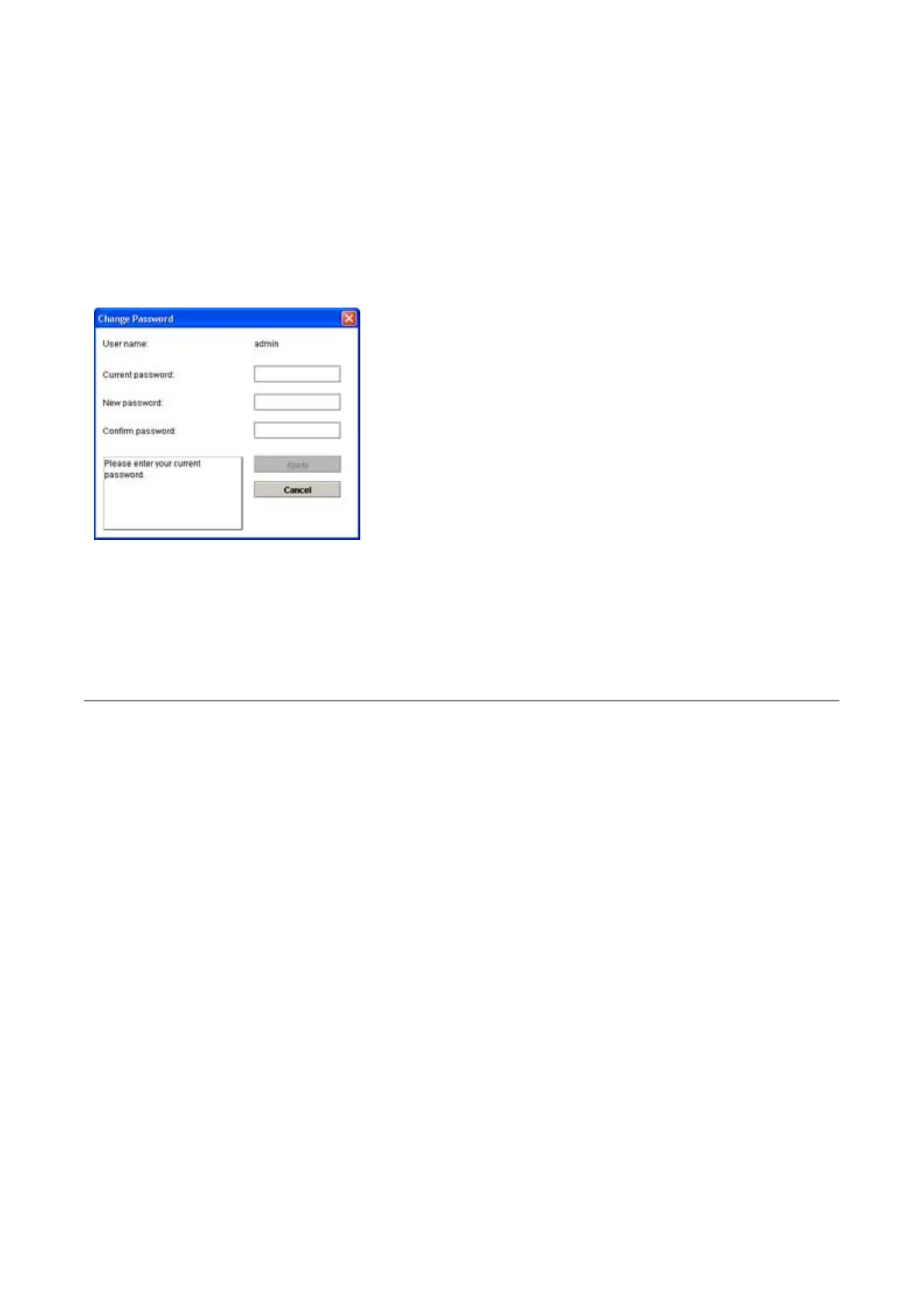
From the Device page, click on Change Password. This window appears:
Enter the current password followed by the new password (enter twice to confirm). Then
click Apply. The gateway will automatically restart.
Note: the default passwords for the user and support logins are user and support,
respectively. You can change these from the gateway's Web user interface. Just go to the
Security menu and select Device Login.
© 2004-2005 U.S. Robotics Corporation.
第 2 頁,共 2 頁U.S. Robotics Wireless MAXg ADSL Gateway User Guide
2005/7/4file://C:\Documents%20and%20Settings\ivonne\Local%20Settings\Temp\Rar$EX62.906\easy...



 To Next Page