Bridging (RFC 2684)
Select the bridge operating mode if your ADSL service provider tells you that you should.
To configure bridging, do the following:
1. Select the Bridging radio button.
2. Select the appropriate Encapsulation mode and click Next. The following screen
appears:
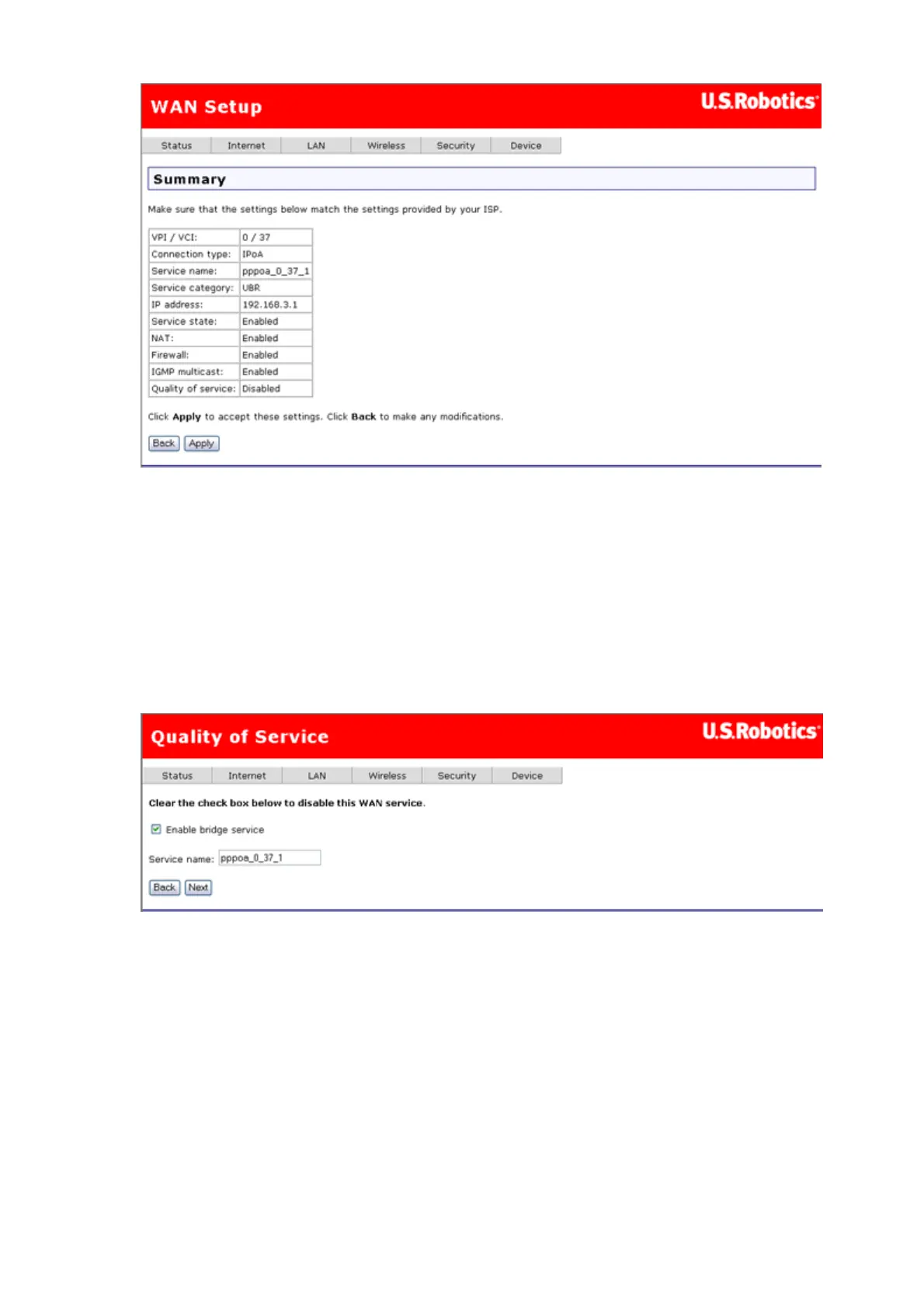
3. Enable or disable bridge service and enter a bridge service name. Click Next.
4. The summary page presents the entire configuration summary. Click Apply if the
settings are correct or Back to change any of the settings.
第 9 頁,共 15 頁U.S. Robotics Wireless MAXg ADSL Gateway User Guide
2005/7/4file://C:\Documents%20and%20Settings\ivonne\Local%20Settings\Temp\Rar$EX05.609\wui_...



 To Next Page