Wireless MAXg ADSL Gateway
User Guide
Home Installation Configuration Help
Login Status Internet LAN Wireless Security Device Appendix
Logging in
The gateway's Web User Interface (WUI) allows you to set up, modify, and view
configuration variables and operational data. Follow this procedure to open the WUI:
1. If the ADSL gateway is not on, turn on the power. Wait for one to two minutes.
2. In a Web browser on the computer, connect to http://192.168.1.1/ to open the
WUI. (If you’ve modified the gateway’s LAN IP address, you must use the new one.)
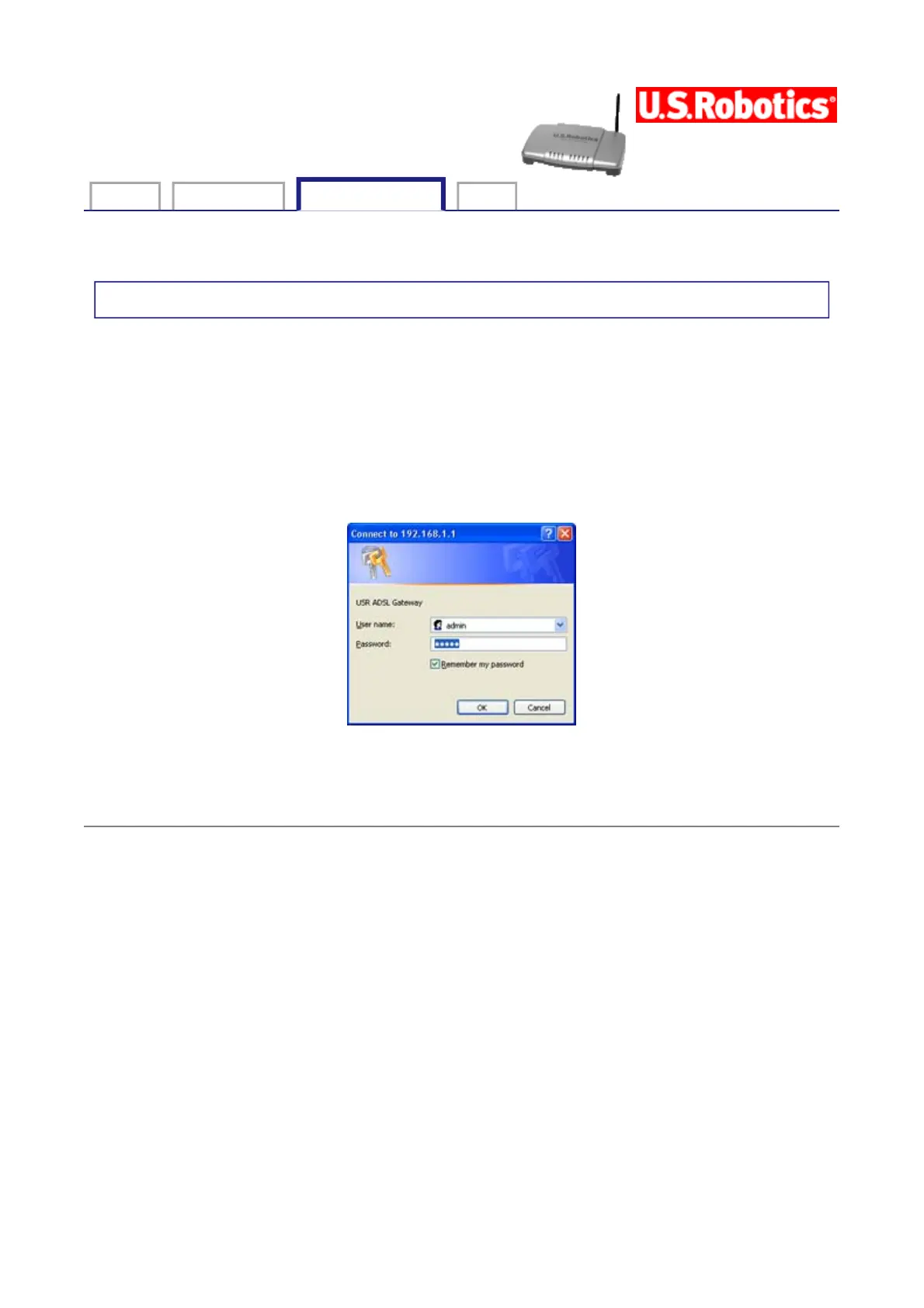
You should see the following screen.
If the default User name and Password are not already filled in and you haven't changed
any account passwords, enter admin and admin. (If you have changed the password for the
admin account, enter that as the password.) Then click OK.
© 2004-2005 U.S. Robotics Corporation.
第 1 頁,共 1 頁U.S. Robotics Wireless MAXg ADSL Gateway User Guide
2005/7/4file://C:\Documents%20and%20Settings\ivonne\Local%20Settings\Temp\Rar$EX33.954\wui_...



 To Next Page