9-22
User Authentication and Accounting (User Login, Job Accounting) > Setting User Login Administration
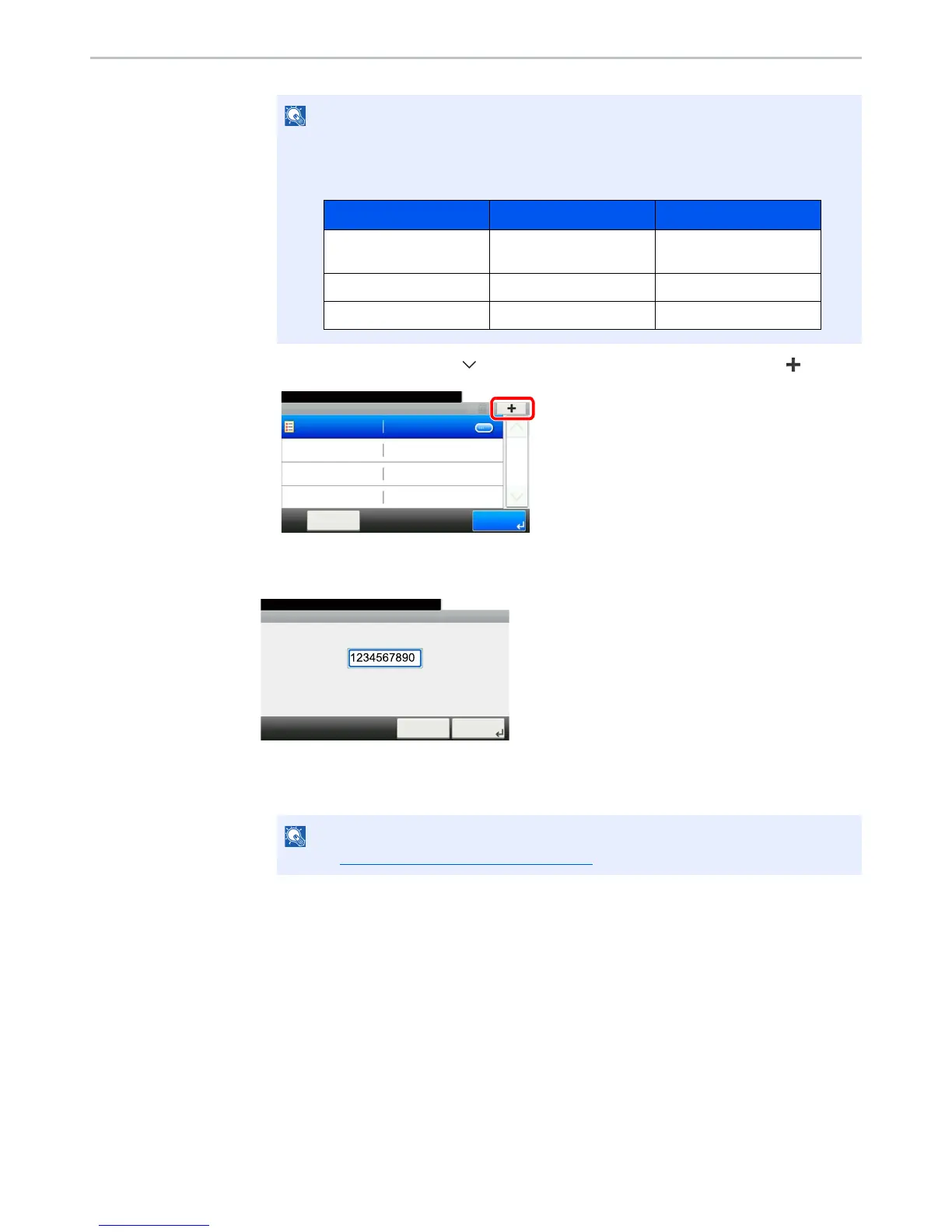
3 Press [User Login Setting], [ ], [Group Authorization], [Group List] and then [].
2
Configure the settings.
1 Enter the group ID and press [Next].
2 Enter the group name and press [Next].
3 Select the group access privileges and press [Next].
4 Check the settings and change or add information as needed.
3
Register the group.
Press [Save]. A new group is added on the group list.
If the login user name entry screen appears during operations, enter a login user name
and password, and press [Login].
The factory default login user name and login password are set as shown below.


 To Next Page
 Loading...







