2-38
Installing and Setting up the Machine > Embedded Web Server RX
2
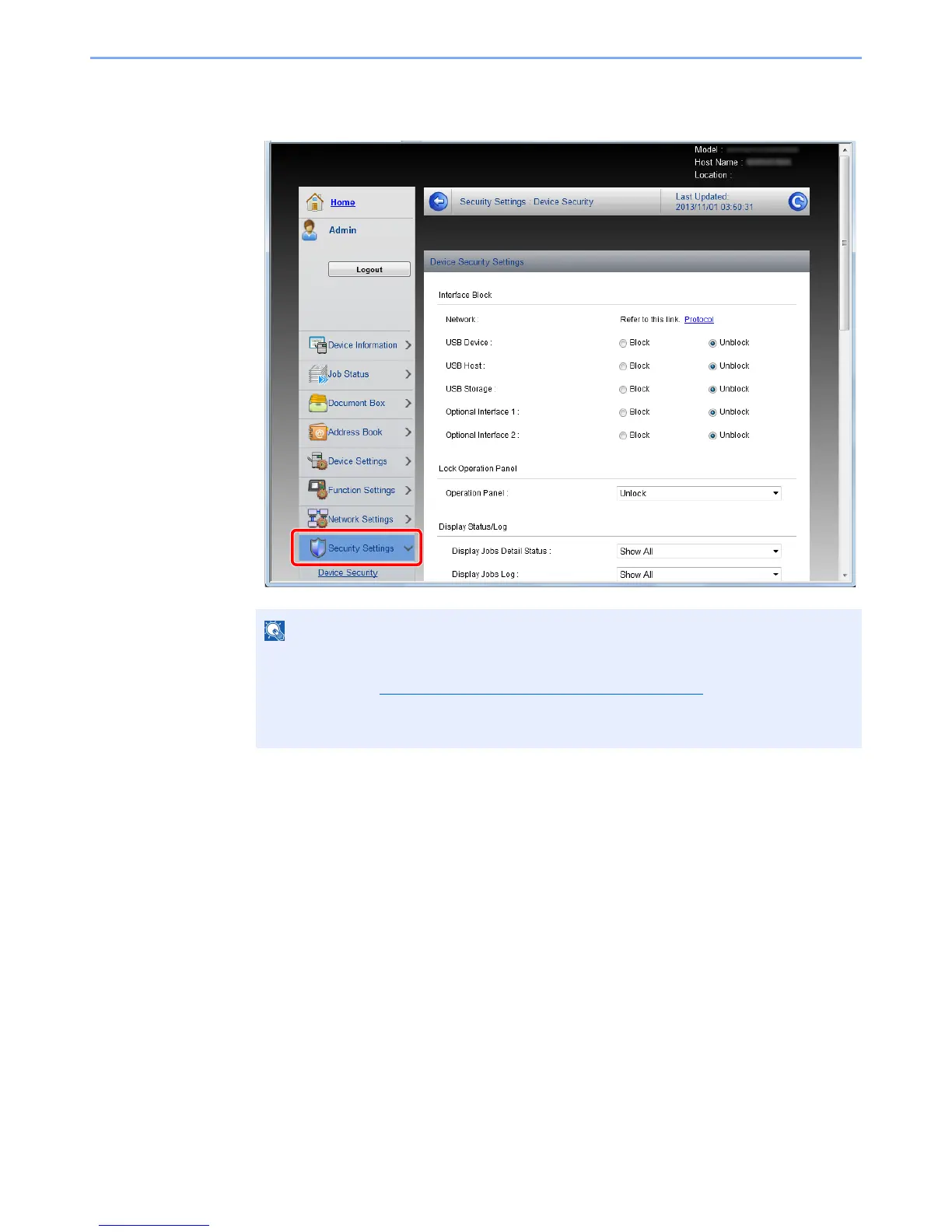
Configure the Security Settings.
From the [Security Settings] menu, select the setting you want to configure.
• The configurable settings within [Device Security], [Send Security], and
[Network Security] can also be configured from the machine's System Menu.
For details, see Setup and Registration (System Menu)
(page 8-1).
• For details on settings related to certificates, refer to the Embedded Web Server RX
User Guide.


 To Next Page
 Loading...







