28
Electricity Meter
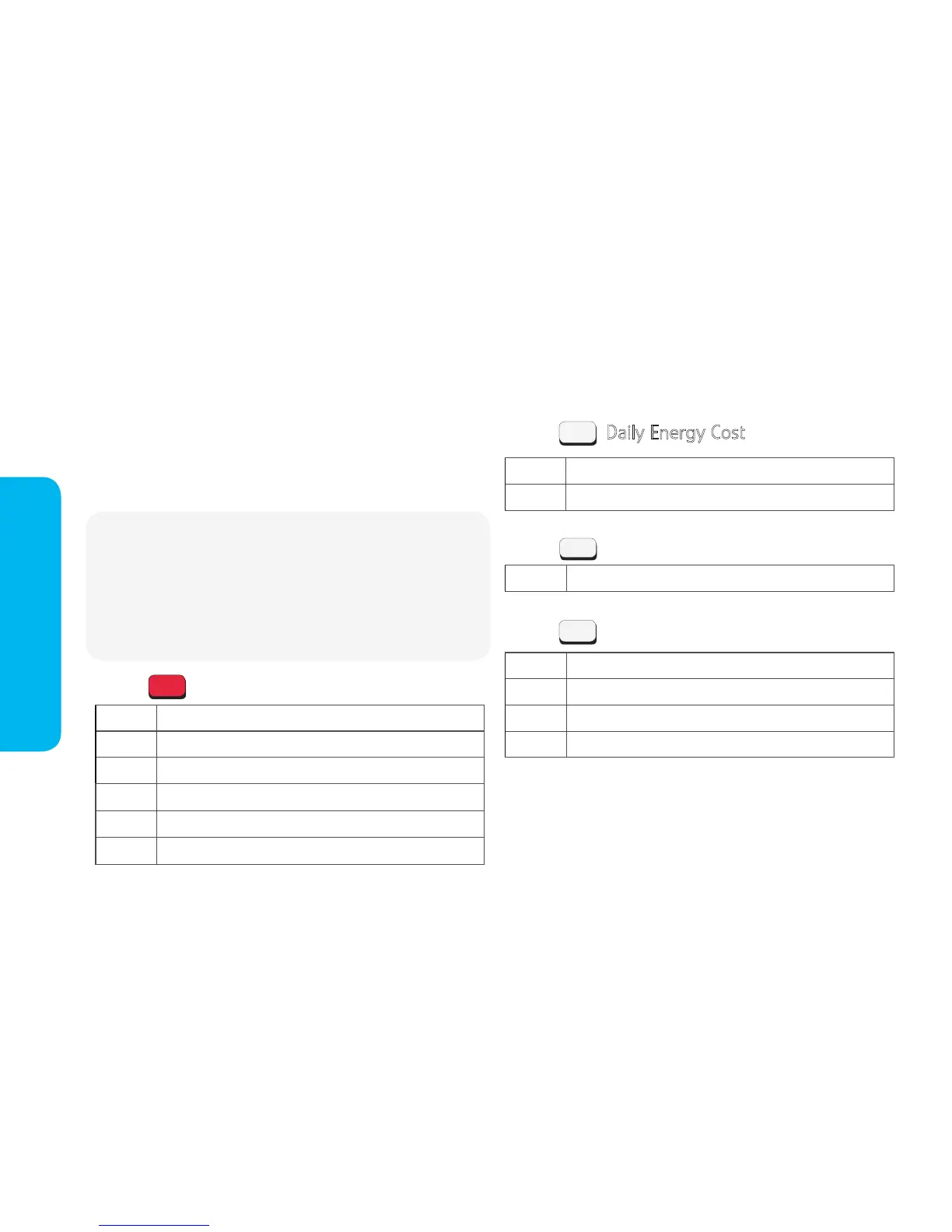
x 1 Cost of energy used so far today
x 2 Cost of energy used yesterday
Daily Energy Cost
Boost Periods
Weekly/Monthly Energy Cost
x 1 View & control Boost Periods
x 1 Cost of energy used so far this week
x 2 Cost of energy used last week
x 3 Cost of energy used so far this month
x 4 Cost of energy used last month
Press
Press
Press
Electricity meter keypad button functions
Each button on your electricity meter keypad allows you
to access different information about your energy usage.
The information available and the number of button
presses needed are shown here:
1
3
2
x1 Meter Mode
Balance
Using now (kWh)
Cost now (£/hr)
Days left (estimate based on recent usage)
Friendly Credit status
Once for Account Information
Press
Note: Most information is shown over 2 screens - rst showing the
information title; then the information recorded by the meter:
E.g. BALANCE then £11.29
Once the initial information has displayed, it will continue to scroll
through further information and will then default to show your
'Account Information'.
B


 To Next Page