20
15:38 Usage Now 26.11.14
Electricity Dual Gas
HistoryMessage Tariff Payment Settings
15:38
Elect
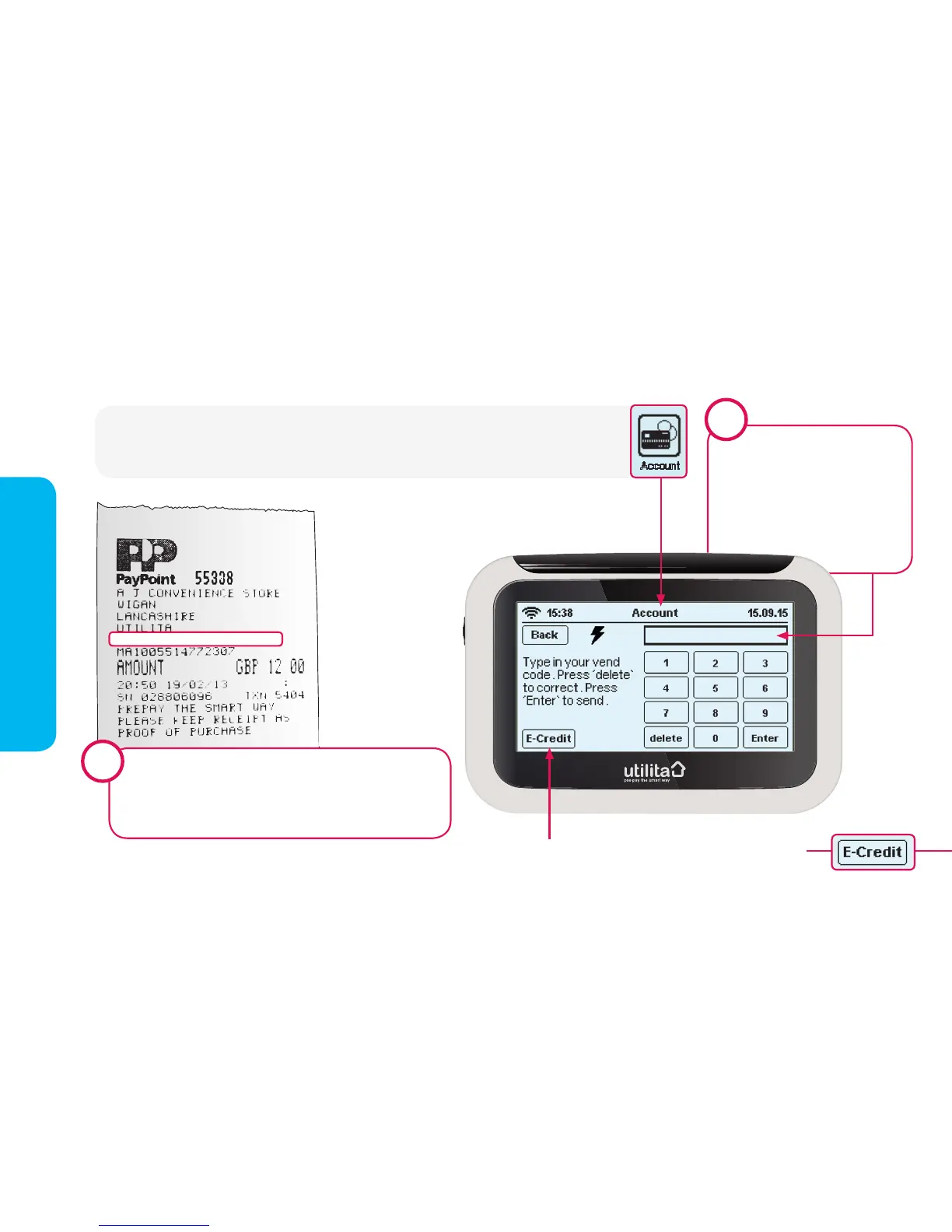
Crediting your account manually
You will nd your top-up code on any receipt, whether
you receive it on paper, via text message or email. It
may be 20, 40 or 60 digits long.
XXXXX XXXXX XXXXX XXXXX
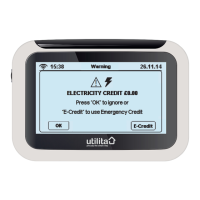
Note: You can accept 'Emergency Credit' here when this
button is displayed. For more information please see pages
22-23.
Topping-up
Balance: ~25.00
Days Left: 2.5
P
22.09.12 ~10.00
14.09.12
~15.00
05.09.12
~30.00
23.08.12
~10.00
Date Amount
----------------------
History
A/C
Account Info
P
1.45 kW
kWh
Compare Day
-----------------
2.75kWh
1kWh
2.50
kWh
Today
Y'day
Usage Now
Account
kWh
CO2Kg
~/h
Menu
Settings
i
On
On
Min
1Min
Info
Target
Sound
LEDs
Credit Alert Erase
Conrast
Network
Backlight
- - -
!
Balance: ~25.00
Days Left: 2.5
22.09.12 ~10.00
14.09.12
~15.00
05.09.12
~30.00
23.08.12
~10.00
Date Amount
----------------------
History
Account Info
!
SUPPLY OFF
Emergency Credit
~0.00
Minimum top-up
~0.00
Restore
Electricity
Tariff
Menu
~20.05 for first 10 kWh
~0.10 thereafter
~0.05 for first 15kWh
~0.10 thereafter
~0.15 for the first 10kWh
Smart Energy - NORWEB
- - - - - - - - - - - - - - - - - - - - - - - - - - - - 17:00
- - - - - - - - - - - - - - - - - - - - - - - - - - - - 18:00
Type in your vend
code. Press ‘delete’
to correct. Press
‘Enter’ to send.
E-Credit
Debt Payments
Debt Type: Payment Based
Outstanding owed: £54.00
Repayment Rate: 40% per top-up
Debt
Debt Type: Payment Based
Outstanding Owed:
~54.00
Repayment Rate: 40
%
per top-up
Week
Month
Day
Menu
Updt On: 29.09.12 10:59
If you have topped-up but your account has not credited automatically, you can manually
enter a top-up code into your in-home display. Press the 'Account' button on the 'Main Menu'
screen and a keypad will appear.
Enter the 20, 40 or 60 digit
'top-up code' from your
receipt, and then press 'Enter'.
We recommend you always
keep your receipts just in case
you need to do this.
1
2


 To Next Page