101100
MESSAGING
DELIVERY SETTINGS
DELIVERY ACK
When this option is checked, the network informs you whether or not
your message has been delivered.
1.
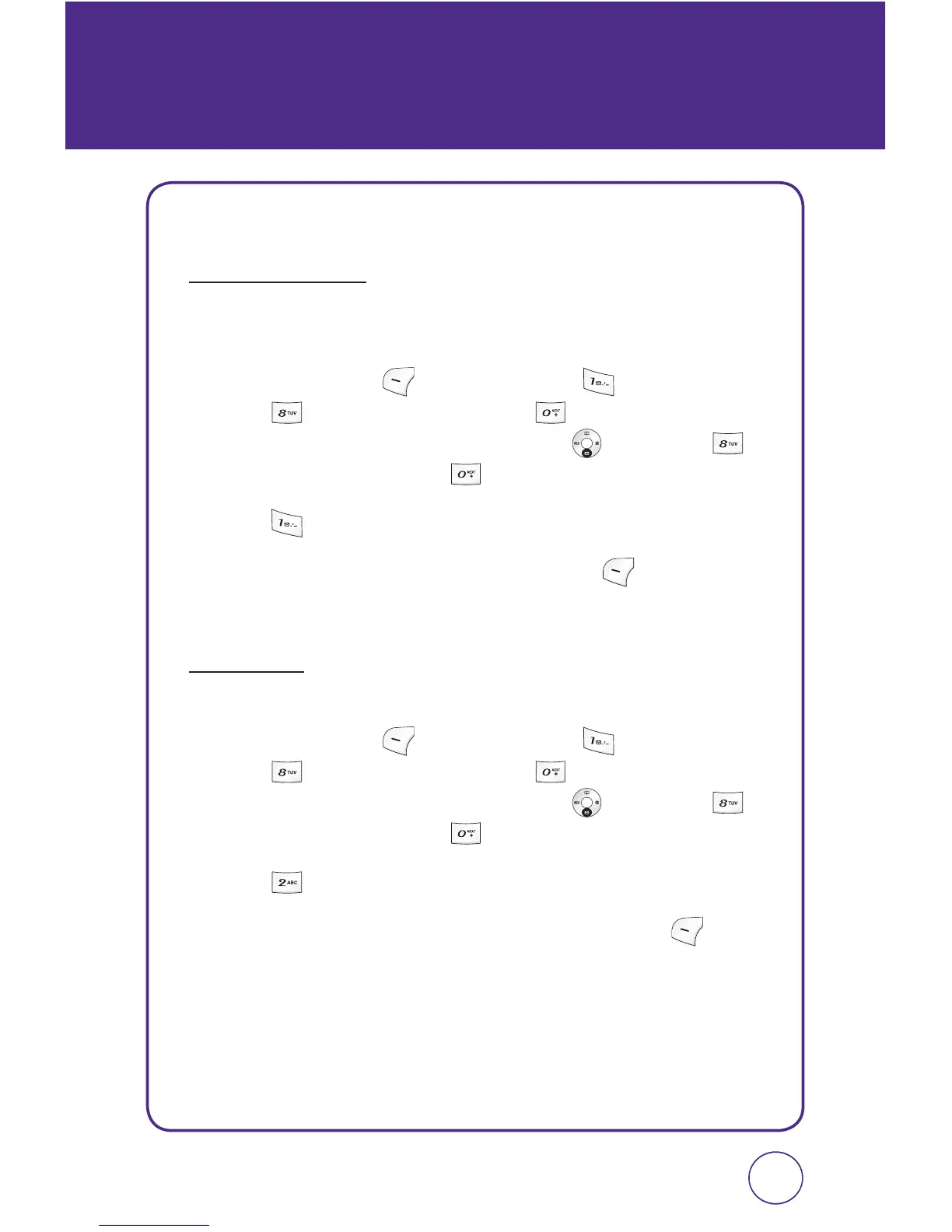
Press Left Soft Key [Menu], then press “Messaging”.
Press “Msg settings”, then press “Delivery settings”.
Or, in idle mode, press the Navigation Key
down, then
“Msg settings”, then press
“Delivery settings”.
2.
Press “Delivery ack”.
3.
Select “On” or “Off” then press Left Soft Key [Select] to save
the setting.
PRIORITY
You can select the priority level of your messages.
1.
Press Left Soft Key [Menu], then press “Messaging”.
Press “Msg settings”, then press “Delivery settings”.
Or, in idle mode, press the Navigation Key
down, then
“Msg settings”, then press
“Delivery settings”.
2.
Press “Priority”.
3.
Select “Urgent” or “Normal” then press Left Soft Key [Select]
to save the setting.



 To Next Page