ENTERING LETTERS,
NUMBERS & SYMBOLS
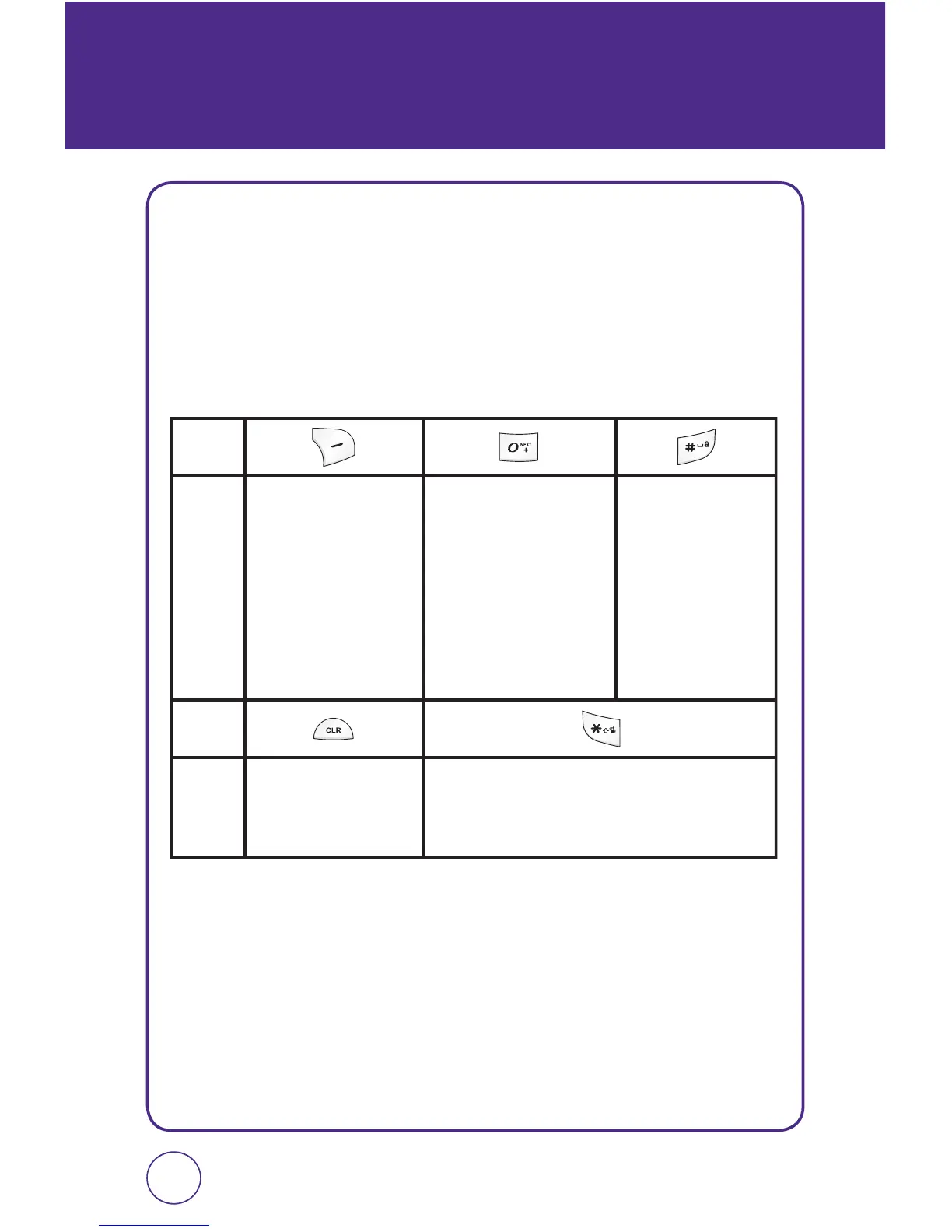
The input mode will automatically be activated when it is necessary
to enter letters and numbers. There are 5 available modes: Alphabet
mode (Abc/ABC), Numeric mode (123), Standard T9 Mode (T9 Word),
Symbol mode (Symbols) and Emoticon mode (Emoticon). The input mode
indicator appears on the lower portion of the display when letters and
numbers are entered.
3534
KEY
KEY
Press to select the letter case: [Abc],
[ABC], [abc] / [T9w], [T9W], [t9w].
To change the
entry mode - [T9
Word] [Abc] [ABC]
[123] [Symbols]
[Emoticon]
In T9 mode, press
to view the next
matching word if the
highlighted word is
not the word you
intended.
Press to accept a
word and add a
space.
Press to delete a
character to the left
of the cursor.



 To Next Page