SETTINGS
RESET HANDSET
Deletes all data from your device.
1.
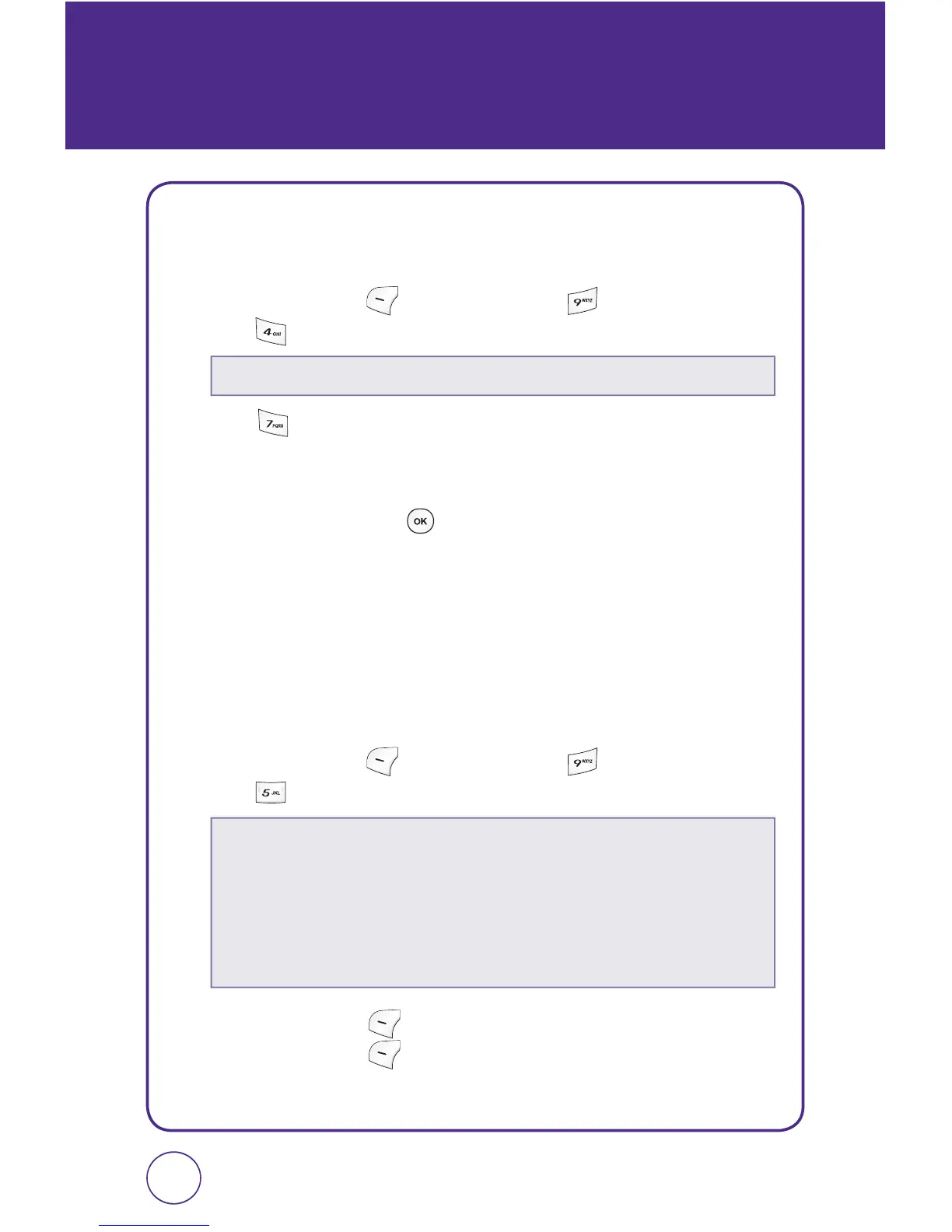
Press Left Soft Key [Menu], then press “Settings”.
Press “Security”. Enter your password.
2.
Press “Reset handset”.
3.
A warning message appears.
4.
Select “Yes” then press to reset your phone.
LOCATION
Your telephone is equipped with a Location feature for use in connection
with location-based services that may be available in the future.
The Location Feature allows the network to detect your position.
Turning Location Off will hide your location from everyone except 911.
1.
Press Left Soft Key [Menu], then press “Settings”.
Press “Location”.
2.
Press Left Soft Key [Next]. Select “Enable” or “Disable”, then
press Left Soft Key
[Select] to save it.
7372
The default password is the last 4 digits of your phone number.
Turning location on will allow the network to detect your position using GPS
technology, making some metroPCS applications and services easier to use.
Turning location off will disable the GPS location function for all purposes
except 911, but will not hide your general location based on the cell site
serving your call. No application or services may use your location without
your express permission. GPS enhanced 911 is not available in all areas.



 To Next Page